ROS Map Files Explained: The .pgm Image and .yaml Metadata
Read the post →
Robotics · October 2026
Clean up SLAM maps for Nav2 without installing GIMP or writing scripts.
 By pankaj · 0 robots
About
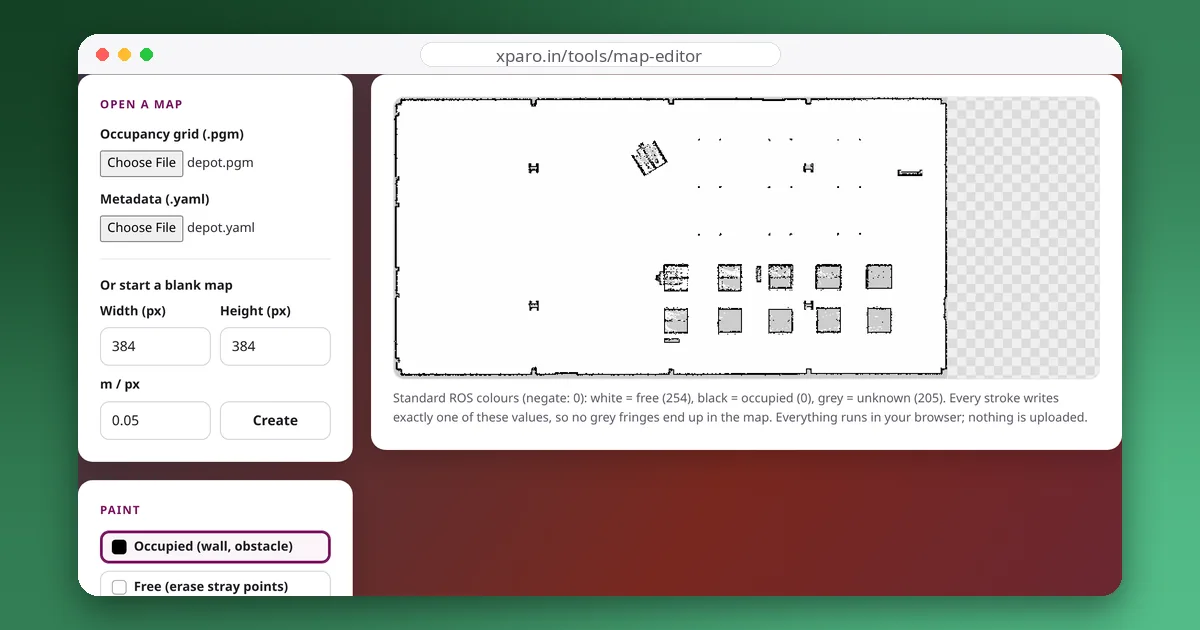
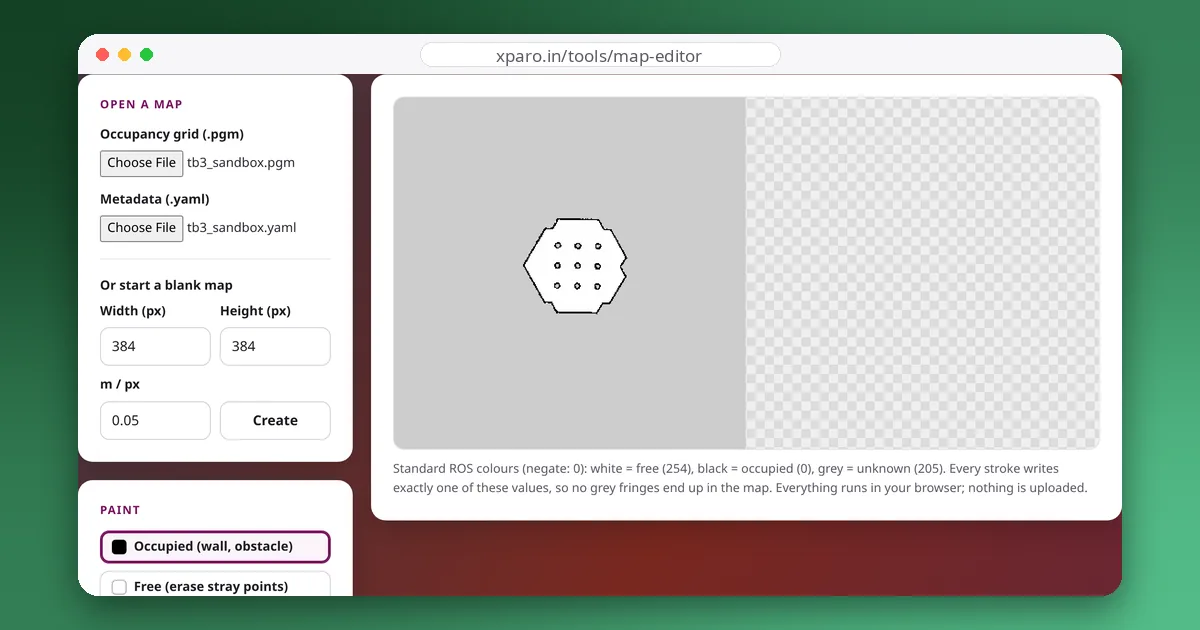
Maps built with SLAM are rarely perfect. People walk through the scan and leave ghost obstacles, glass doors leave gaps in walls, and LiDAR noise speckles open floor. Before a robot can navigate reliably, someone has to clean the map up. The ROS Map Editor does that in the browser, without image editors or scripts.
.pgm image and its .yaml metadata.A ROS map has three meaningful pixel values. Ordinary image editors smooth brush edges, and those grey edge pixels are read by the map server as unknown or even occupied cells, leaving a ring of speckles around every stroke. The editor writes only the exact values 0, 205 and 254, so a cleaned area stays clean.
Maps of homes, offices and factories can be sensitive. The editor reads and writes files locally in your browser; nothing is uploaded.
Open the ROS Map Editor. The guides below explain the map file format, a cleaning workflow, Nav2 keep-out zones, mapping with slam_toolbox and choosing a resolution.
Gallery
Updates
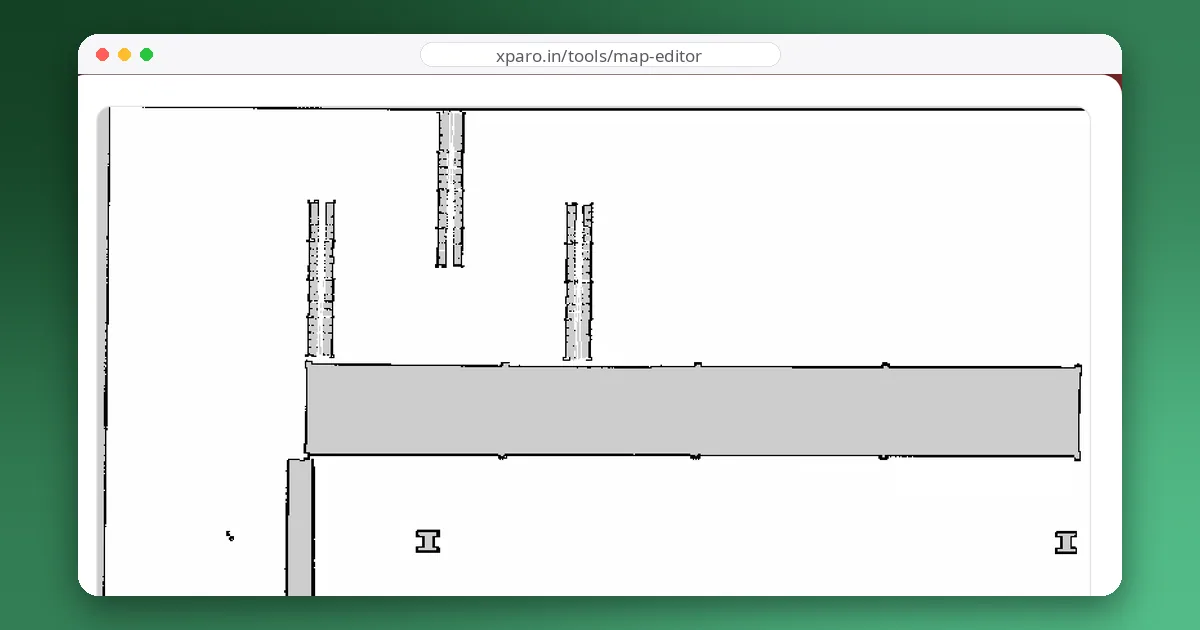
Read the post →
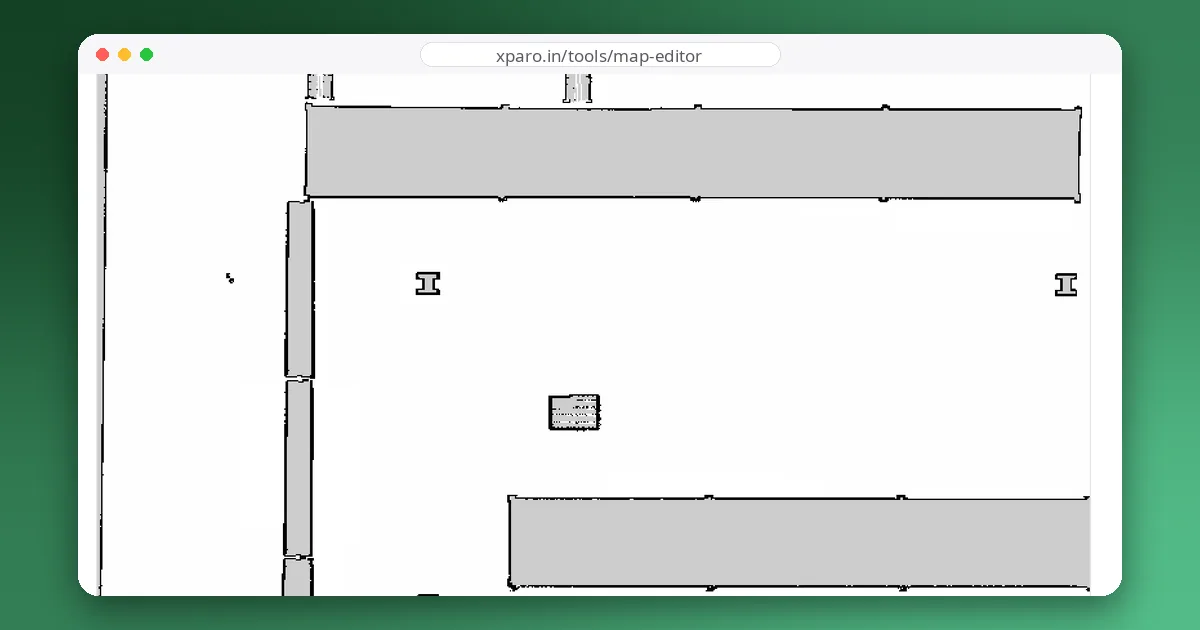
Read the post →
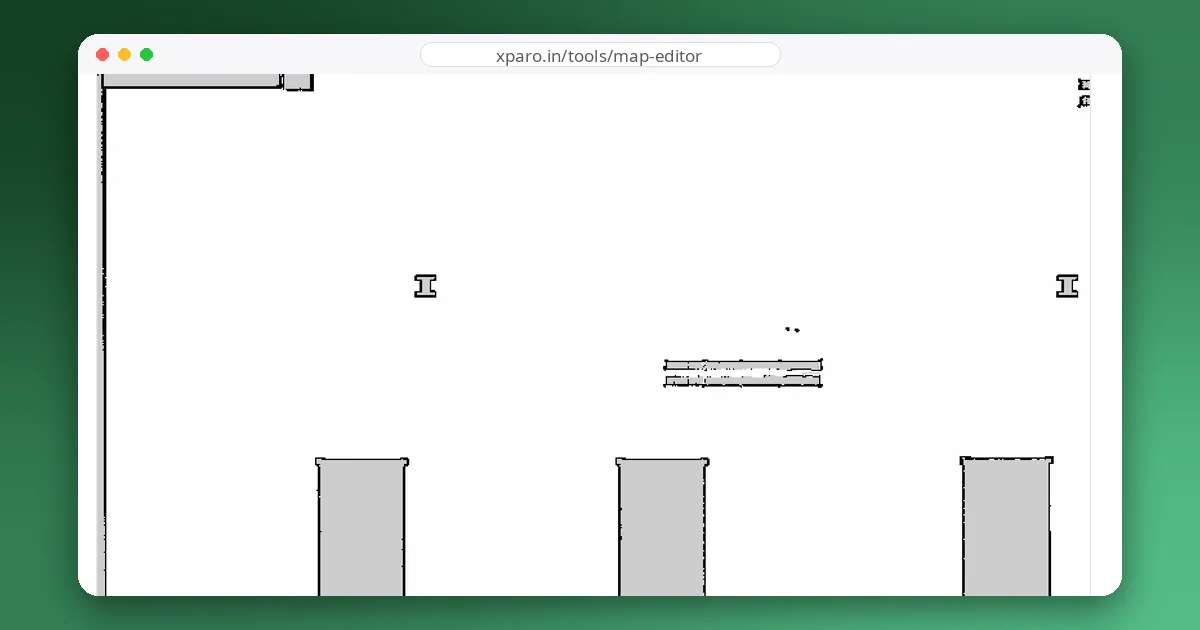
Read the post →
Read the post →
Read the post →
FAQ
No. The map editor reads the .pgm and .yaml files in your browser and writes the edited files back to your computer. Nothing is sent to our server.
Binary (P5) and ASCII (P2) PGM occupancy grids as written by map_saver or slam_toolbox, with the standard ROS map YAML file.
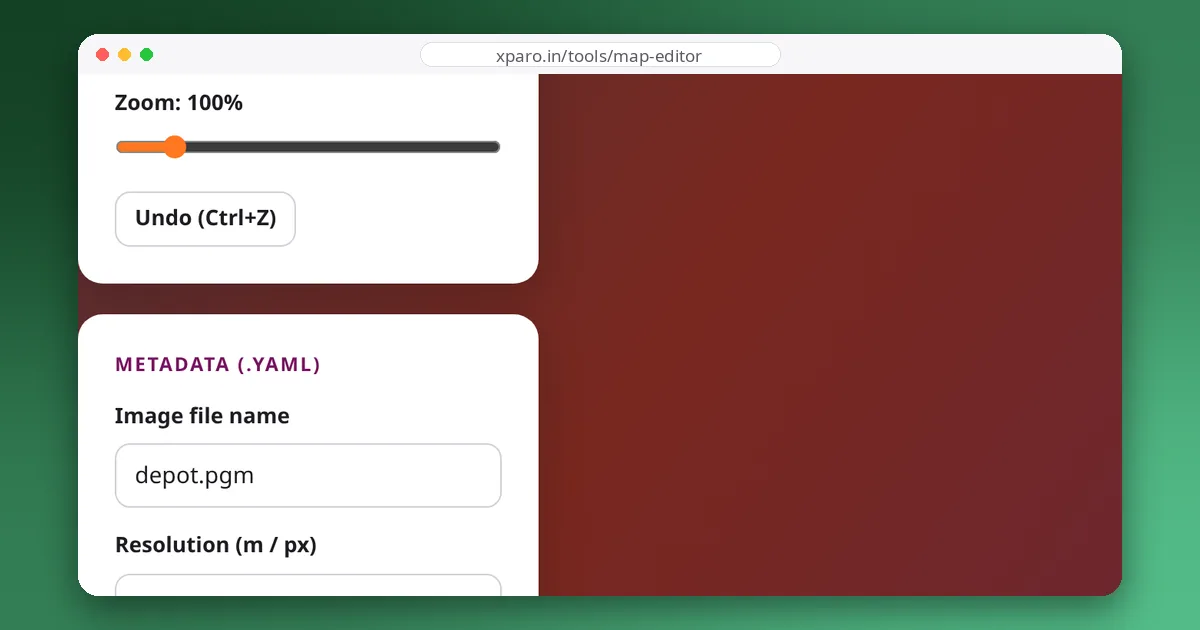
Yes. The exported files keep the ROS map conventions, so map_server loads them like the original. Keep the resolution and origin unchanged unless you mean to move the map.
Contact
Questions, ideas, or want to work with the team? Your message goes straight to the ROS Map Editor team on XPARO. Add your email if you'd like a reply.