Behaviour Trees for Robots: A Practical Introduction
Read the post →
Robotics · October 2026
See and check BehaviorTree.CPP XML in your browser, no Groot install needed.
 By pankaj · 0 robots
About
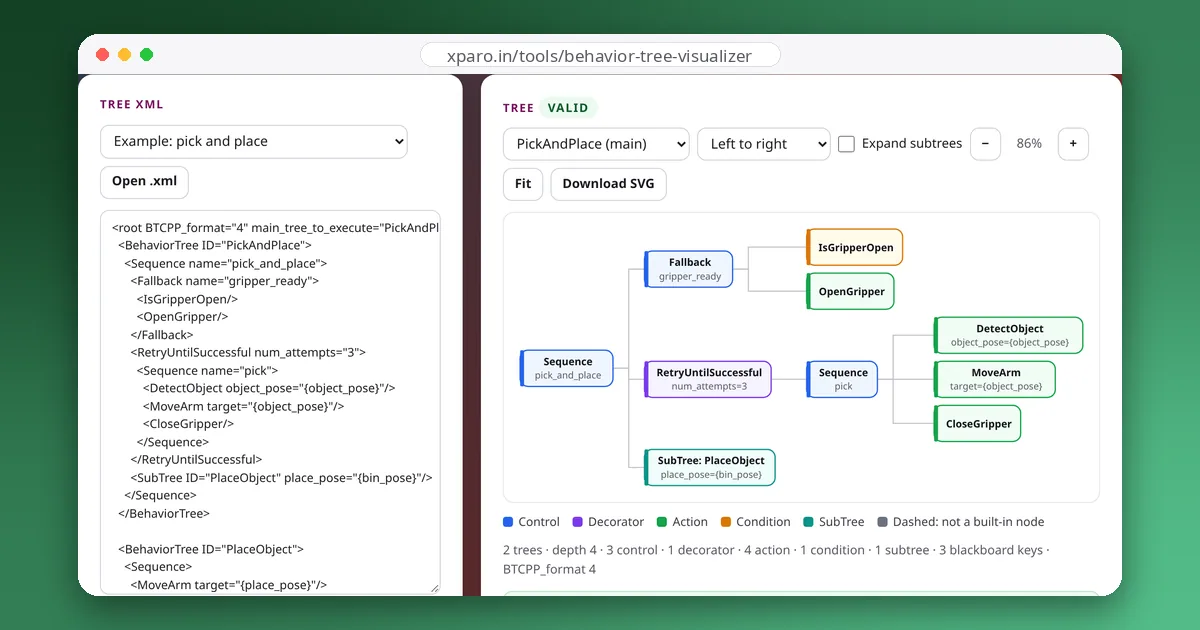
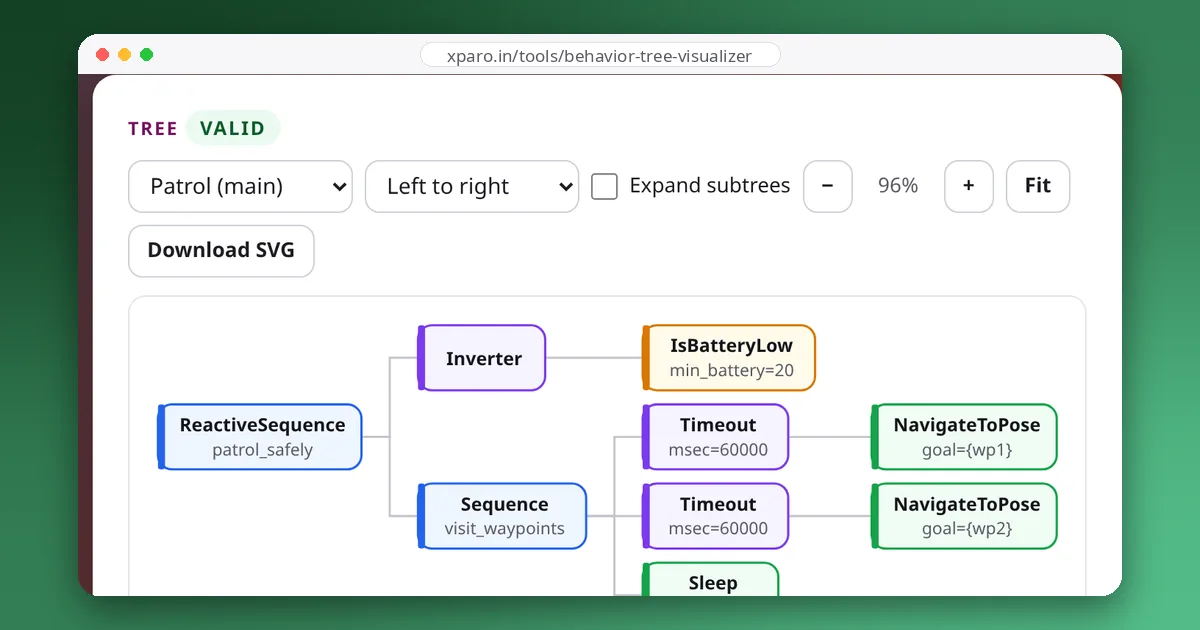
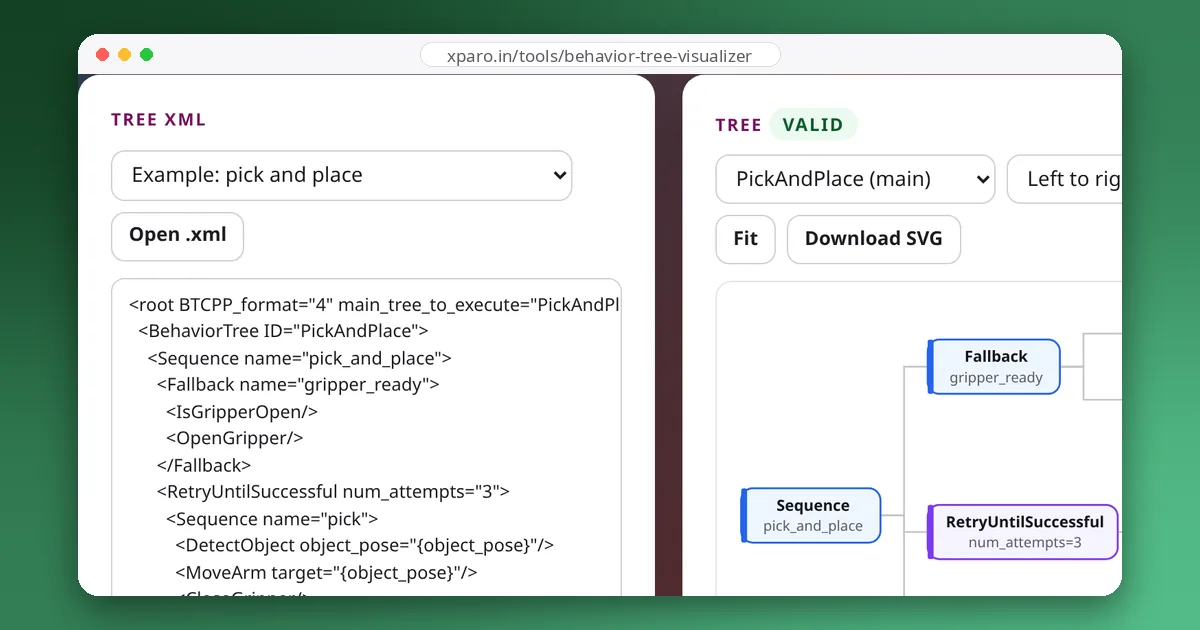
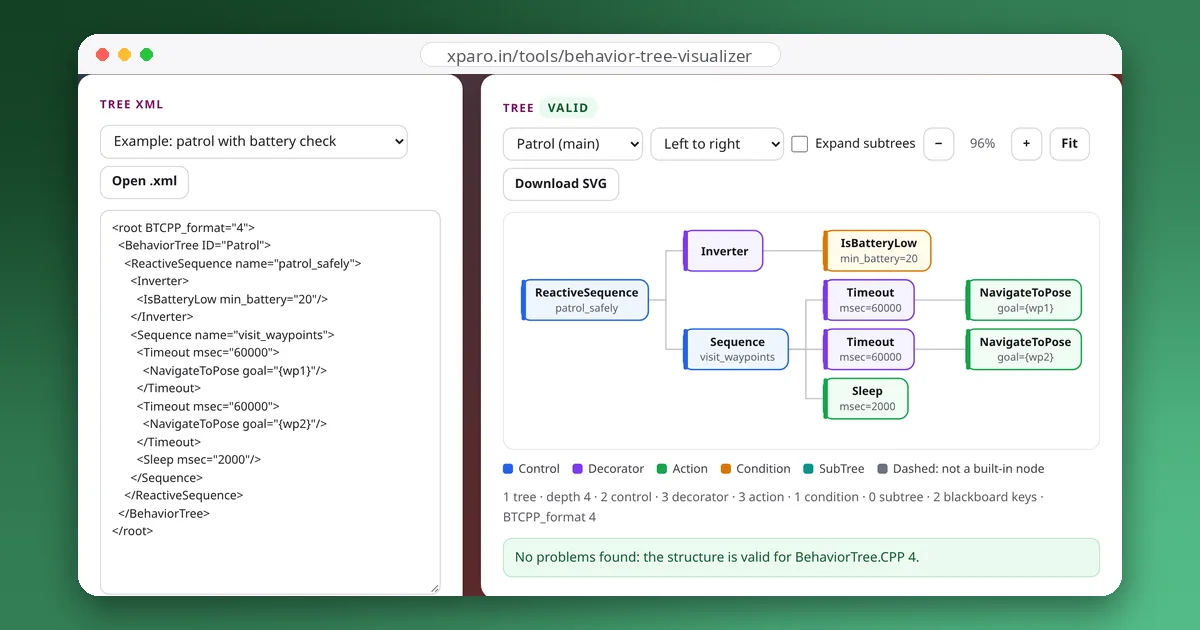
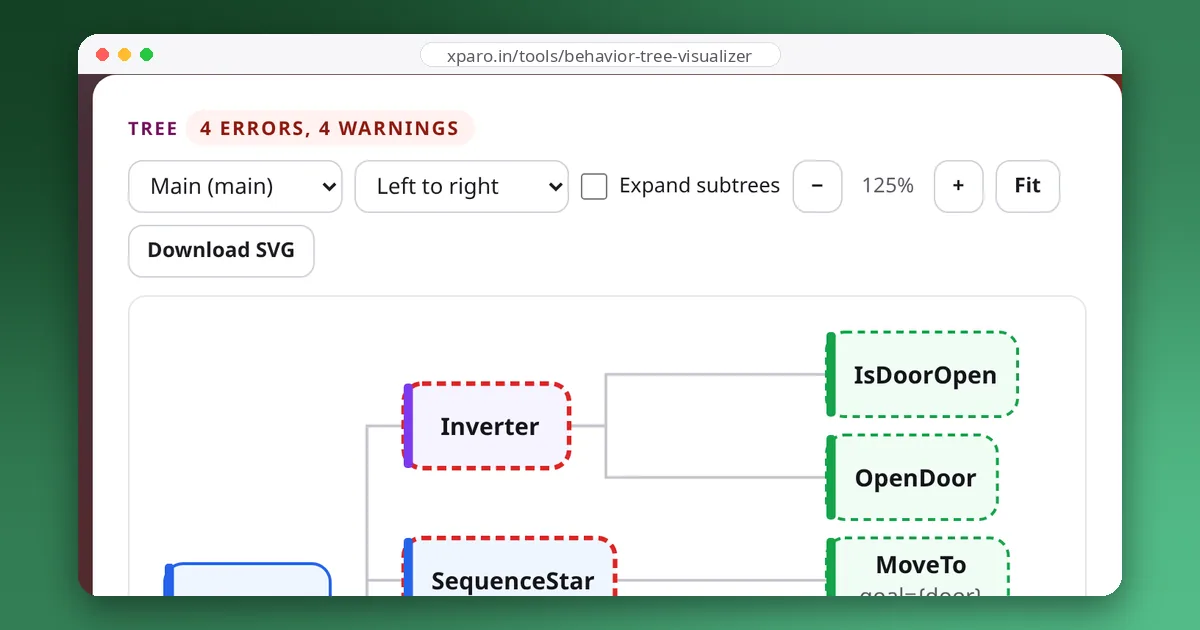
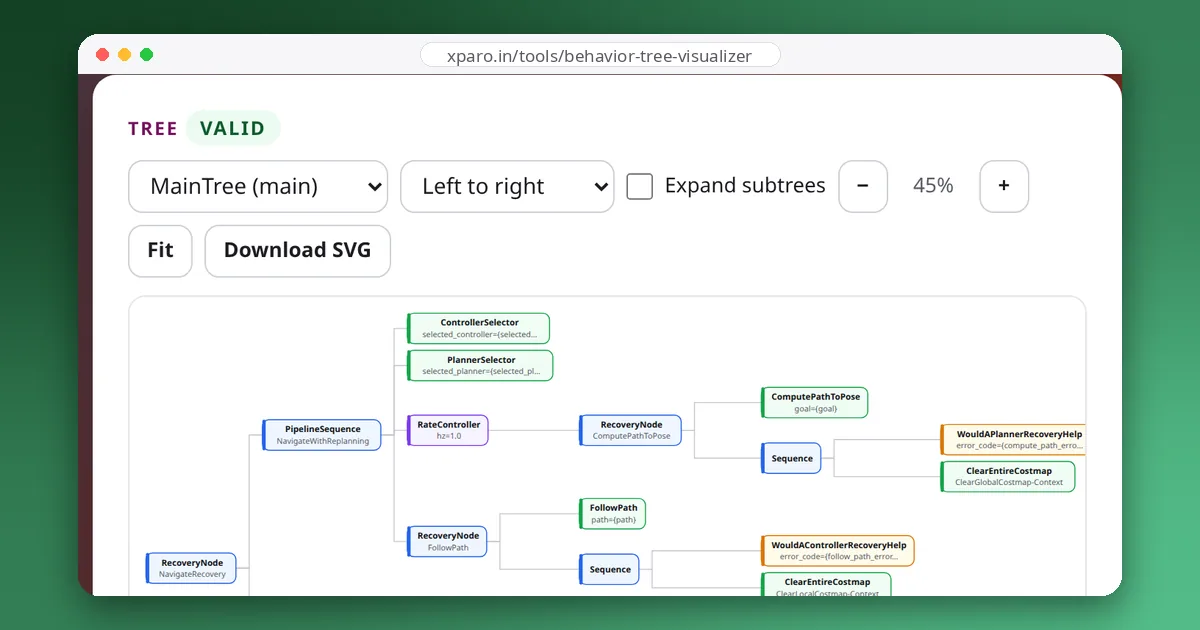
Behaviour trees have become the standard way to structure robot decision making in ROS 2: Nav2 uses them for navigation, and BehaviorTree.CPP powers trees on robots of every kind. Their XML is easy for machines and hard for people. The Behaviour Tree Visualizer turns that XML into a picture and checks it for the mistakes that stop it from loading.
We load the same sample files with BehaviorTree.CPP 4.10 itself and compare: trees the visualizer calls valid load, and the deliberately broken sample is rejected for the same reason the visualizer reports first.
The visualizer reads trees. To design trees together and run them on a fleet of robots, XPARO's fleet dashboard includes a collaborative behaviour tree editor and engine.
Open the Behaviour Tree Visualizer. The guides below introduce behaviour trees, explain the XML format, compare trees with state machines, collect proven design patterns, and walk through Nav2's own tree.
Gallery
Team
The team that builds, runs and answers for this project on XPARO.
Updates
Read the post →
Read the post →
Read the post →
Read the post →
Read the post →
FAQ
BehaviorTree.CPP version 3 and 4 XML, including files saved by Groot and Groot2 and the trees used by Nav2.
The visualizer is for reading and checking trees. To design and run trees on real robots with your team, use the behaviour tree editor in the XPARO fleet dashboard.
No. Parsing and drawing happen in your browser.
Contact
Questions, ideas, or want to work with the team? Your message goes straight to the Behaviour Tree Visualizer team on XPARO. Add your email if you'd like a reply.