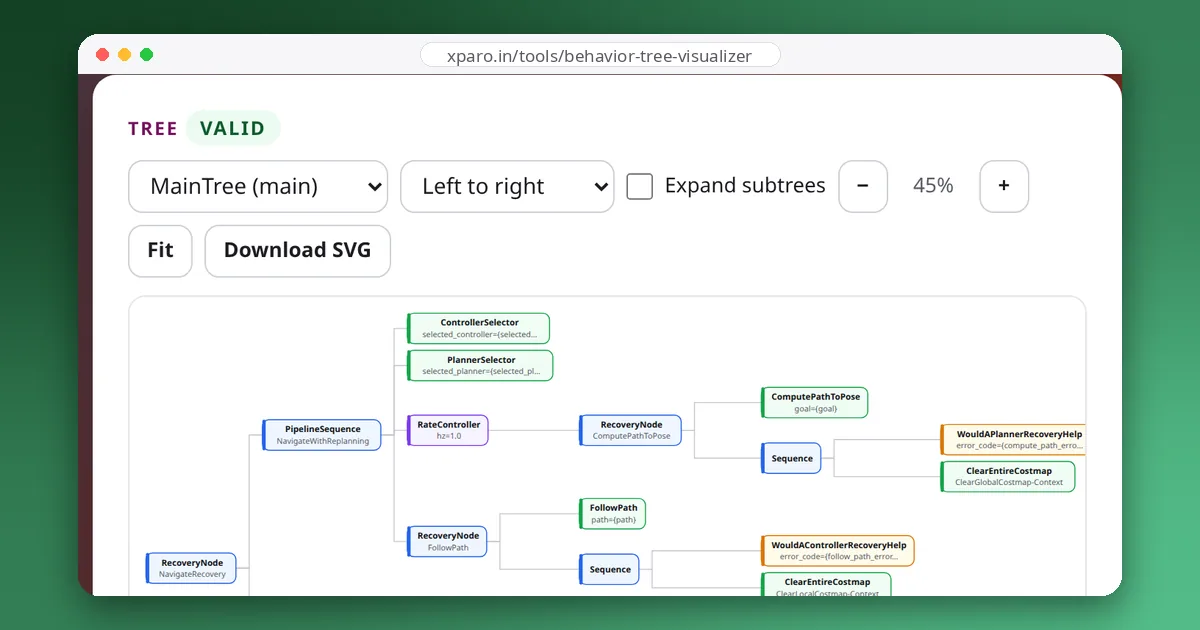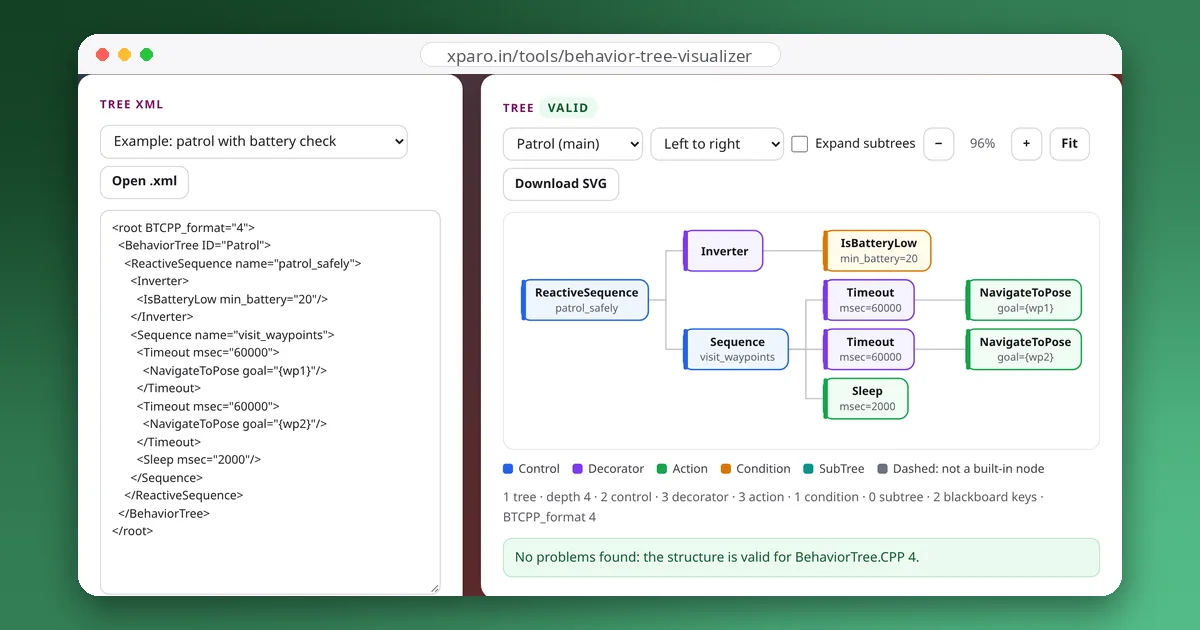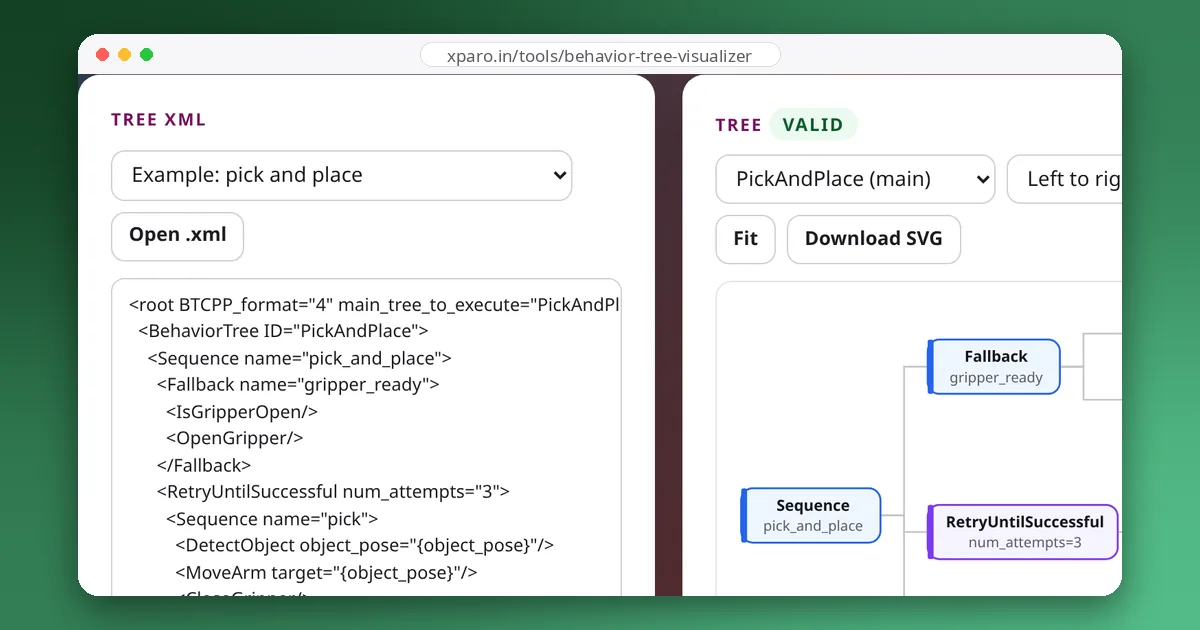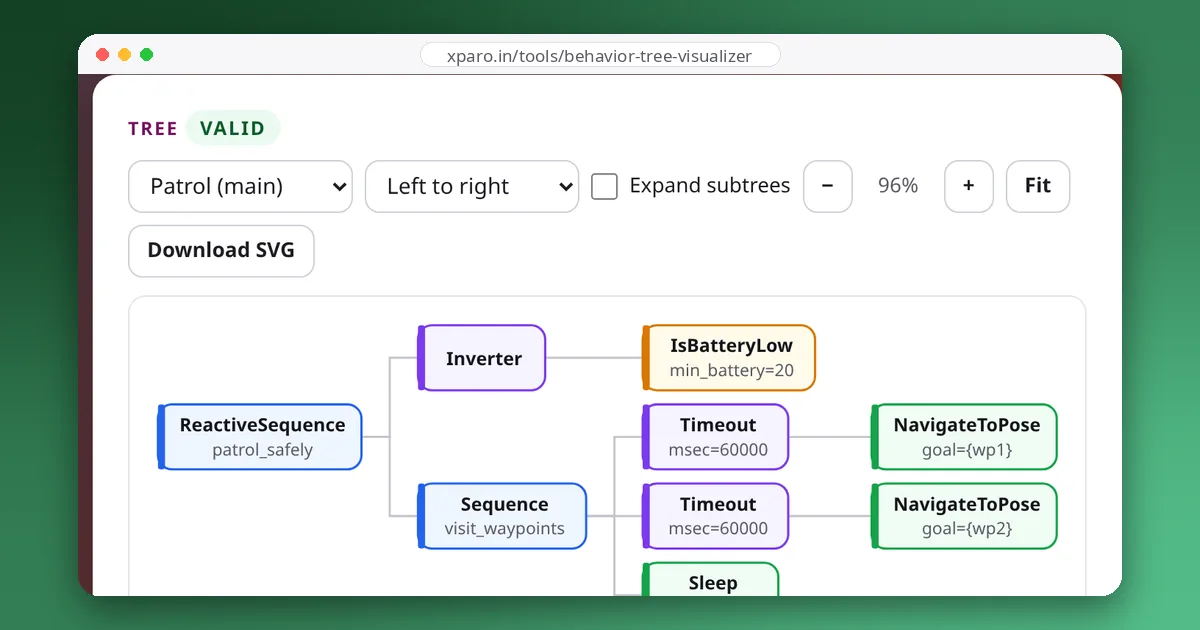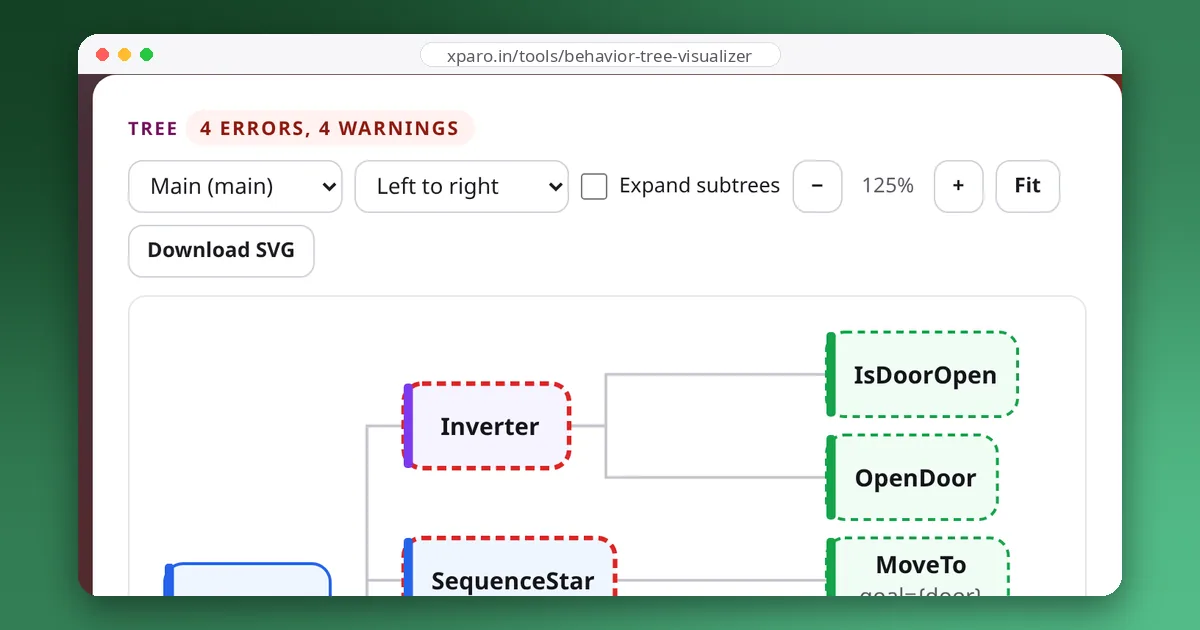
Most robot behaviour trees are built from a handful of small, proven shapes: check a condition while acting, try a recovery and retry, give up after a timeout, do two things at once. This guide collects those patterns with BehaviorTree.CPP XML you can copy. We ran every snippet with BehaviorTree.CPP 4.10, the version in ROS 2 Jazzy, using test actions, and describe what actually happened, including one pitfall that the library doesn't warn you about.
1. Guarded action
Keep checking a condition while an action runs, and stop the action the moment the condition fails:
<ReactiveSequence>
  <IsPathClear/>
  <DriveForward/>
</ReactiveSequence>
A ReactiveSequence re-ticks its children from the left on every tick, so IsPathClear runs again before every tick of DriveForward. In our run the path was clear for two ticks; on the third, IsPathClear failed, DriveForward was halted, and the sequence returned FAILURE. Use it for safety checks, battery limits and "while the button is held" behaviours.
The pitfall: two actions under one reactive node
Because a ReactiveSequence re-ticks everything to the left of the running child, it is only safe when everything to the left answers at once: conditions, not actions. This looks reasonable but isn't:
<ReactiveSequence>
  <IsBatteryOK/>
  <GoTo name="go_to_a"/>
  <GoTo name="go_to_b"/>
</ReactiveSequence>
When we ran it with GoTo actions that take two ticks each, go_to_a finished and go_to_b started, and on the next tick the ReactiveSequence ticked go_to_a again. It had been reset after succeeding, so it started over, and go_to_b was halted. The two actions then took turns: go_to_a restarted on every other tick and go_to_b was halted each time. On a real robot that means driving back towards A while trying to reach B. BehaviorTree.CPP 4.10 loaded and ran this tree without any warning; the Behaviour Tree Visualizer flags it.
The fix is to keep the reactive part for conditions and put the steps in a plain Sequence, which remembers that go_to_a is done:
<ReactiveSequence>
  <IsBatteryOK/>
  <Sequence>
    <GoTo name="go_to_a"/>
    <GoTo name="go_to_b"/>
  </Sequence>
</ReactiveSequence>
With the same test actions, go_to_a ran once, then go_to_b once, while IsBatteryOK was still checked on every tick. The same rule applies to ReactiveFallback.
2. Check before you act
Put a condition and the action that makes it true under a Fallback. The action only runs when it is needed:
<Sequence>
  <Fallback>
    <IsDoorOpen/>
    <OpenDoor/>
  </Fallback>
  <PassThroughDoor/>
</Sequence>
With the door closed, the robot opened it and then went through. With the door already open, OpenDoor never ran. Writing trees this way makes them safe to restart from the top: steps whose result is already true are skipped, as our comparison of behaviour trees and state machines explains.
3. Retry with recovery
When an action fails, run a recovery and try again, a limited number of times. With BehaviorTree.CPP's built-in nodes:
<RetryUntilSuccessful num_attempts="3">
  <Fallback>
    <PickObject/>
    <ForceFailure>
      <ReopenGripper/>
    </ForceFailure>
  </Fallback>
</RetryUntilSuccessful>
If PickObject fails, the Fallback runs ReopenGripper. ForceFailure makes the Fallback fail even though the recovery worked, so RetryUntilSuccessful tries PickObject again, up to three attempts in total. In our run, PickObject failed once, ReopenGripper ran, and the second attempt succeeded.
Nav2 ships a control node made for exactly this, and you can use it in your own trees by loading Nav2's plugin:
<RecoveryNode number_of_retries="2">
  <PickObject/>
  <ReopenGripper/>
</RecoveryNode>
RecoveryNode has two children: the first is the task, the second the recovery. It behaved exactly like the version above: fail, recover, succeed. One detail surprised us: when the children answer immediately, the failure, the recovery and the retry all happen within a single tick. Retries only spread over several ticks when the actions take time and answer RUNNING.
4. Timeout with a plan B
Don't wait forever. Wrap the waiting action in a Timeout and give the Fallback an alternative:
<Fallback>
  <Timeout msec="200">
    <WaitForDoorOpen/>
  </Timeout>
  <AskForHelp/>
</Fallback>
We used 200 ms to keep the test short. WaitForDoorOpen kept running until the timeout fired, was halted, and the Timeout returned FAILURE, so the Fallback moved on to AskForHelp. In a real tree the timeout would be tens of seconds. Make sure the halted action really stops: in Nav2, halting an action node cancels its ROS 2 action goal.
5. Interrupt on new information
A ReactiveFallback re-checks its first child on every tick, so a condition can cut a long action short when it becomes true:
<ReactiveFallback>
  <IsGoalUpdated/>
  <RunRecovery/>
</ReactiveFallback>
RunRecovery ran for two ticks; on the third, IsGoalUpdated succeeded, RunRecovery was halted and the fallback returned SUCCESS. Nav2 uses this exact shape so that a new goal cancels a recovery behaviour instead of waiting for it to finish; see our Nav2 walkthrough.
6. Do two things at once
A Parallel ticks all its children on every tick. Its thresholds decide when it is done:
<Parallel success_count="1" failure_count="1">
  <DriveToDock/>
  <BlinkLights/>
</Parallel>
With success_count="1", the first child to succeed ends the Parallel. In our run DriveToDock succeeded on the third tick, and BlinkLights, which never finishes on its own, was halted. Note the defaults in BehaviorTree.CPP 4.10: success_count is −1, meaning all children must succeed, and failure_count is 1. Parallel only makes sense for actions that run asynchronously; both children are ticked from the same thread, one after the other.
7. Do it once
Calibration, homing and other set-up steps belong in a RunOnce:
<Repeat num_cycles="3">
  <Sequence>
    <RunOnce then_skip="true">
      <Calibrate/>
    </RunOnce>
    <MeasureDistance/>
  </Sequence>
</Repeat>
Over three repetitions, Calibrate ran once and MeasureDistance three times. With then_skip="true", the default, later ticks skip the child; with false, they return the result of its one run again.
8. Remember progress, or start over?
A plain Sequence that fails starts from its first child next time. SequenceWithMemory (called SequenceStar in version 3) carries on from the child that failed. The difference shows up under a retry, here with TakeC failing once:
| Control node | Children started, in order |
|---|---|
| Sequence | TakeA, TakeB, TakeC (fails), TakeA, TakeB, TakeC |
| SequenceWithMemory | TakeA, TakeB, TakeC (fails), TakeC |
<RetryUntilSuccessful num_attempts="2">
  <SequenceWithMemory>
    <TakeA/>
    <TakeB/>
    <TakeC/>
  </SequenceWithMemory>
</RetryUntilSuccessful>
Use SequenceWithMemory when earlier steps must not be repeated, such as dispensing or picking something up. Use a plain Sequence when the world may have changed since those steps ran, so they should be checked again, ideally written as "check before you act" so that the repeat is cheap.
Putting patterns together
Real trees nest these shapes: a guarded task, whose steps each check before acting, with retries around the steps that fail now and then, and a timeout on anything that waits for the outside world. Keep each pattern in its own subtree with a clear name, and the tree stays readable as it grows. Paste your tree into the Behaviour Tree Visualizer to see the structure drawn and catch mistakes such as a decorator with two children or a misspelled SubTree. For the XML details used above, see the BehaviorTree.CPP XML format explained.