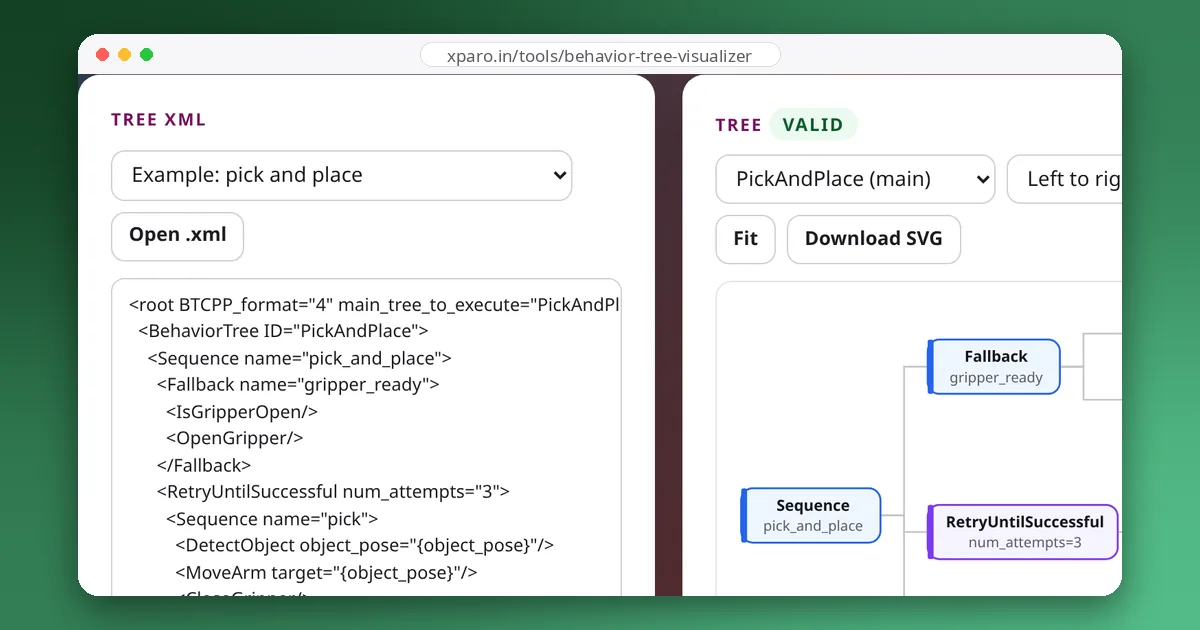
BehaviorTree.CPP describes trees in XML: the C++ code registers what each node does, and the XML file decides how the nodes are put together and how data flows between them. This guide walks through the format element by element, from <root> to ports, the blackboard, subtrees and scripting. Every example was loaded and run with BehaviorTree.CPP 4.10, the version in ROS 2 Jazzy, and the error messages are the ones it printed.
A complete file
Here is a small but complete file: one tree detects a cup and hands its position to a second tree, which picks it up and puts it down on a table.
<root BTCPP_format="4" main_tree_to_execute="MainTree">
  <BehaviorTree ID="MainTree">
    <Sequence>
      <DetectObject object="cup" pose="{cup_pose}"/>
      <SubTree ID="PickAndPlace" target="{cup_pose}" drop_zone="table_2"/>
    </Sequence>
  </BehaviorTree>

  <BehaviorTree ID="PickAndPlace">
    <Sequence>
      <MoveArm pose="{target}"/>
      <CloseGripper/>
      <MoveArm pose="{drop_zone}"/>
      <OpenGripper/>
    </Sequence>
  </BehaviorTree>

  <TreeNodesModel>
    <Action ID="DetectObject">
      <input_port name="object" type="std::string">Name of the object to look for</input_port>
      <output_port name="pose" type="std::string">Where the object was found</output_port>
    </Action>
    <Action ID="MoveArm">
      <input_port name="pose" type="std::string">Target pose or named location</input_port>
    </Action>
    <Action ID="CloseGripper"/>
    <Action ID="OpenGripper"/>
  </TreeNodesModel>
</root>
The rest of this guide explains each part.
The root element
Everything sits inside <root>. Two attributes matter:
BTCPP_format="4"declares the file format. Without it, BehaviorTree.CPP 4 still loads the file but prints "The first tag of the XML (<root>) should contain the attribute [BTCPP_format="4"]", as a reminder that version 3 files may use node names that version 4 renamed, such asSequenceStar, nowSequenceWithMemory.main_tree_to_executenames the tree to run. A file with a single tree doesn't need it. With two or more trees and no main tree named,createTreeFromTextfails with "[main_tree_to_execute] was not specified correctly".
Trees and nodes
Each <BehaviorTree ID="..."> defines a tree, and it must contain exactly one top-level node; wrap several in a Sequence or Fallback. Inside, every element is a node, and the element name is the ID it was registered with in C++: <Sequence> is a built-in, <DetectObject> is one of yours. An element name the factory doesn't know stops the load with "Node not recognized: ...".
Any node can also carry a name attribute. It doesn't change behaviour, but it appears in logs and in tools like Groot, which helps when a tree uses the same node twice, such as two GoTo actions.
Ports: how nodes get their inputs
Every other attribute on a node is a port. A node declares its ports in C++, in a static providedPorts() function, and the XML gives each one a value in one of two ways:
- A literal, such as
object="cup". BehaviorTree.CPP converts the text to the port's type: numbers, booleans and strings work out of the box, and you can add your own types by writing aconvertFromStringfunction for them. - A blackboard key in braces, such as
pose="{cup_pose}". The node reads or writes the entry calledcup_poseinstead of a fixed value. Output ports always take a key, because they need somewhere to write.
An attribute that isn't a declared port is an error, which catches typos early: "a port with name [volume] is found in the XML (<Say>, line 1) but not in the providedPorts() of its registered node type." A key that is spelled wrong is not caught at load time, though. The tree loads, and the node's getInput() fails when it runs: "unable to find the key [text] remapped to [greeting]". Always check the result of getInput() in your nodes and return FAILURE with a clear log message.
When the key has the same name as the port, BehaviorTree.CPP 4 lets you write pose="{=}" instead of pose="{pose}".
The blackboard
The blackboard is a key-value store that the nodes of one tree share. In the example, DetectObject writes the cup's position to {cup_pose}, and later nodes read it from there. When we ran the file with a test DetectObject that wrote 0.42;0.10;0.80, the first MoveArm received exactly that value.
Each subtree gets its own blackboard. That isolation is deliberate: a subtree is like a function, and it shouldn't silently read or overwrite its caller's variables. A subtree that reads {greeting}, set by its parent without passing it on, fails with the same "unable to find the key" error. You connect the two on the <SubTree> element.
Subtrees and remapping
In <SubTree ID="PickAndPlace" target="{cup_pose}" drop_zone="table_2"/>, each attribute connects one entry of the subtree's blackboard:
target="{cup_pose}"remaps the subtree'stargetto the parent'scup_pose. Reads and writes go through to the parent.drop_zone="table_2"sets the subtree'sdrop_zoneto a literal. In our run, the second MoveArm receivedtable_2._autoremap="true"connects every entry by name, so the subtree shares the parent's variables. It is convenient for small helper trees, but it gives up the isolation.
Recent versions also accept {@key}, which always refers to the root tree's blackboard, from any depth. It is handy for global settings, but use it sparingly, for the same reason that global variables are best kept few.
Subtrees can also live in other files. <include path="lib/greet.xml"/> loads the trees in that file, relative to the file that includes it, so a shared library of subtrees can be reused by many main trees.
Scripts, preconditions and postconditions
Version 4 added a small scripting language for the logic that used to need a custom node. The Script node runs a statement, and special attributes, which every node accepts, attach a script before or after the node runs:
<root BTCPP_format="4" main_tree_to_execute="MainTree">
<BehaviorTree ID="MainTree">
<Sequence>
<Script code="battery := 35; picks := 0"/>
<SubTree ID="PickOnce" _autoremap="true"/>
<SubTree ID="PickOnce" _autoremap="true"/>
</Sequence>
</BehaviorTree>
<BehaviorTree ID="PickOnce">
<PickObject _skipIf="battery < 20" _onSuccess="picks += 1"/>
</BehaviorTree>
</root>With the battery at 35, both picks ran and picks ended at 2. With the battery at 15, both PickObject nodes were skipped, picks stayed at 0, and the Sequence still succeeded, because a skipped child doesn't count as a failure.
| Attribute | Effect |
|---|---|
_skipIf | Don't run the node if the expression is true (it reports SKIPPED). |
_failureIf, _successIf | Return FAILURE or SUCCESS straight away, without running the node, if the expression is true. |
_while | Run only while the expression is true; if it turns false while the node is running, the node is halted. |
_onSuccess, _onFailure, _onHalted | Run a statement when the node finishes that way. |
_post | Run a statement whenever the node finishes, whatever the result. |
Comparison and logic operators collide with XML. BehaviorTree.CPP's own parser is lenient and loads _skipIf="battery < 20 && armed" written with a raw < and &&, but that is not valid XML, and stricter tools reject the file. Write < for < and && for &&; BehaviorTree.CPP treats both spellings the same.
TreeNodesModel
The <TreeNodesModel> section describes your custom nodes: whether each is an Action, Condition, Control or Decorator, and its ports with types and descriptions. BehaviorTree.CPP doesn't need it to run the tree, because the C++ registration is the real definition. Editors and viewers do: Groot uses it to show your nodes in its palette, and the Behaviour Tree Visualizer uses it to colour your nodes correctly. You don't have to write it by hand; BT::writeTreeNodesModelXML(factory) generates it from your registered nodes.
Checking your files
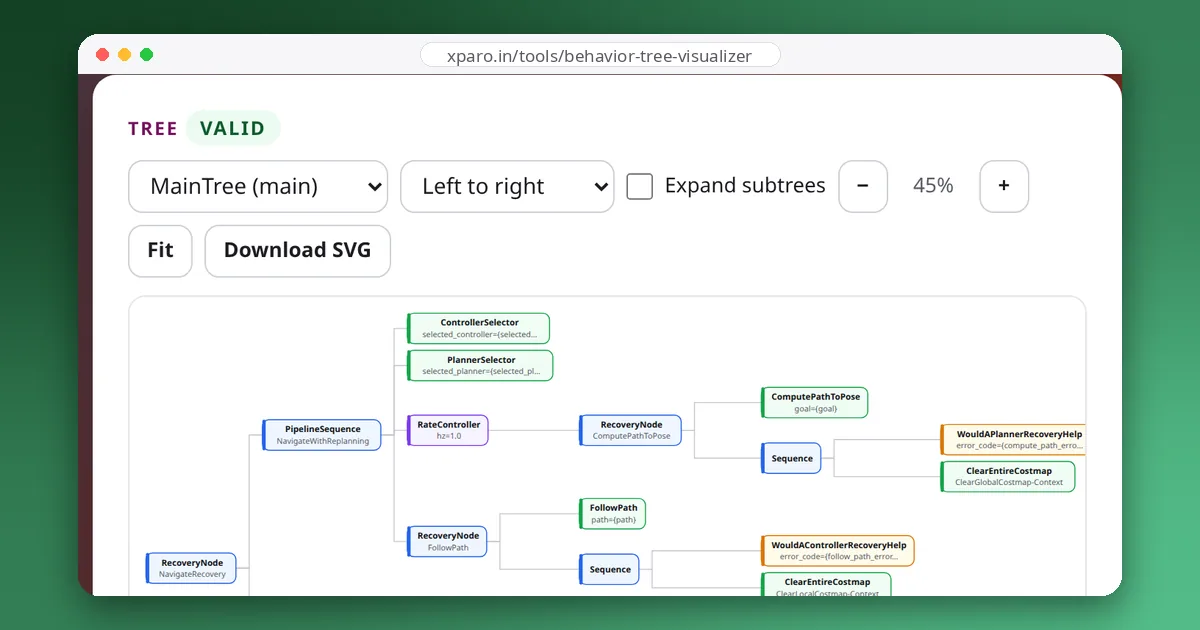
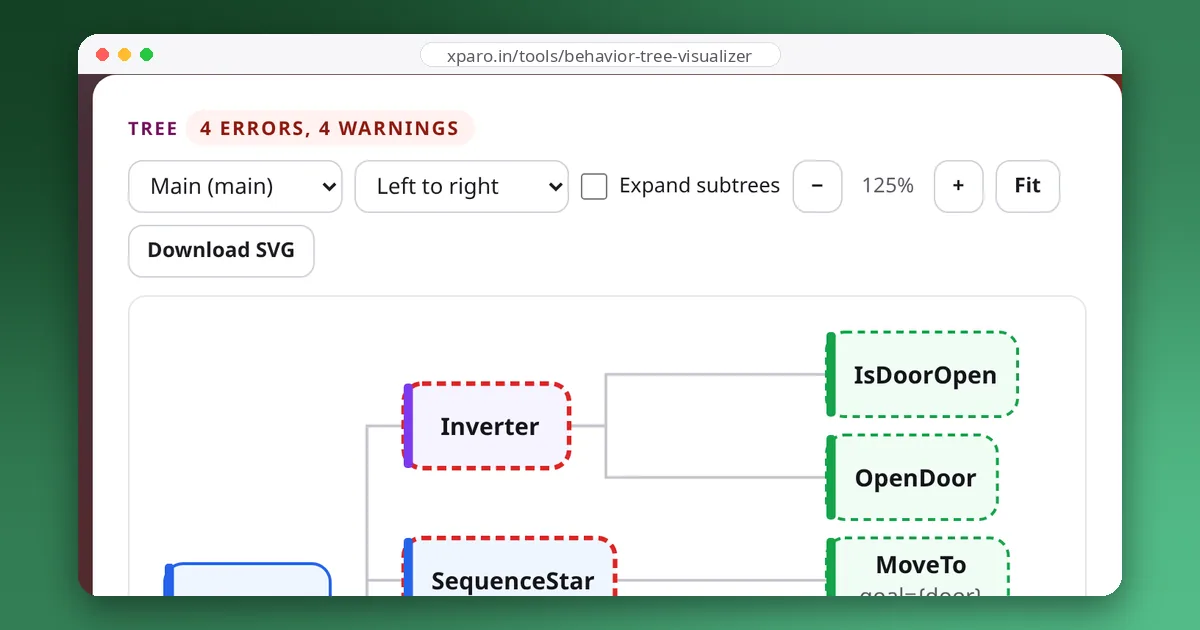
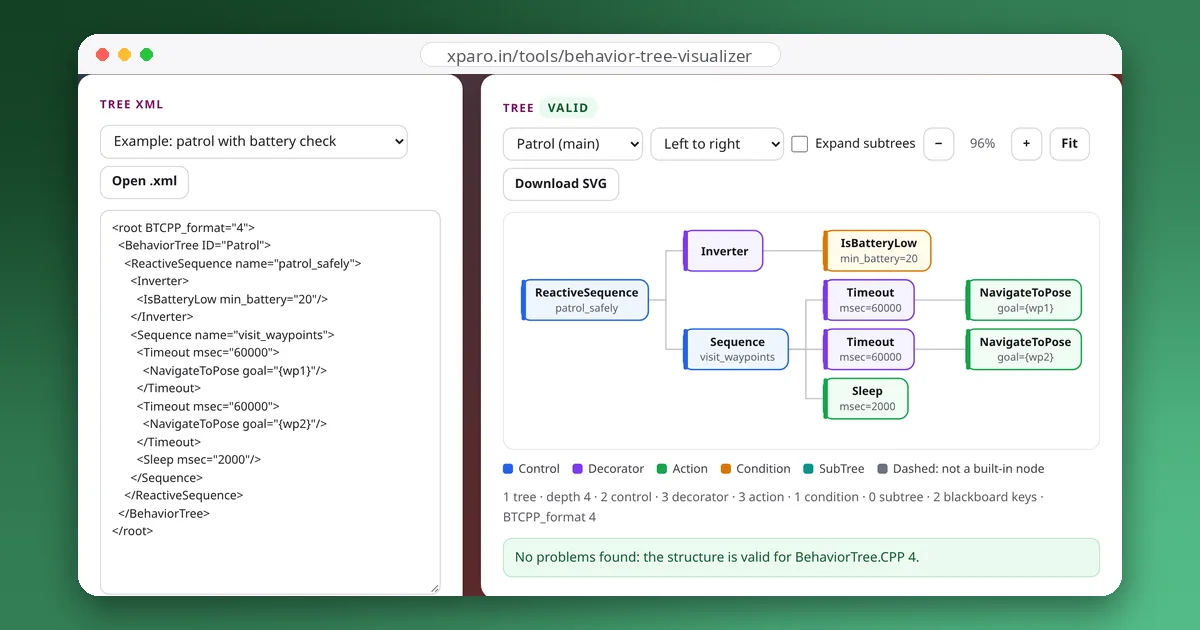
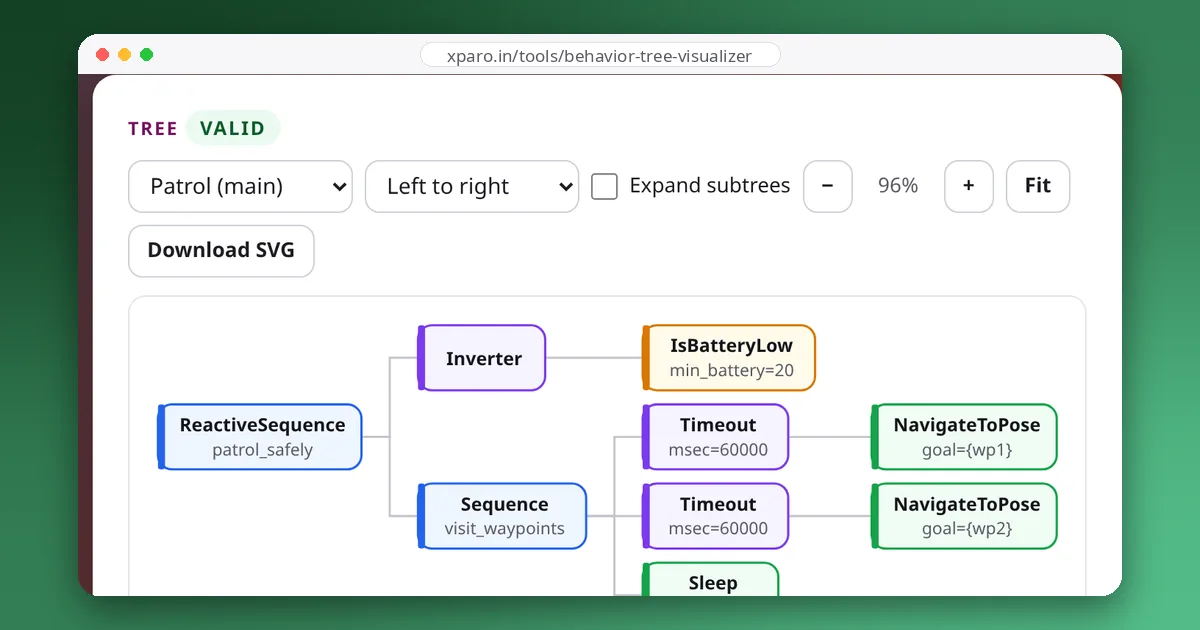
Paste a file into the visualizer to see it drawn and checked for the load errors above, such as a missing main tree, a SubTree ID that doesn't exist, or a decorator with two children. For the meaning of the built-in nodes, start with our introduction to behaviour trees, then see how they combine in the design patterns guide.