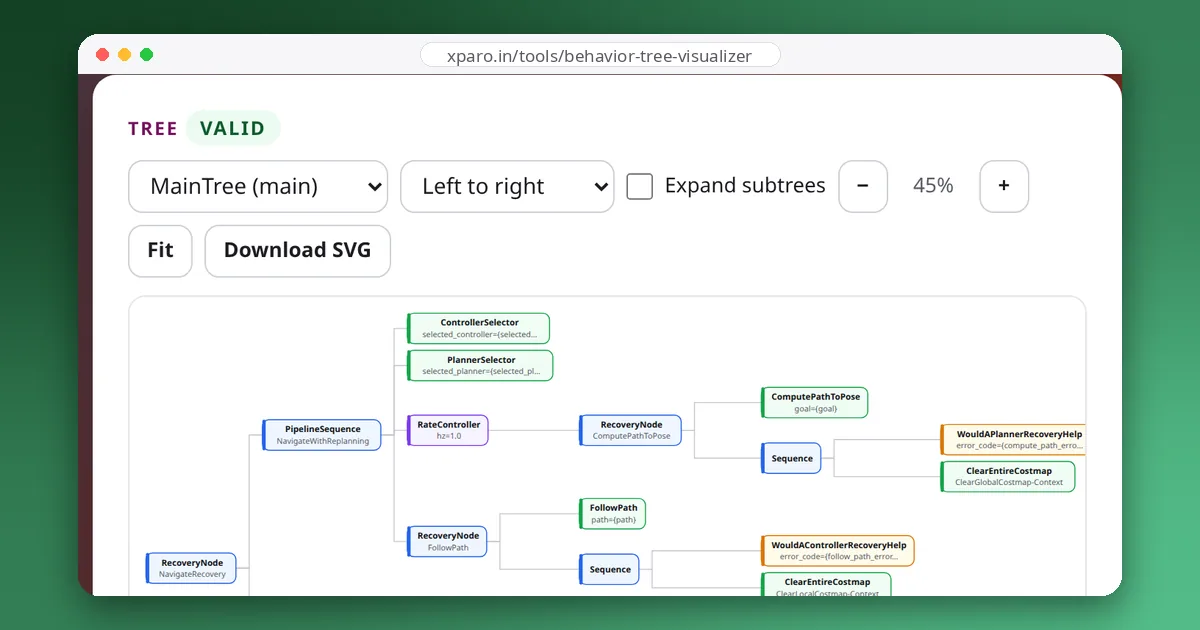
Every time you send Nav2 a goal, a behaviour tree decides what happens next: when to plan, when to replan, how to follow the path, and which recovery to try when the robot gets stuck. This walkthrough takes the default navigate_to_pose tree from ROS 2 Jazzy apart, node by node. To check our reading, we ran the tree with Nav2's real control nodes and test stand-ins for the planner, controller and recoveries, and recorded what happened in each situation.
The whole tree
This is navigate_to_pose_w_replanning_and_recovery.xml, exactly as it ships in the nav2_bt_navigator package for Jazzy:
<!--
  This Behavior Tree replans the global path periodically at 1 Hz and it also has
  recovery actions specific to planning / control as well as general system issues.
  This will be continuous if a kinematically valid planner is selected.
-->
<root BTCPP_format="4" main_tree_to_execute="MainTree">
  <BehaviorTree ID="MainTree">
    <RecoveryNode number_of_retries="6" name="NavigateRecovery">
      <PipelineSequence name="NavigateWithReplanning">
        <ControllerSelector selected_controller="{selected_controller}" default_controller="FollowPath" topic_name="controller_selector"/>
        <PlannerSelector selected_planner="{selected_planner}" default_planner="GridBased" topic_name="planner_selector"/>
        <RateController hz="1.0">
          <RecoveryNode number_of_retries="1" name="ComputePathToPose">
            <ComputePathToPose goal="{goal}" path="{path}" planner_id="{selected_planner}" error_code_id="{compute_path_error_code}"/>
            <Sequence>
              <WouldAPlannerRecoveryHelp error_code="{compute_path_error_code}"/>
              <ClearEntireCostmap name="ClearGlobalCostmap-Context" service_name="global_costmap/clear_entirely_global_costmap"/>
            </Sequence>
          </RecoveryNode>
        </RateController>
        <RecoveryNode number_of_retries="1" name="FollowPath">
          <FollowPath path="{path}" controller_id="{selected_controller}" error_code_id="{follow_path_error_code}"/>
          <Sequence>
            <WouldAControllerRecoveryHelp error_code="{follow_path_error_code}"/>
            <ClearEntireCostmap name="ClearLocalCostmap-Context" service_name="local_costmap/clear_entirely_local_costmap"/>
          </Sequence>
        </RecoveryNode>
      </PipelineSequence>
      <Sequence>
        <Fallback>
          <WouldAControllerRecoveryHelp error_code="{follow_path_error_code}"/>
          <WouldAPlannerRecoveryHelp error_code="{compute_path_error_code}"/>
        </Fallback>
        <ReactiveFallback name="RecoveryFallback">
          <GoalUpdated/>
          <RoundRobin name="RecoveryActions">
            <Sequence name="ClearingActions">
              <ClearEntireCostmap name="ClearLocalCostmap-Subtree" service_name="local_costmap/clear_entirely_local_costmap"/>
              <ClearEntireCostmap name="ClearGlobalCostmap-Subtree" service_name="global_costmap/clear_entirely_global_costmap"/>
            </Sequence>
            <Spin spin_dist="1.57" error_code_id="{spin_error_code}"/>
            <Wait wait_duration="5.0"/>
            <BackUp backup_dist="0.30" backup_speed="0.15" error_code_id="{backup_code_id}"/>
          </RoundRobin>
        </ReactiveFallback>
      </Sequence>
    </RecoveryNode>
  </BehaviorTree>
</root>
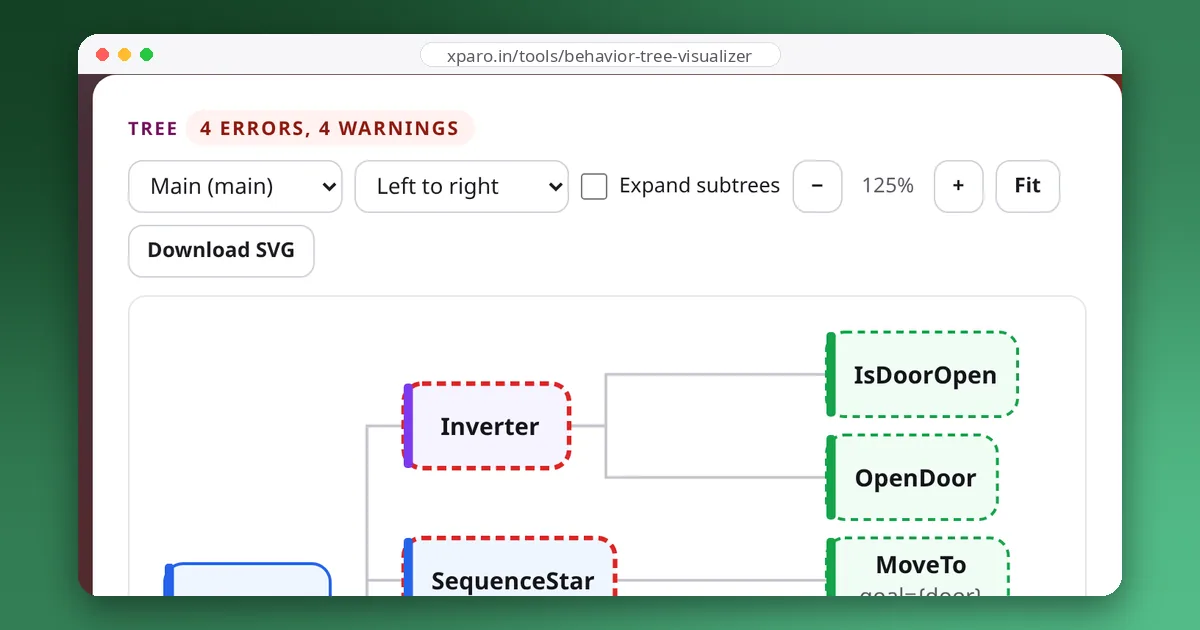
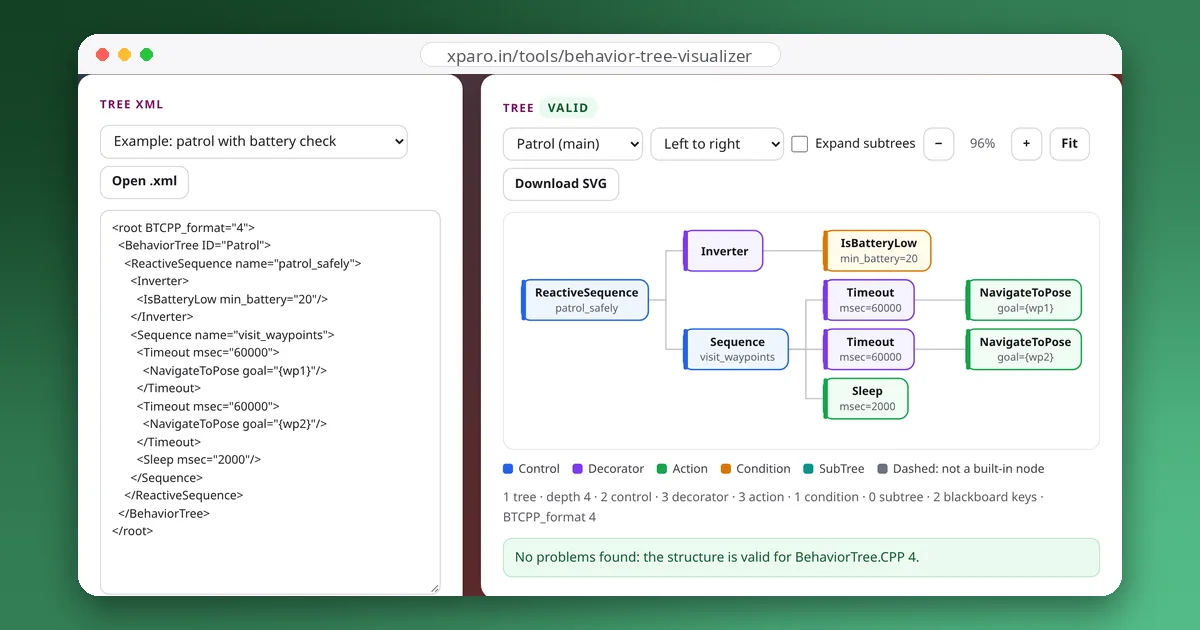
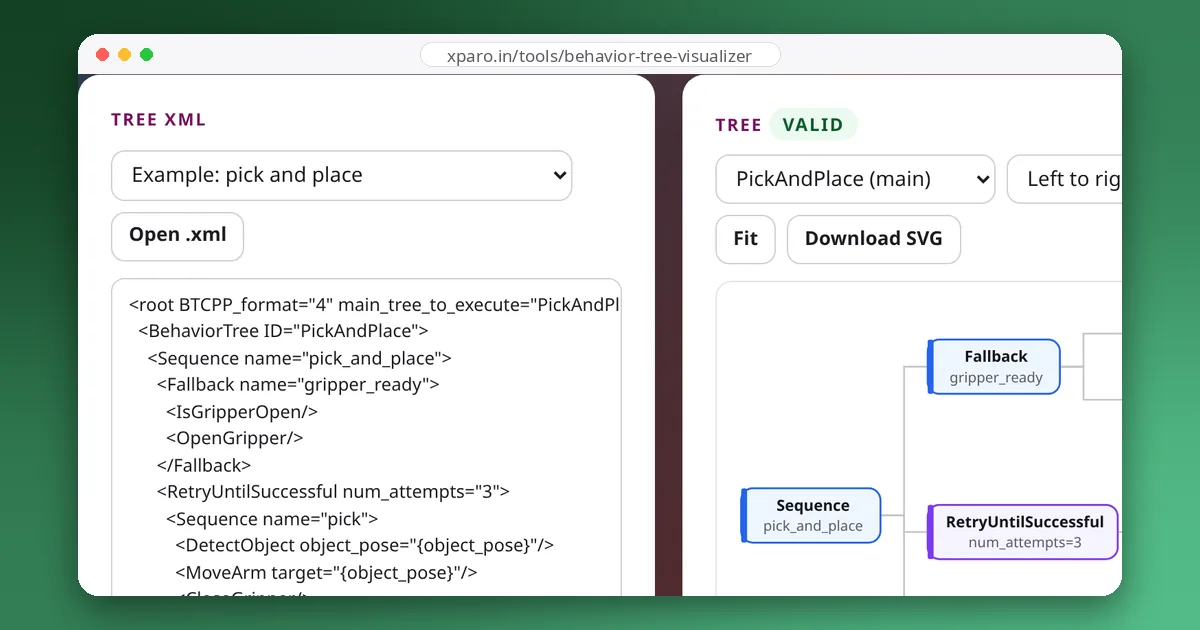
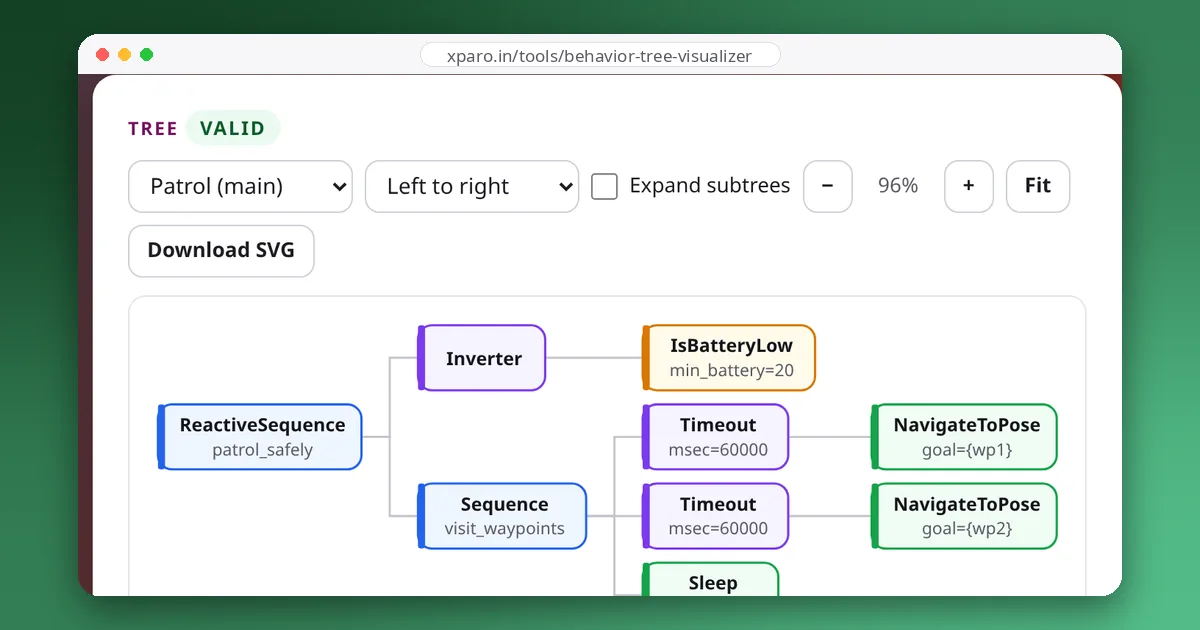
Paste it into the Behaviour Tree Visualizer to see it as a diagram while you read. At the top level there are just two parts under one RecoveryNode: the navigation branch (the PipelineSequence) and the recovery branch (the Sequence at the bottom).
The navigation branch
ControllerSelector and PlannerSelector put the names of the controller and planner plugins on the blackboard, as {selected_controller} and {selected_planner}. By default they are FollowPath and GridBased, but a message on the controller_selector or planner_selector topic switches them while the robot is driving, for example to a more precise controller for docking.
RateController hz="1.0" starts its child, ComputePathToPose, at most once per second. The planner writes the result to {path}.
FollowPath sends that path to the controller server, which drives the robot. It is the only part of the branch that runs for a long time.
The node that ties them together is PipelineSequence, one of Nav2's own control nodes. Like a Sequence it runs its children in order, but on every tick it goes back and re-ticks the children before the running one. The effect is replanning in the background: in our run, FollowPath was started once and kept running for 2.5 seconds while ComputePathToPose ran again at 1 s and 2 s. FollowPath isn't restarted when a new path arrives; Nav2's FollowPath node notices the new {path} on the blackboard and sends the controller server an updated goal.
Small recoveries, close to the failure
Both the planner and the controller sit inside their own RecoveryNode with number_of_retries="1". A RecoveryNode runs its first child; if that fails, it runs the second child, the recovery, and if the recovery succeeds it tries the first child again.
The recovery is guarded by a condition that reads the error code the action reported. If the planner fails, WouldAPlannerRecoveryHelp decides whether clearing the global costmap is worth trying; for the controller, WouldAControllerRecoveryHelp decides about the local costmap. We tested both conditions with every error code in Jazzy:
| Condition | Recovery runs for | No recovery for |
|---|---|---|
| WouldAPlannerRecoveryHelp | UNKNOWN, TIMEOUT, NO_VALID_PATH | INVALID_PLANNER, TF_ERROR, START_OUTSIDE_MAP, GOAL_OUTSIDE_MAP, START_OCCUPIED, GOAL_OCCUPIED |
| WouldAControllerRecoveryHelp | UNKNOWN, PATIENCE_EXCEEDED, FAILED_TO_MAKE_PROGRESS, NO_VALID_CONTROL | INVALID_CONTROLLER, TF_ERROR, INVALID_PATH, CONTROLLER_TIMED_OUT |
The logic is sensible: a stale obstacle in the costmap can block every path, and clearing it may help. No amount of clearing fixes a goal outside the map, a missing transform or a misspelled plugin name. When the planner failed with NO_VALID_PATH in our test, the tree cleared the global costmap, planned again, and went on to FollowPath.
The big recovery loop
If the navigation branch still fails, the outer RecoveryNode, with number_of_retries="6", runs the recovery branch. That branch first asks the same two error-code questions, combined with a Fallback: if neither the controller's nor the planner's error looks recoverable, the branch fails, and navigation is aborted straight away. That is what we saw with GOAL_OUTSIDE_MAP from the planner and INVALID_PATH from the controller: one attempt, no recoveries, FAILURE.
Otherwise, a ReactiveFallback checks GoalUpdated. If a new goal has arrived, it succeeds and the recovery is skipped, or cut short if one is already running, so the robot starts on the new goal at once. If not, RoundRobin runs one recovery action, a different one each time:
- clear both costmaps;
- Spin by 1.57 rad (a quarter turn), which also lets the sensors see around the robot;
- Wait 5 seconds, for example for a person to step out of the way;
- BackUp 0.30 m at 0.15 m/s.
To see the whole loop, we made FollowPath fail with FAILED_TO_MAKE_PROGRESS every time. The tree made seven navigation attempts. Each one included one local costmap clear from the small recovery, and between attempts the RoundRobin ran: clear both costmaps, spin, wait, back up, clear both costmaps, spin. After the sixth recovery the outer RecoveryNode gave up and the goal failed. In a second run, where FollowPath started succeeding on the third attempt, the robot reached its goal after one "clear both costmaps" and one spin.
The RoundRobin doesn't start from the top for each new failure: it moves on to the next action in the list. A robot that is still stuck after a costmap clear tries a spin next, rather than clearing again.
Customising the tree safely
Don't edit the file in /opt/ros. Copy it into your own package, change the copy, and point Nav2 at it:
bt_navigator:
  ros__parameters:
    default_nav_to_pose_bt_xml: "/full/path/to/my_nav_to_pose.xml"
    always_reload_bt_xml: true      # while developing: re-read the file for each goal
    # plugin_lib_names: ["my_custom_bt_nodes"]   # only for your own node plugins
In a launch file, build the path with get_package_share_directory() rather than typing it. Nav2's own BT nodes are loaded automatically in Jazzy; plugin_lib_names is only for libraries with your own nodes. A client can also choose a tree per goal: the NavigateToPose action goal has a behavior_tree field that takes a file path.
Common changes and where to make them:
- Replan less often, for a slow planner on a small computer: lower
hzon the RateController, or use one of the other trees that ship with Nav2, which replan only when the path becomes invalid or the goal changes. - Back up further, or never: change
backup_dist, or remove BackUp from the RoundRobin. The behaviour server checks the local costmap for collisions before moving (simulate_ahead_time, 2 s by default), but the costmap only knows what the sensors have seen: on a robot whose sensors don't cover its rear, backing up is close to driving blind. - Give up sooner: lower
number_of_retrieson the outer RecoveryNode, so a fleet manager can reassign the task instead of waiting through every recovery.
Nav2 loads the tree when bt_navigator activates, and every action node waits for its action server at that moment. When we started bt_navigator without a planner running, it reported "Action server compute_path_to_pose not available" followed by "Error loading XML file" and deactivated. If you see the second message after editing the tree, read the line above it before blaming your XML.
To watch the tree run, set navigate_to_pose.enable_groot_monitoring: true on bt_navigator and connect Groot2 to port 1667 (1669 for navigate_through_poses). And before deploying an edited tree, paste it into the visualizer: it knows every Nav2 Jazzy node and catches structural mistakes such as a RecoveryNode with three children. The design patterns guide explains the building blocks used here, from retries to reactive interrupts.