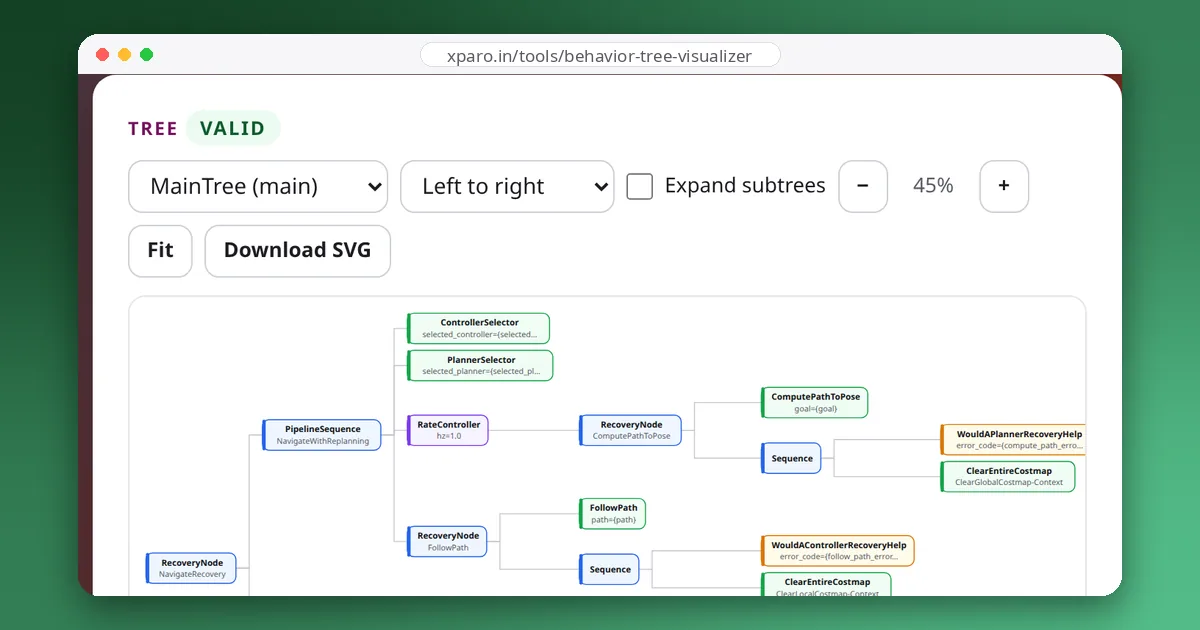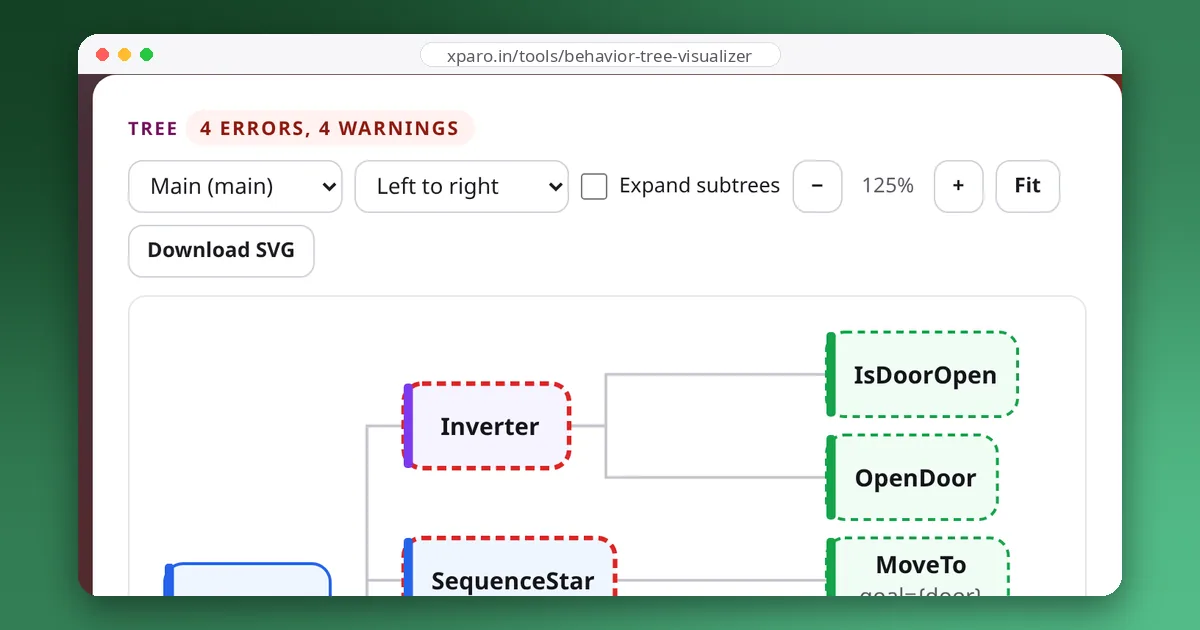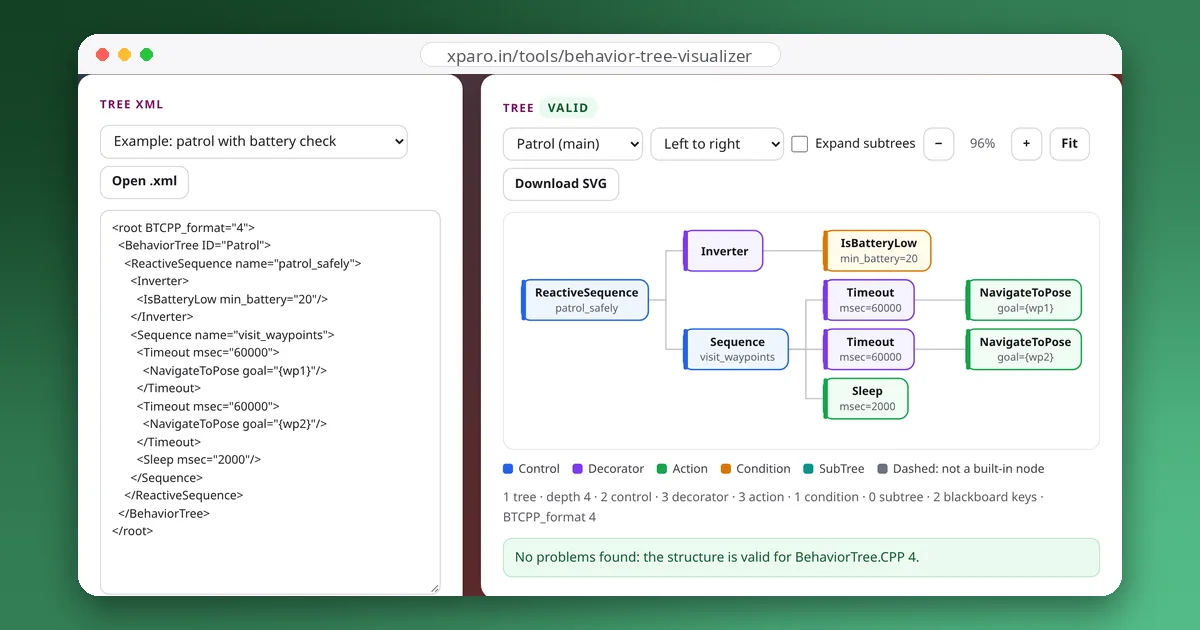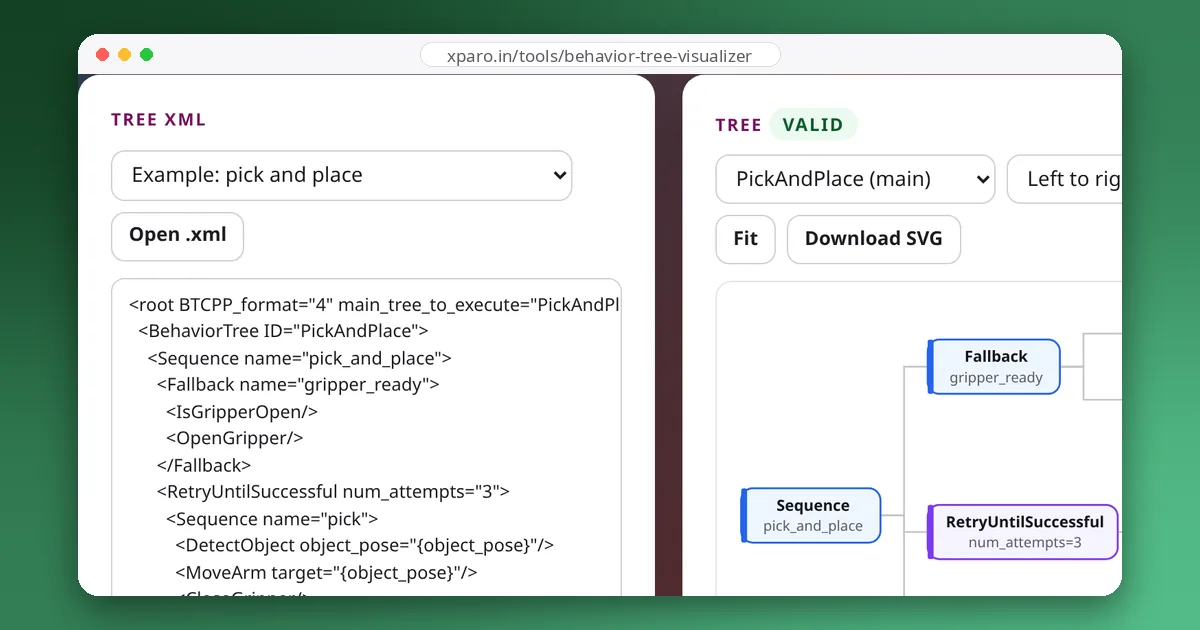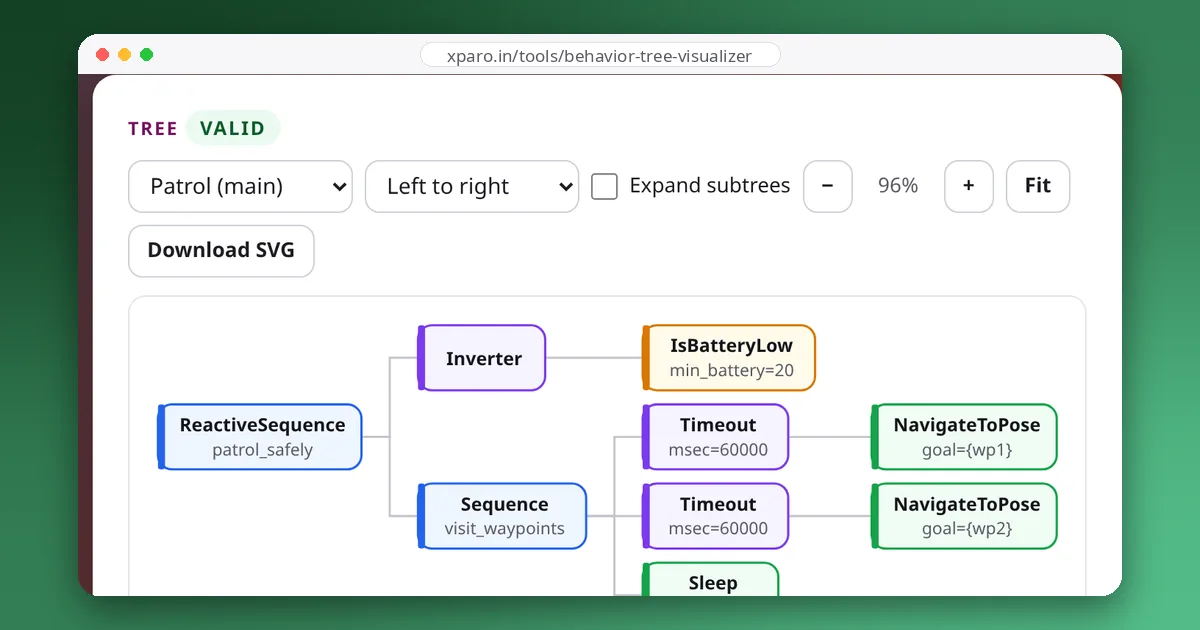
A behaviour tree is a way to organise what a robot does: which task comes first, what to try when something fails, and what should interrupt what. Nav2 uses one to drive every navigation goal in ROS 2, and BehaviorTree.CPP, the library behind it, runs trees on all kinds of robots. This introduction builds a small tree for a fetch robot step by step, and shows what happens on each tick, using traces recorded with BehaviorTree.CPP 4.10.
Ticks and the three answers
A behaviour tree does nothing on its own. Something outside it, called the executor, ticks the root node again and again; Nav2 does it every 10 ms. A tick travels down the tree, and every node it reaches answers with one of three statuses:
- SUCCESS: done, and it worked.
- FAILURE: done, and it didn't work.
- RUNNING: not finished yet; tick me again.
RUNNING is what makes trees practical for robots. Driving to the kitchen takes many seconds, but each tick takes microseconds: the drive action starts the motion on the first tick, answers RUNNING while it is under way, and answers SUCCESS on the tick after it arrives. Between ticks the robot keeps doing whatever it was doing. BehaviorTree.CPP adds two more states for bookkeeping: IDLE for a node that isn't running, and SKIPPED for one whose precondition told it not to run.
Four kinds of nodes
| Kind | What it does | Examples |
|---|---|---|
| Action | A leaf that does something. It may take many ticks. | GoTo, PickCup, Nav2's FollowPath |
| Condition | A leaf that checks something and answers at once, SUCCESS or FAILURE, never RUNNING. | IsBatteryOK, IsCupVisible |
| Control | Has children and decides which to tick, in what order. | Sequence, Fallback, Parallel |
| Decorator | Has exactly one child and changes how it runs or what it returns. | Inverter, RetryUntilSuccessful, Timeout |
Two controls do most of the work. A Sequence ticks its children left to right and needs all of them to succeed: it stops at the first failure. Think "this, and then this". A Fallback also ticks left to right but needs only one: it stops at the first success. Think "try this, or else that".
Step 1: a plain sequence
Our robot fetches a cup from the kitchen and brings it to the table. In BehaviorTree.CPP's XML:
<root BTCPP_format="4">
  <BehaviorTree ID="FetchCup">
    <Sequence>
      <GoTo name="go_to_kitchen" target="kitchen"/>
      <PickCup/>
      <GoTo name="go_to_table" target="table"/>
    </Sequence>
  </BehaviorTree>
</root>
On the first tick the Sequence ticks go_to_kitchen, which starts driving and answers RUNNING, so the Sequence answers RUNNING too. On later ticks the Sequence goes straight back to the child that is running, rather than starting over. When the drive succeeds, the Sequence moves on to PickCup, and so on. If any step fails, the Sequence fails, and the robot stops trying.
Step 2: a fallback for when things go wrong
Sometimes the cup isn't where the camera can see it. Instead of failing, the robot should look around. That is a Fallback: check whether the cup is visible, or else look around.
<Fallback>
  <IsCupVisible/>
  <LookAround/>
</Fallback>
If IsCupVisible succeeds, the Fallback succeeds without ticking LookAround. If it fails, LookAround runs, and the Fallback's result is LookAround's result. This pattern, a condition followed by the action that makes it true, is the most common shape in robot trees.
Step 3: an interruption for low battery
If the battery runs low half way to the kitchen, the robot should stop and go to its charger, whatever it was doing. This calls for a ReactiveSequence: unlike a plain Sequence, it re-checks every child before the running one on every tick. Put the battery check first and the task second, and the check runs 100 times a second while the task makes progress. Wrap both in a Fallback with GoCharge as the alternative:
<root BTCPP_format="4" main_tree_to_execute="FetchCup">
  <BehaviorTree ID="FetchCup">
    <Fallback>
      <ReactiveSequence>
        <IsBatteryOK/>
        <Sequence>
          <GoTo name="go_to_kitchen" target="kitchen"/>
          <Fallback>
            <IsCupVisible/>
            <LookAround/>
          </Fallback>
          <PickCup/>
          <GoTo name="go_to_table" target="table"/>
        </Sequence>
      </ReactiveSequence>
      <GoCharge/>
    </Fallback>
  </BehaviorTree>
</root>
The inner task stays in a plain Sequence on purpose. A ReactiveSequence re-ticks earlier children on every tick, so finished steps would be started again. Keep conditions directly under the ReactiveSequence and the multi-step work inside a Sequence, as here. Our design patterns guide shows what goes wrong otherwise.
What happens on each tick
We ran this exact XML in BehaviorTree.CPP 4.10 with test actions that finish after one or two ticks, and recorded every status change. With a healthy battery, and the cup out of sight at first:
| Tick | What happens | Tree answers |
|---|---|---|
| 1 | IsBatteryOK succeeds; go_to_kitchen starts | RUNNING |
| 2 | IsBatteryOK succeeds; go_to_kitchen succeeds; IsCupVisible fails, so LookAround starts | RUNNING |
| 3 | IsBatteryOK succeeds; LookAround succeeds; PickCup succeeds; go_to_table starts | RUNNING |
| 4 | IsBatteryOK succeeds; go_to_table succeeds | SUCCESS |
Notice that the battery check ran on every tick, while finished steps such as go_to_kitchen were never ticked again. Now the same tree with the battery failing on the second tick:
| Tick | What happens | Tree answers |
|---|---|---|
| 1 | IsBatteryOK succeeds; go_to_kitchen starts | RUNNING |
| 2 | IsBatteryOK fails; go_to_kitchen is halted; the ReactiveSequence fails, so the Fallback starts GoCharge | RUNNING |
| 3 | GoCharge succeeds | SUCCESS |
Halting is how a tree interrupts work: the running action is told to stop, and in Nav2 that cancels the ROS 2 action goal behind it. Every action you write needs a halt handler that really stops the robot. Also note that the tree as a whole succeeded, because the Fallback found something that worked. The cup was not fetched, so whoever started the tree should check the result and send the robot again once it has charged.
Why robots use behaviour trees
- Each piece stands alone. A subtree such as "pick up an object" can be tested on its own and reused in many tasks, because it only talks to its parent through its status.
- Interruptions are easy. Adding the battery check took one ReactiveSequence and one Fallback, without touching the task itself.
- The structure is visible. The XML can be drawn as a diagram, so the whole team can see what the robot will do and in what order.
- Behaviour can change without recompiling. The actions are C++ (or Python, with other libraries) but the tree is data: Nav2 loads a different XML file with a parameter change.
They are not the answer to everything. Our comparison of behaviour trees and state machines covers when a state machine is the simpler choice.
Try it
Paste the final XML into the Behaviour Tree Visualizer to see it drawn as a tree, with each node coloured by kind. Then read the XML format guide to learn how nodes pass data to each other through ports and the blackboard, and our walkthrough of Nav2's tree to see the same ideas steering a real robot.