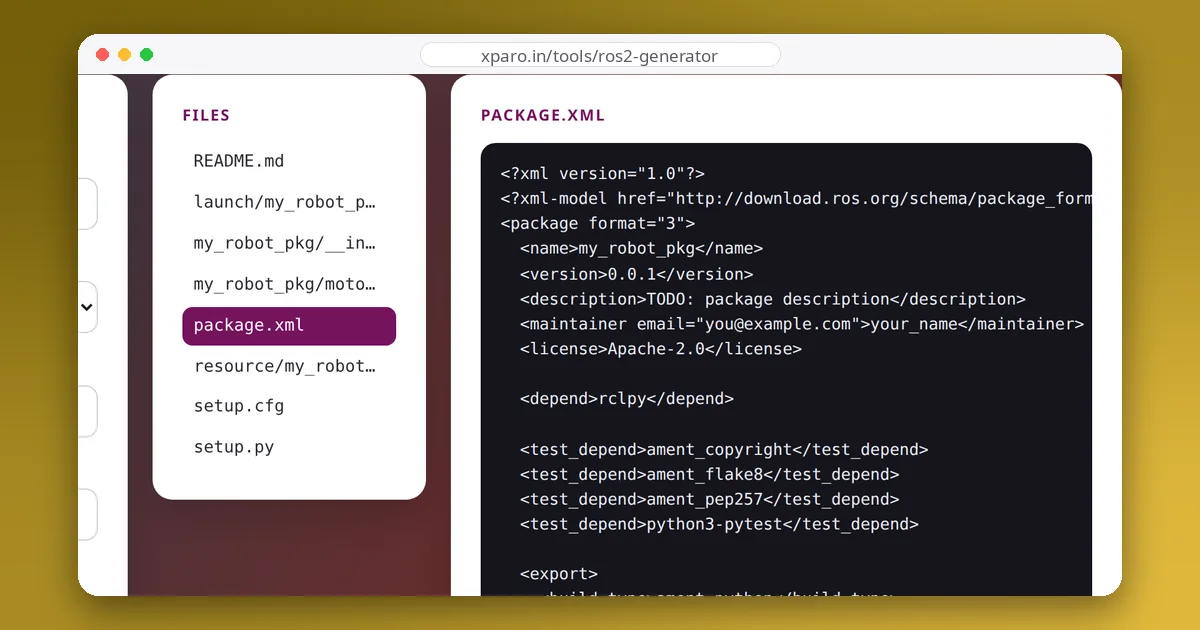
Every ROS 2 package declares a build type, and the two you will use are ament_python and ament_cmake. The choice decides which files the package needs, how its nodes are installed and what it can contain. Picking the wrong one is not a disaster, but it costs a migration later. Here is how to choose.
The short answer
| Your package contains… | Use |
|---|---|
| Only Python nodes and modules | ament_python |
| C++ nodes or libraries | ament_cmake |
| Custom messages, services or actions (.msg, .srv, .action) | ament_cmake (and usually a package of its own) |
| Both C++ and Python nodes | ament_cmake with ament_cmake_python |
| Only launch files, configuration, URDF or maps | either; ament_cmake is the more common choice |
How each build type works
ament_python
An ament_python package is a standard Python package built with setuptools. Its setup.py lists the modules to install, the data files (launch files, configuration) to copy into the package's share directory, and a console_scripts entry point for each node, which is how ros2 run finds them. A small setup.cfg tells setuptools to put those scripts in lib/<package>, where ROS looks for them.
entry_points={
    'console_scripts': [
        'talker = robot_demo.talker:main',
    ],
},
ament_cmake
An ament_cmake package is a CMake project with ROS helpers. Its CMakeLists.txt finds dependencies, compiles executables and libraries, and installs them along with any directories you list:
find_package(ament_cmake REQUIRED)
find_package(rclcpp REQUIRED)
find_package(std_msgs REQUIRED)

add_executable(talker src/talker.cpp)
ament_target_dependencies(talker rclcpp std_msgs)

install(TARGETS talker DESTINATION lib/${PROJECT_NAME})
install(DIRECTORY launch config DESTINATION share/${PROJECT_NAME})

ament_package()
The messages rule
Interface definitions are turned into C++ and Python code by rosidl_generate_interfaces, a CMake function, so a package that defines its own messages must be an ament_cmake package. The usual practice is to keep them in a separate package, for example my_robot_interfaces, which other packages, Python or C++, depend on. That keeps the interfaces stable and lets you rebuild the code without regenerating messages.
Mixing C++ and Python in one package
If a package really needs both, use ament_cmake and add Python support with ament_cmake_python:
find_package(ament_cmake_python REQUIRED)

# install the Python module in <package>/ next to CMakeLists.txt
ament_python_install_package(${PROJECT_NAME})

# install Python nodes as executables
install(PROGRAMS scripts/monitor.py DESTINATION lib/${PROJECT_NAME})
Add <buildtool_depend>ament_cmake_python</buildtool_depend> to package.xml, and give each Python script a #!/usr/bin/env python3 first line and execute permission. We built exactly this layout on ROS 2 Jazzy: ros2 run mixed_demo driver starts the C++ node, and ros2 run mixed_demo monitor.py starts the Python script, which imports the package's own module. Note that the Python executable keeps its .py name. It works, but two clean single-language packages are usually easier to maintain.
Day-to-day differences
| ament_python | ament_cmake | |
|---|---|---|
| Build files | setup.py, setup.cfg, resource/<package> | CMakeLists.txt |
| Registering a node | a console_scripts entry point | add_executable + install(TARGETS …) |
| Installing launch/config files | data_files in setup.py | install(DIRECTORY …) |
| Edit-run cycle | with --symlink-install, edits to existing .py files work without rebuilding | rebuild after every C++ change |
| Can define messages | no | yes |
Test dependencies ros2 pkg create adds | ament_copyright, ament_flake8, ament_pep257, python3-pytest | ament_lint_auto, ament_lint_common |
Even with --symlink-install, adding a new node (a new entry point) or a new launch file to an ament_python package needs a rebuild, because those are registered at install time.
Switching build types later
Moving a Python package to ament_cmake, usually because you want to add custom messages or a C++ node, takes four steps:
- Change
<build_type>inpackage.xmltoament_cmakeand addament_cmakeandament_cmake_pythonasbuildtool_depend. - Write a
CMakeLists.txtthat installs the Python module withament_python_install_packageand each node script withinstall(PROGRAMS …). - Replace the
data_filesentries for launch and config files withinstall(DIRECTORY …). - Delete
setup.py,setup.cfgand theresource/marker, then remove the oldbuild/andinstall/folders for the package before rebuilding.
If you only need messages, it is simpler to leave the Python package alone and create a separate ament_cmake interfaces package.
Performance is rarely the deciding factor
C++ nodes use less CPU and give more predictable timing, which matters for drivers, controllers running at hundreds of hertz, and heavy point-cloud processing. Python is faster to write and perfectly adequate for coordination, monitoring, behaviour logic and anything running at tens of hertz. Many robots use both: C++ for the tight loops, Python for everything around them.
Start with the right skeleton
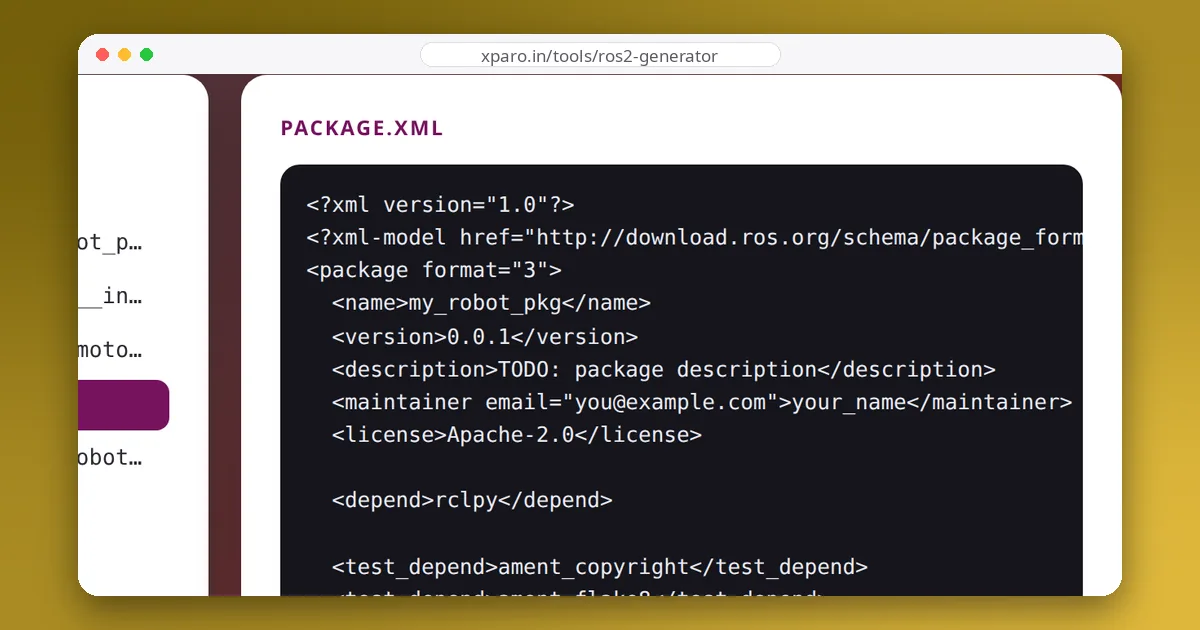
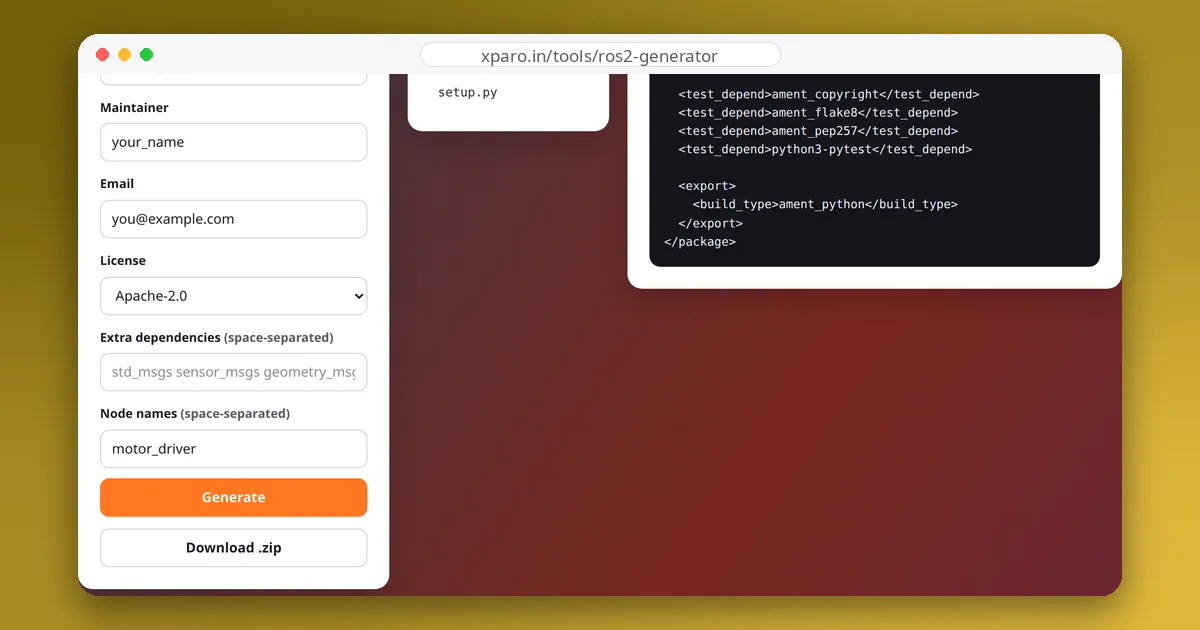
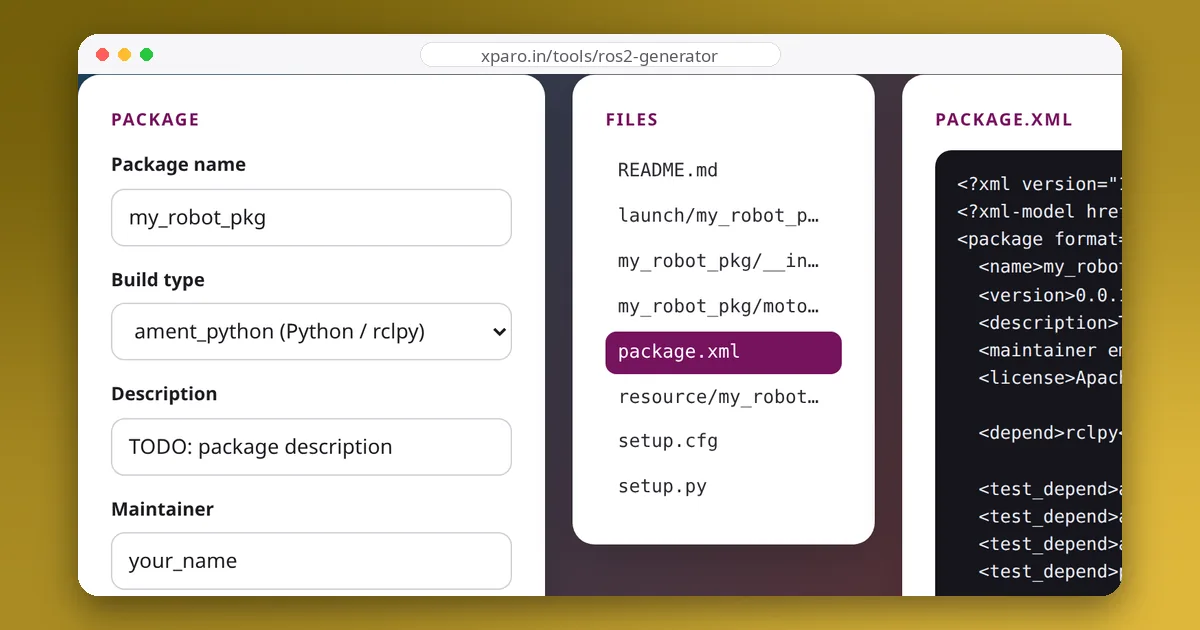
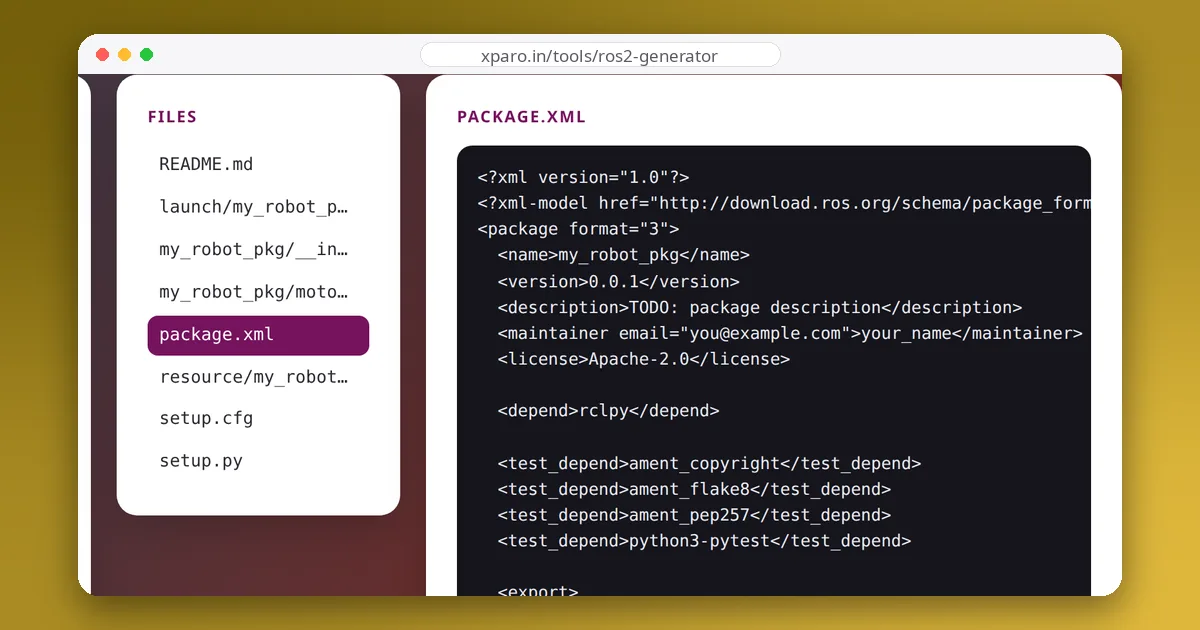
The ROS 2 Package Generator creates a correct package of either type in the browser, with nodes, entry points or CMake targets, and a launch file already wired up. We build its output with colcon on ROS 2 Jazzy as part of testing. For a tour of every file, read Anatomy of a ROS 2 package.