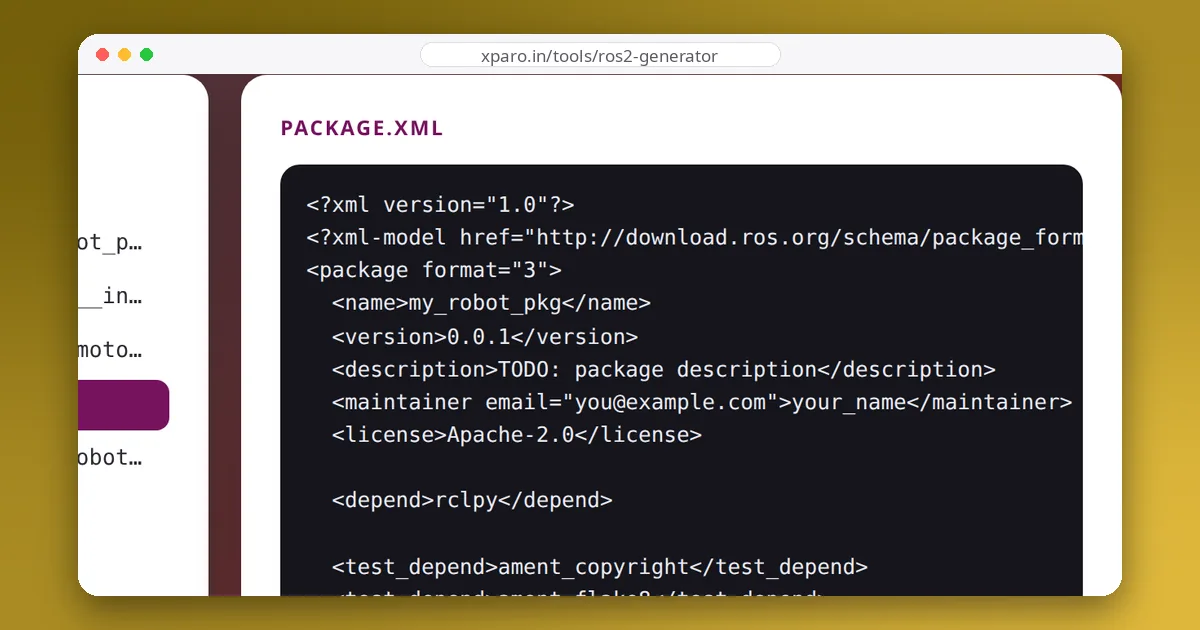
How to use the ROS 2 package generator
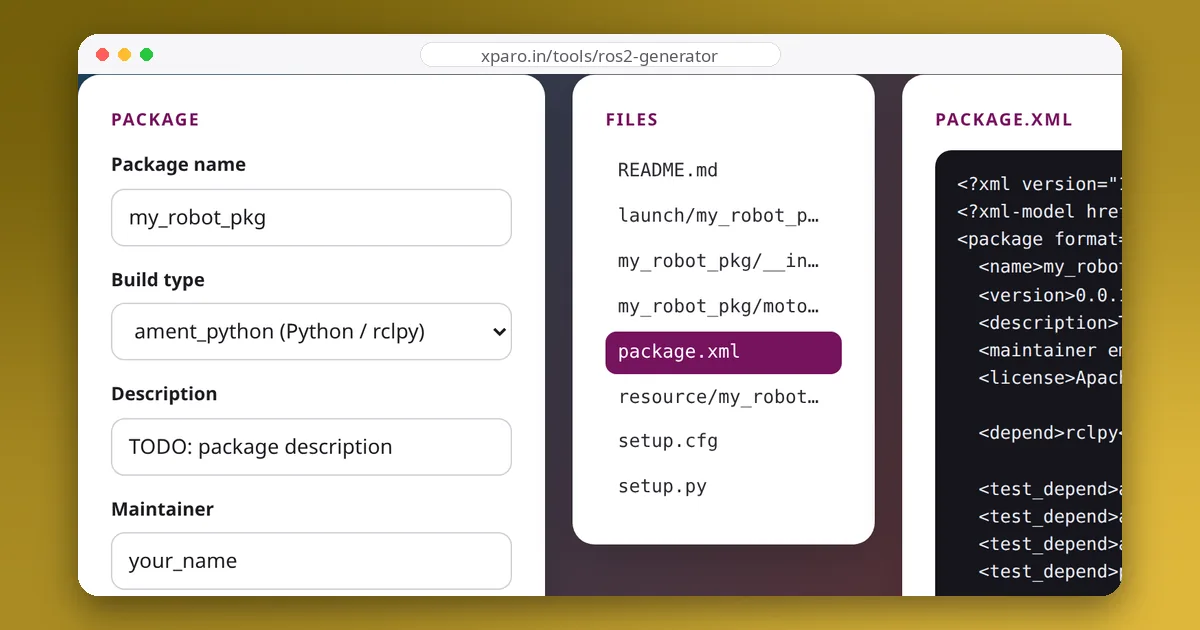
- Name the package. ROS 2 package names use lowercase letters, digits and underscores and start with a letter, such as
my_robot_driver. The generator cleans up anything else you type. - Choose the build type.
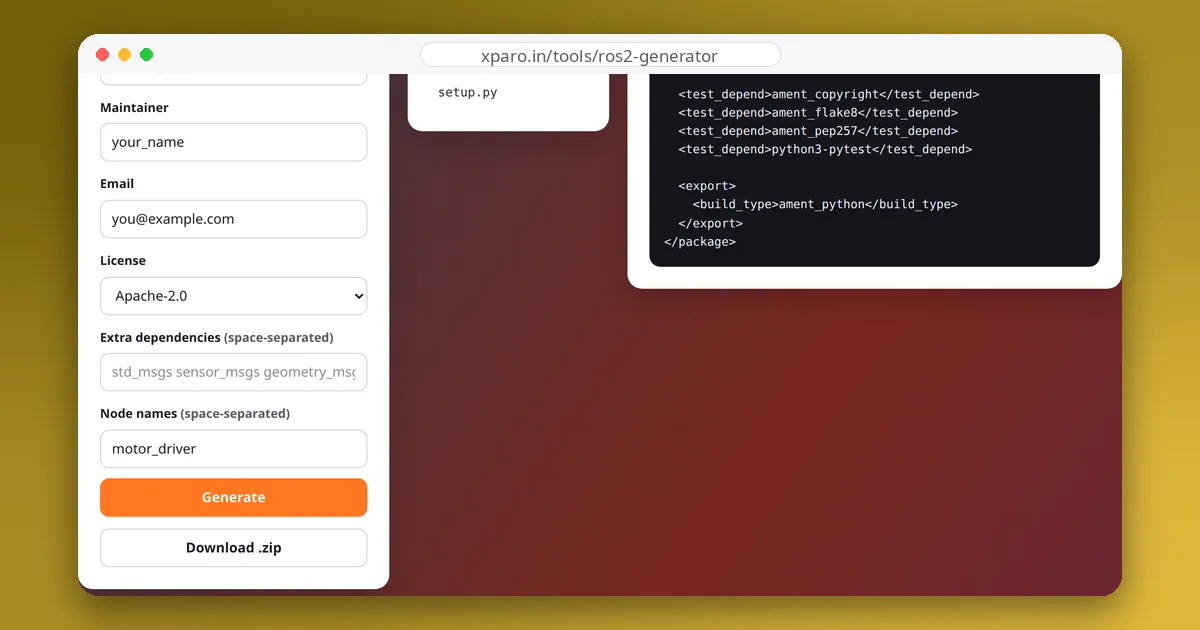
ament_pythonfor nodes written in Python with rclpy,ament_cmakefor C++ nodes with rclcpp. - List dependencies and nodes. Add the message packages you will use (for example
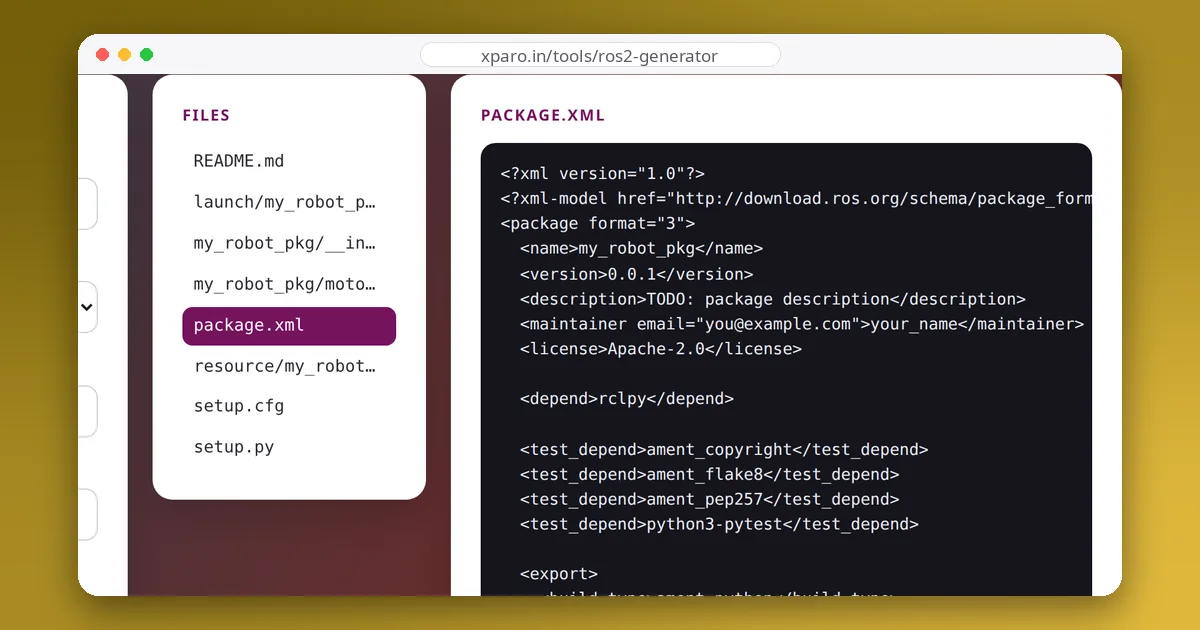
std_msgs sensor_msgs geometry_msgs) and one name per node. Every node gets a source file, a build entry and a line in the launch file. - Preview, then download. Click any file to inspect it, then download the zip, unpack it into the
srcfolder of your workspace and build.
cd ~/ros2_ws/src
unzip ~/Downloads/my_robot_pkg.zip
cd ~/ros2_ws
colcon build --packages-select my_robot_pkg
source install/setup.bash
ros2 launch my_robot_pkg my_robot_pkg_launch.py
What the generator writes
| File | Build type | Purpose |
|---|---|---|
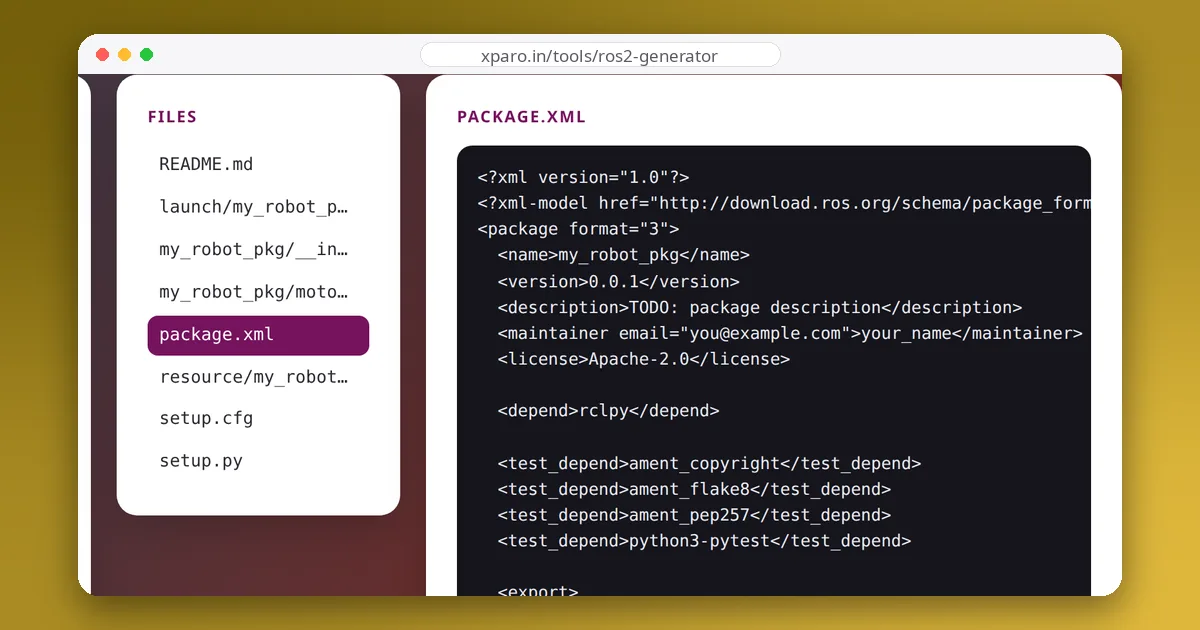
package.xml | both | Package name, version, maintainer, licence, dependencies and the build type, in package format 3. |
setup.py, setup.cfg | ament_python | Installs the Python module, the launch file and a console_scripts entry point per node, so ros2 run can find it. |
resource/<package> | ament_python | An empty marker file that registers the package in the ament index. |
CMakeLists.txt | ament_cmake | Finds dependencies, builds one executable per node and installs the executables and launch folder. |
src/*.cpp or <package>/*.py | both | A minimal node class with a one-second timer, ready for your code. |
launch/<package>_launch.py | both | A Python launch file that starts every node with screen output. |
We test the output by building both package types with colcon build on ROS 2 Jazzy and starting their launch files. The same layout works on Humble and Rolling.
After generating: next steps
- Add publishers and subscribers. Replace the timer callback with real work. The guide on writing your first publisher and subscriber below walks through it line by line.
- Add parameters. Declare parameters in the node and pass values from the launch file or a YAML file instead of hard-coding them.
- Add a dependency later. Add a
<depend>line topackage.xml; for C++ also addfind_package()and the dependency on the target inCMakeLists.txt. - Run the linters.
colcon test --packages-select my_robot_pkgruns the test dependencies declared inpackage.xmlonce you add tests.