How to use the battery calculator
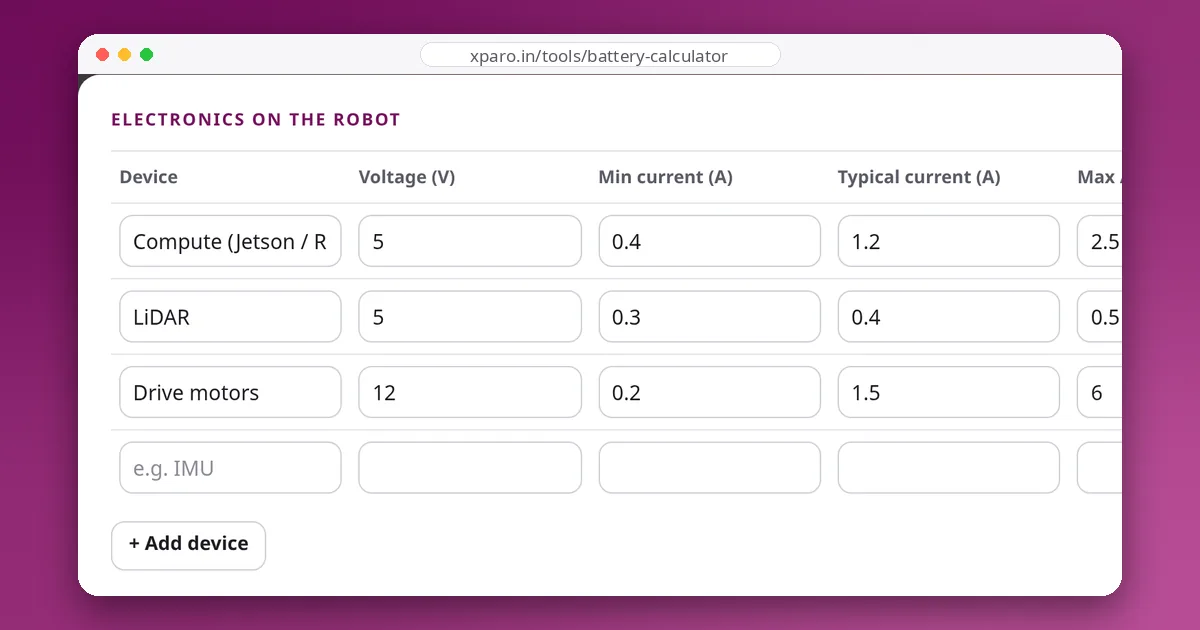
- List every device that runs from the battery. Add a row for the computer, sensors, motor drivers, motors, lights and radios. Use the voltage each device actually runs at (5 V for a Raspberry Pi, 12 V for many motors), even if a converter sits in between.
- Give three currents per device. Min is the idle draw, typical is what it draws during normal work, and max is the short peak, such as motor start-up or climbing a ramp. Datasheets give you a starting point; a measurement is better.
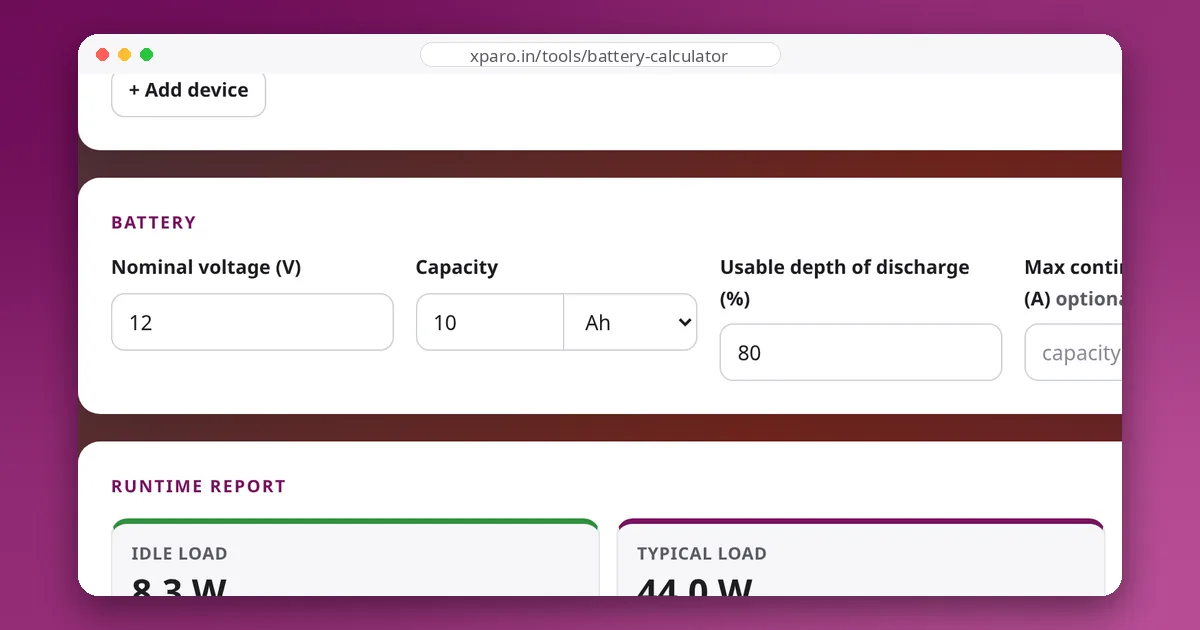
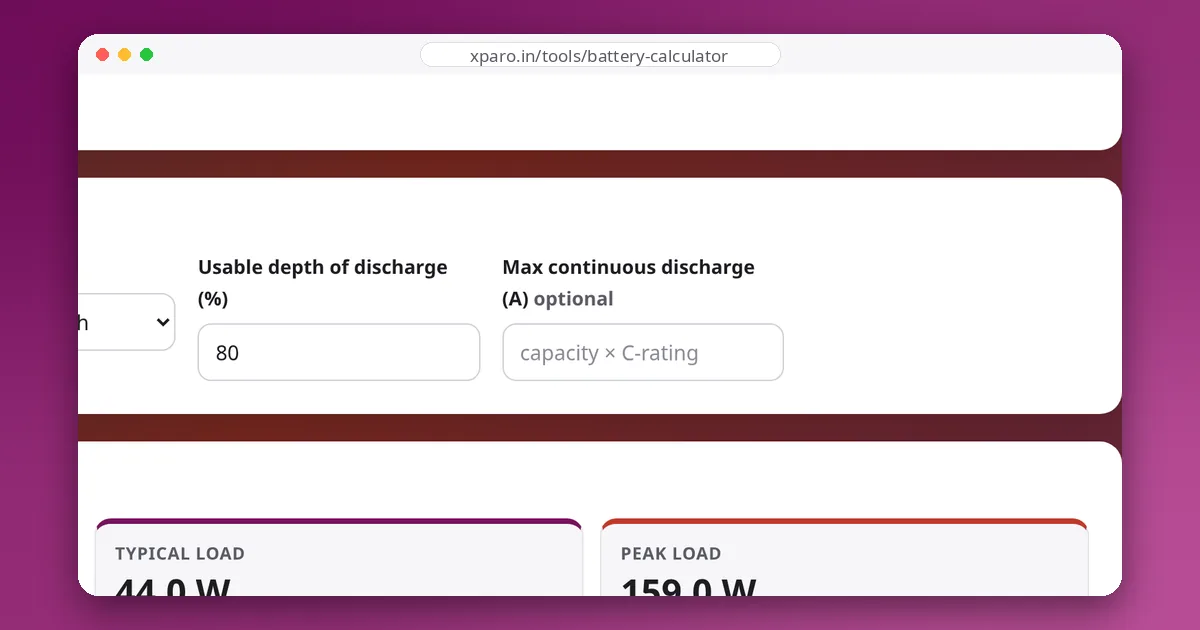
- Describe the battery. Enter the nominal pack voltage and capacity, and how much of the capacity you are willing to use (depth of discharge).
- Read the report. You get the total power and the current drawn from the pack for idle, typical and peak load, and a runtime for each. If you enter the pack's continuous current rating, the calculator warns you when the peak exceeds it.
- Working backwards? Enter a target runtime and the calculator tells you the capacity to buy at your depth of discharge.
How the runtime is calculated
Devices on a robot rarely share one voltage, so the calculator works in watts. Power is the same before and after a DC-DC converter (minus losses), which makes it the one quantity you can safely add up across 5 V, 12 V and 24 V devices.
The same steps run three times, once each for the min, typical and max currents, so you see the best case, the realistic case and the worst case side by side.
Worked example
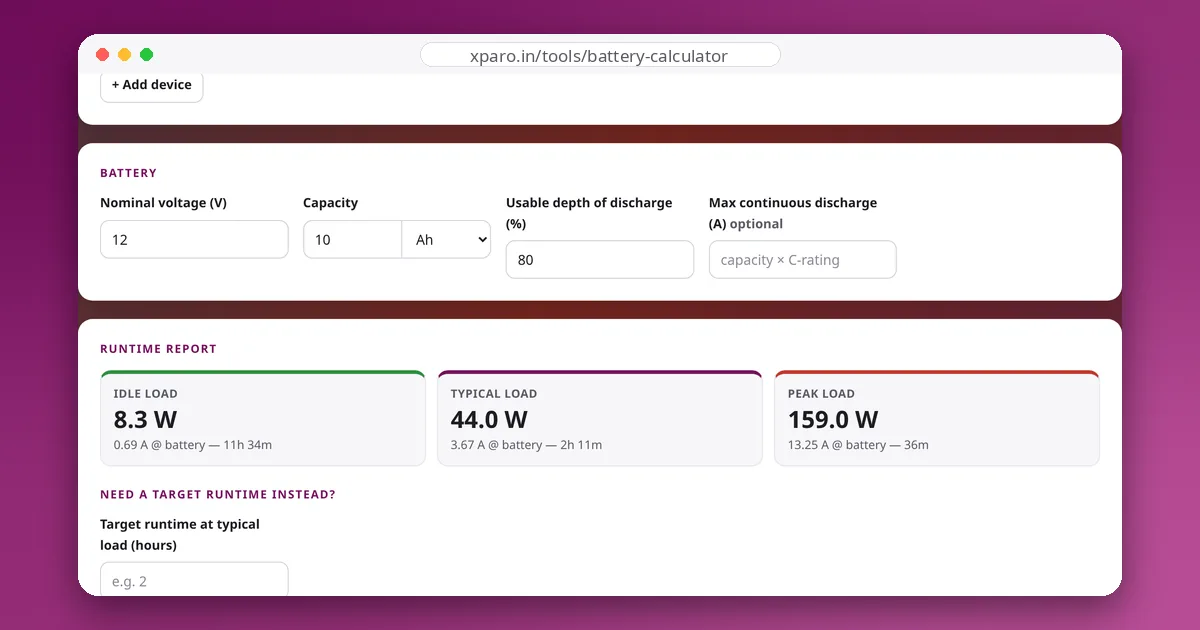
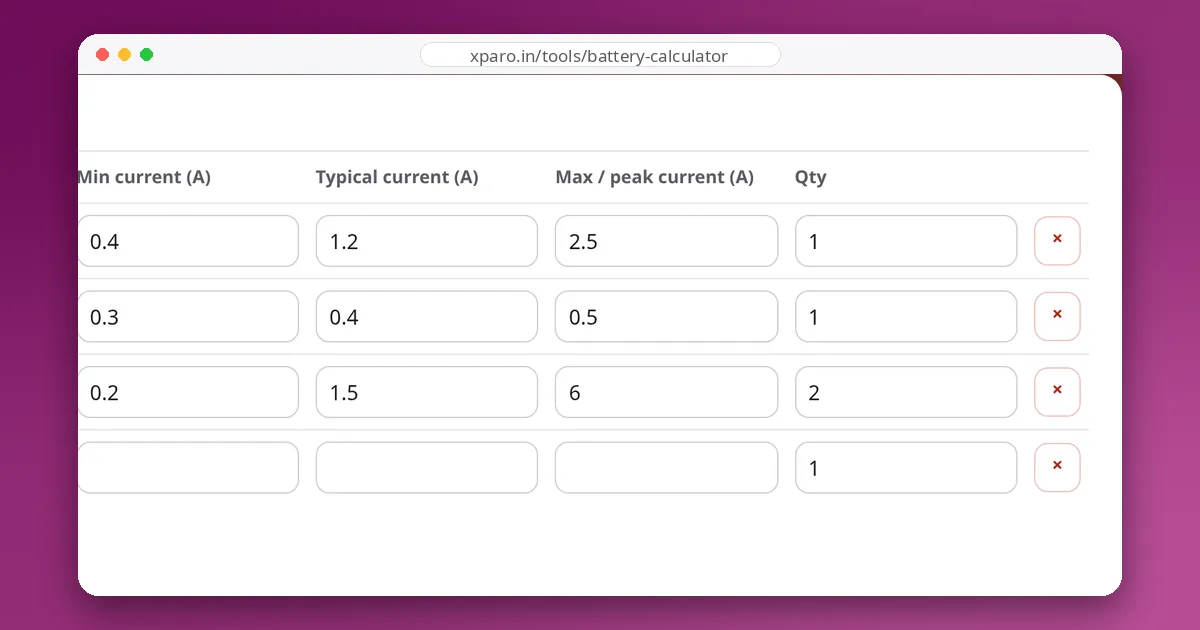
The calculator opens with a small ROS 2 rover: a single-board computer (5 V, 0.4 / 1.2 / 2.5 A), a 2D LiDAR (5 V, 0.3 / 0.4 / 0.5 A) and two 12 V drive motors (0.2 / 1.5 / 6 A each), powered by a 12 V, 10 Ah pack used to 80 percent.
| Load case | Total power | Pack current | Runtime with 8 Ah usable |
|---|---|---|---|
| Idle | 2 + 1.5 + 4.8 = 8.3 W | 8.3 ÷ 12 = 0.69 A | 8 ÷ 0.69 ≈ 11 h 34 min |
| Typical | 6 + 2 + 36 = 44 W | 44 ÷ 12 = 3.67 A | 8 ÷ 3.67 ≈ 2 h 11 min |
| Peak | 12.5 + 2.5 + 144 = 159 W | 159 ÷ 12 = 13.25 A | 8 ÷ 13.25 ≈ 36 min |
The motors dominate: they are 36 of the 44 typical watts. That is common on mobile robots, and it is why measuring the motors under a realistic load (driving on the real floor with the real payload) improves the estimate more than anything else. The peak row also tells you the pack must deliver at least 13 A continuously. A 10 Ah pack rated 2C (20 A) is fine; a 1C pack is not.
Getting realistic numbers
- Add converter losses. Buck converters are typically 85 to 95 percent efficient. Add 10 to 15 percent to the current of devices behind a converter, or treat the result as optimistic.
- Pick a sensible depth of discharge. About 80 percent for LiPo and Li-ion, 80 to 90 percent for LiFePO4, and about 50 percent for lead-acid. Going deeper costs cycle life and leaves no reserve for voltage sag at the end of the run.
- Remember temperature and age. Cold packs and packs with a few hundred cycles deliver noticeably less than their label. Keep a margin of 10 to 20 percent for both.
- Watch the duty cycle. If the robot drives half the time and waits half the time, its average power sits between the idle and typical rows, and the real runtime lands between them too.
The calculator gives a planning estimate, not a guarantee. Measure your robot's real current once it is built and update the numbers. The guides below show how.