Battery runtime estimates usually go wrong in the same few ways: the motors draw more than expected, the converters waste more than expected, and the battery delivers less than its label. This guide walks through a method that accounts for all three, using a complete example for a small ROS 2 delivery robot.
The idea in one line
Runtime is the energy you can safely take out of the battery divided by the average power the robot uses:
Everything else in this guide is about getting those two numbers right. Working in watts and watt-hours, rather than amps and amp-hours, matters because a robot's devices run at different voltages. A 5 V camera drawing 0.7 A does not take 0.7 A from a 25 V battery; it takes about a fifth of that, plus the converter's losses. Power passes through a converter almost unchanged, so watts can be added up across all devices.
Step 1: list every load and its power
Write down every device that runs from the battery, the voltage it runs at, and how much current it draws in each mode you care about. Our example robot is an indoor delivery platform with a 7S lithium-ion pack (25.2 V nominal, 10 Ah, so 252 Wh). The figures below are typical values for this class of hardware, not the specification of any particular product; measure your own when you can.
| Device | Supply | Typical draw | Device power | From the pack (90 % converter) |
|---|---|---|---|---|
| Onboard computer | 19 V converter | 0.79 A | 15.0 W | 16.7 W |
| 2D LiDAR | 5 V converter | 0.5 A | 2.5 W | 2.8 W |
| Depth camera | 5 V converter | 0.7 A | 3.5 W | 3.9 W |
| Wi-Fi router | 12 V converter | 0.5 A | 6.0 W | 6.7 W |
| Two drive motors, cruising | pack voltage via drivers (95 %) | 0.6 A each | 30.2 W | 31.8 W |
Notice the last column. Each converter adds its losses on the battery side, so the pack supplies 16.7 W for a 15 W computer. Buck converters are typically 85 to 95 percent efficient at moderate load and worse at very light load, so 90 percent is a reasonable planning figure.
Step 2: describe how the robot actually spends its time
Very few robots drive all the time. A delivery robot drives to a room, waits to be unloaded, and drives back. The robot's power in each mode:
- Driving: all electronics plus the motors: 16.7 + 2.8 + 3.9 + 6.7 + 31.8 = 61.8 W, which is 2.45 A from a 25.2 V pack.
- Waiting: the electronics stay on, the motors idle: 30.0 W, or 1.19 A.
If a typical shift is 40 percent driving and 60 percent waiting, the average power is a weighted mean:
This step is the one most often skipped, and it changes the answer by a lot. Driving non-stop, this robot would last about 3.5 hours; waiting all day, about 7 hours. The real answer sits in between and depends entirely on the duty cycle.
Step 3: work out the usable energy
A pack's label gives its full capacity, but you should not plan to use all of it. Running lithium cells down to empty shortens their life, and the voltage sags at the end of the discharge, which can brown out a computer before the pack is truly flat. Planning to use 80 to 90 percent of a lithium-ion pack is a common compromise:
For lead-acid batteries, use about 50 percent if you want a reasonable cycle life. For LiFePO4, 80 to 90 percent is usual.
Step 4: divide
You can do the same sum in amps: 214 Wh is 8.5 Ah at 25.2 V, and 42.7 W is 1.69 A, so 8.5 ÷ 1.69 ≈ 5.0 hours. Watts are simply easier to keep consistent when devices sit behind converters.
Step 5: allow for the real world
The 5-hour figure is for a new pack at room temperature. Several effects reduce it in practice:
- Ageing. Lithium-ion cells typically lose 10 to 20 percent of their capacity over a few hundred cycles. At 80 percent capacity, the example robot lasts about 4.0 hours.
- Cold. Below about 10 °C, lithium cells deliver noticeably less energy, and their internal resistance rises, which makes voltage sag worse.
- Peaks. Starting, turning on the spot and climbing ramps draw several times the cruising current. They are short, but they add up, and the voltage sag they cause can trigger a low-voltage cut-off early.
- Lead-acid's Peukert effect. Lead-acid batteries deliver less total capacity when discharged quickly. A 20-hour rating can shrink considerably at a 1-hour rate.
- Things you forgot. Indicator lights, a USB hub, a cooling fan, a speaker. Small loads run all the time.
A planning margin of 20 to 30 percent below the calculated figure is sensible. For our robot, plan on about 4 hours between charges and measure the real figure in the first week of use.
Working backwards: sizing a pack for a target runtime
If you know how long the robot must run, reverse the calculation:
For 6 hours at 42.7 W, with 85 percent depth of discharge and an allowance for 80 percent capacity after ageing: 42.7 × 6 ÷ 0.85 ÷ 0.8 ≈ 377 Wh, which is about 15 Ah at 25.2 V. Before ordering, check that the pack can also deliver your peak current; our guide to C-ratings and voltage sag explains how.
Do it in the calculator
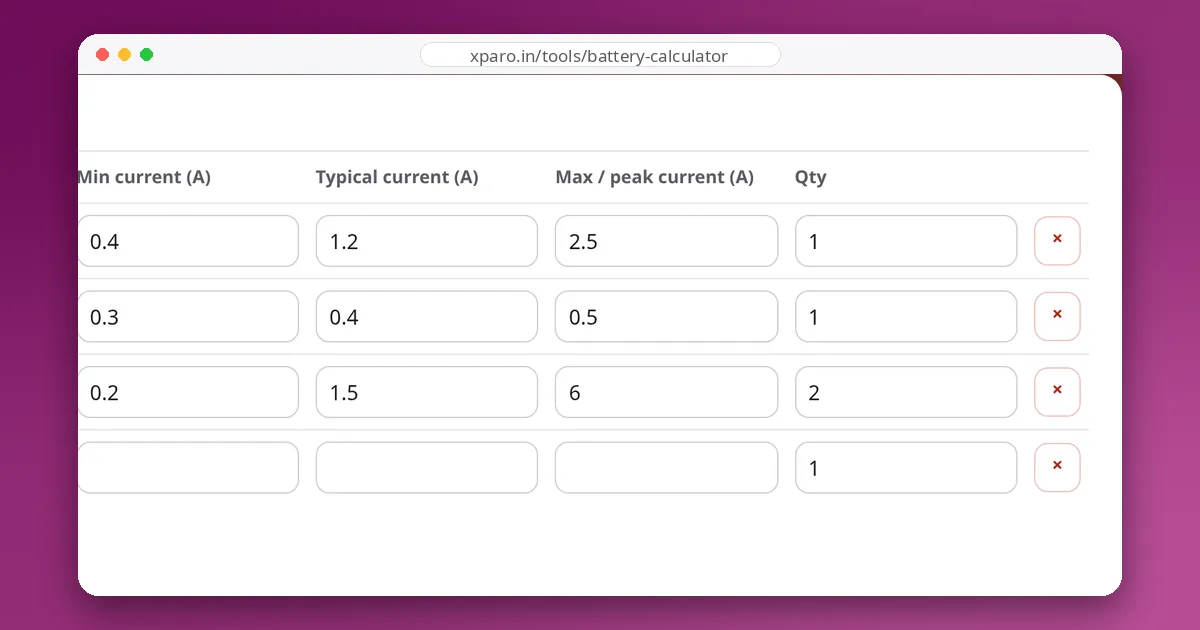
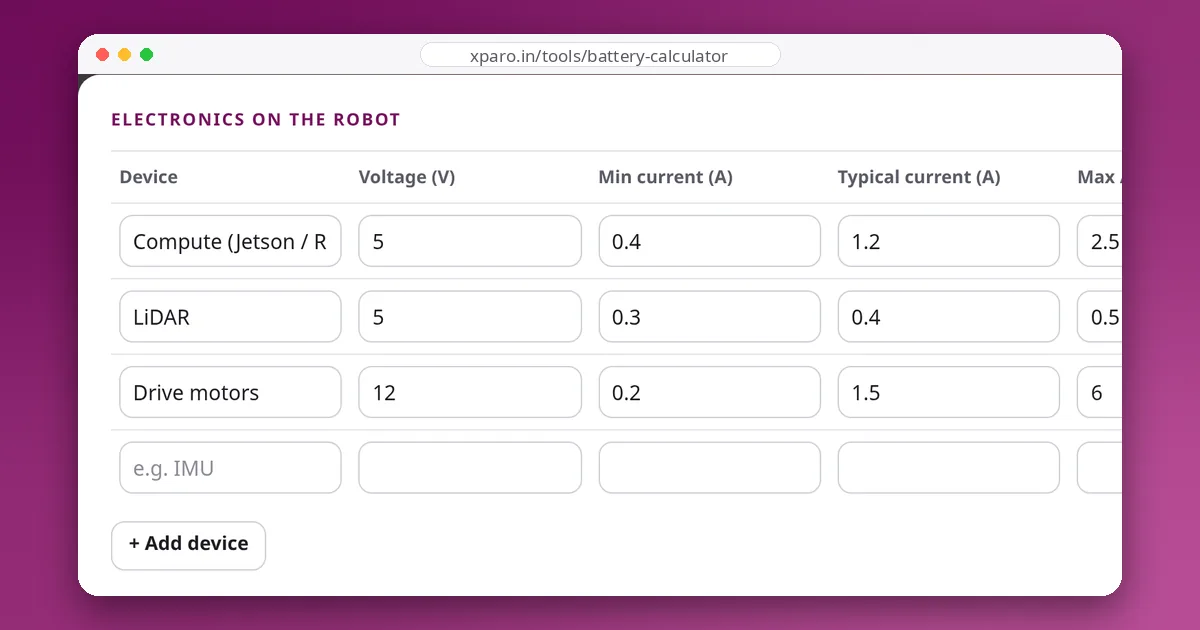
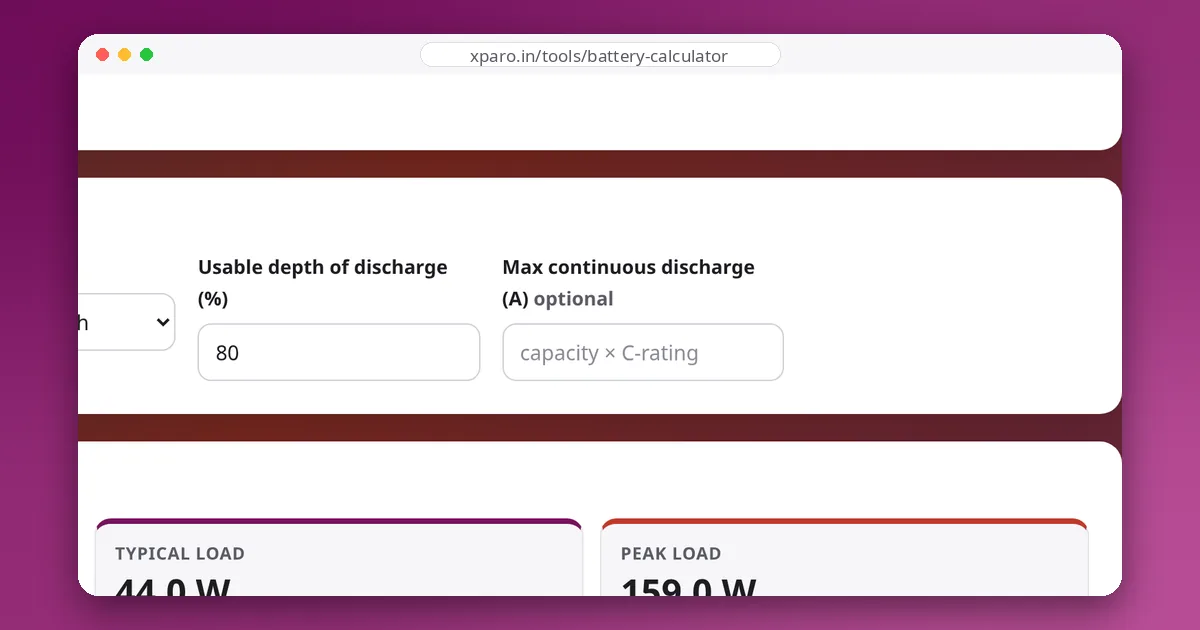
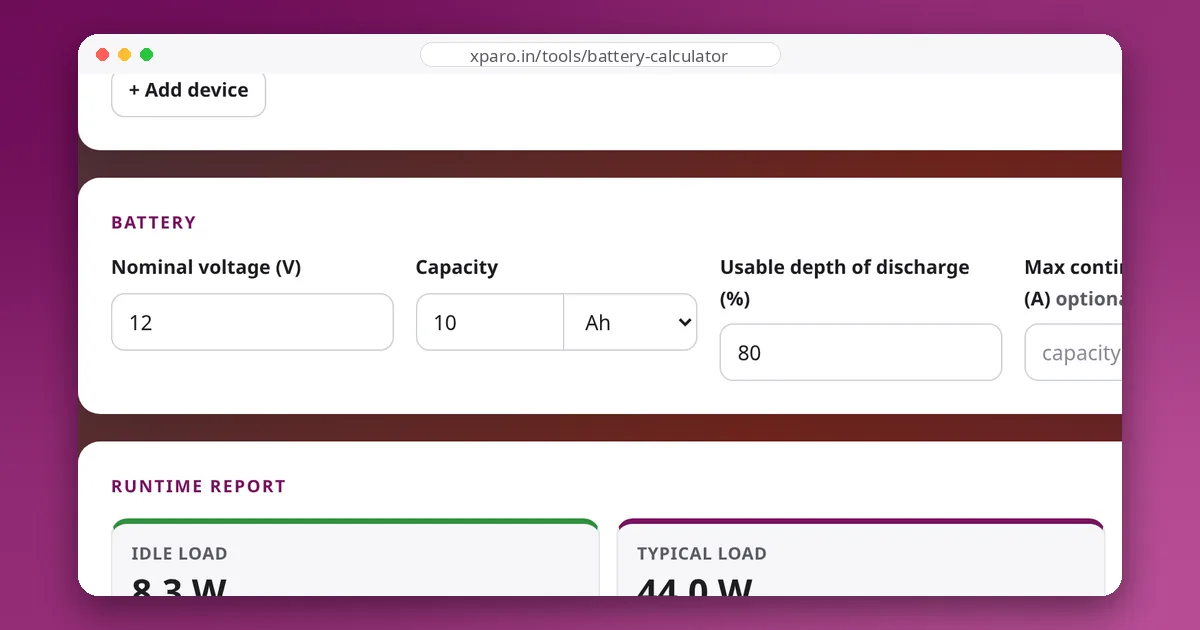
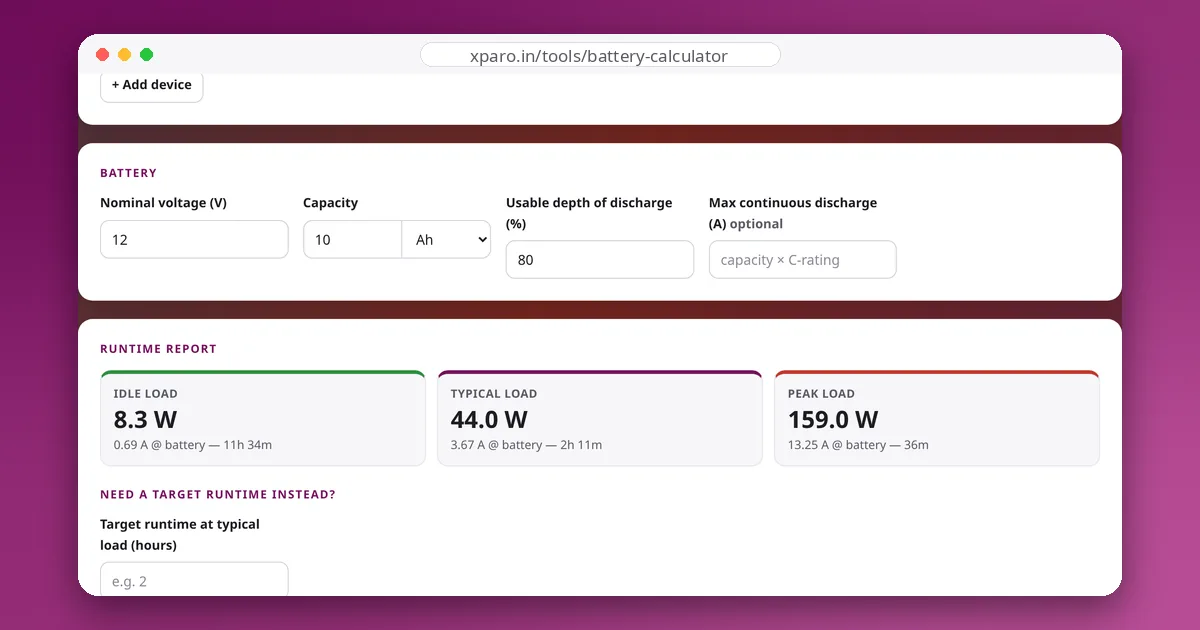
The Battery Backup Calculator runs these steps for you. Enter each device with its idle, typical and peak current, describe the pack, and it reports power, pack current and runtime for each case, and the capacity needed for a target runtime. Use the idle row for the waiting mode and the typical row for driving, then weight them by your duty cycle as in step 2.
Checklist
- List every load, including the small ones that are always on.
- Convert everything to watts and add converter losses.
- Weight driving and waiting by the real duty cycle.
- Use 80 to 90 percent of a lithium pack, about 50 percent of lead-acid.
- Keep 20 to 30 percent margin for ageing, cold and peaks.
- Replace estimates with measured currents as soon as the robot runs.