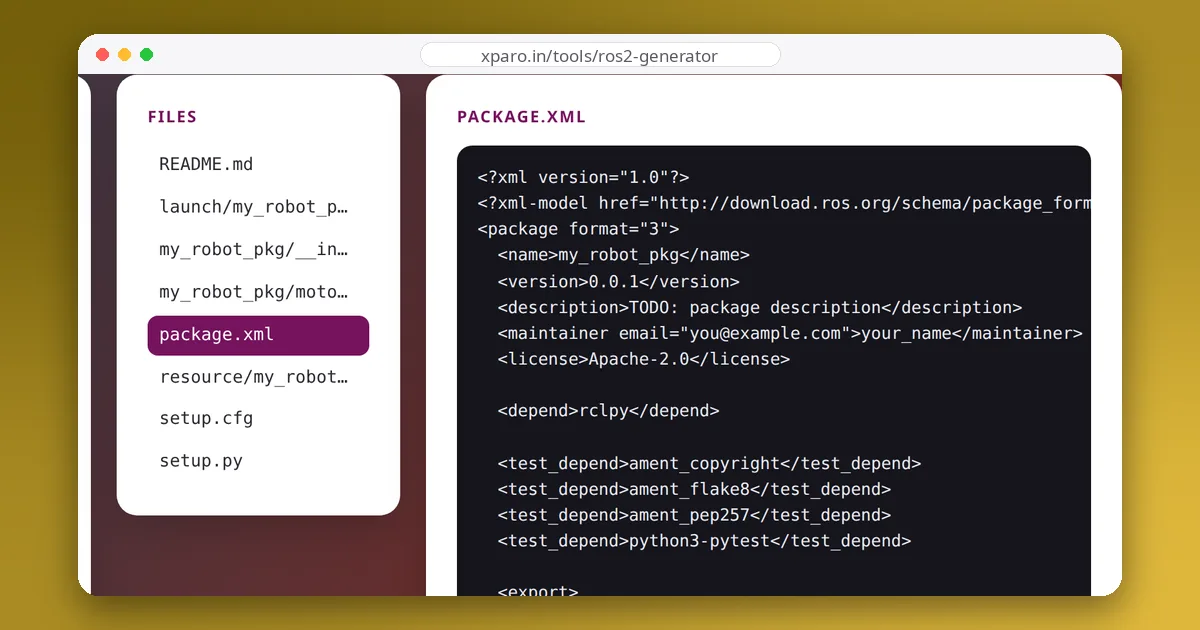
A new ROS 2 package contains half a dozen files that beginners copy without reading, until one of them breaks the build. This guide goes through a package file by file, explains what each line does, and lists the mistakes that cause most first-week build failures.
The layout
Here is a Python package, as ros2 pkg create --build-type ament_python makes it on ROS 2 Jazzy, with a node, a launch file and a configuration file added:
robot_demo/
├── package.xml            # name, version, dependencies, build type
├── setup.py               # what to install and where
├── setup.cfg              # where ros2 run finds the executables
├── resource/robot_demo    # empty marker file for the ament index
├── robot_demo/            # the Python module (same name as the package)
│   ├── __init__.py
│   └── talker.py
├── launch/demo.launch.py
├── config/talker.yaml
└── test/                  # copyright, flake8 and pep257 checks
A C++ package swaps setup.py, setup.cfg and resource/ for a CMakeLists.txt, and keeps source files in src/ and headers in include/<package>/.
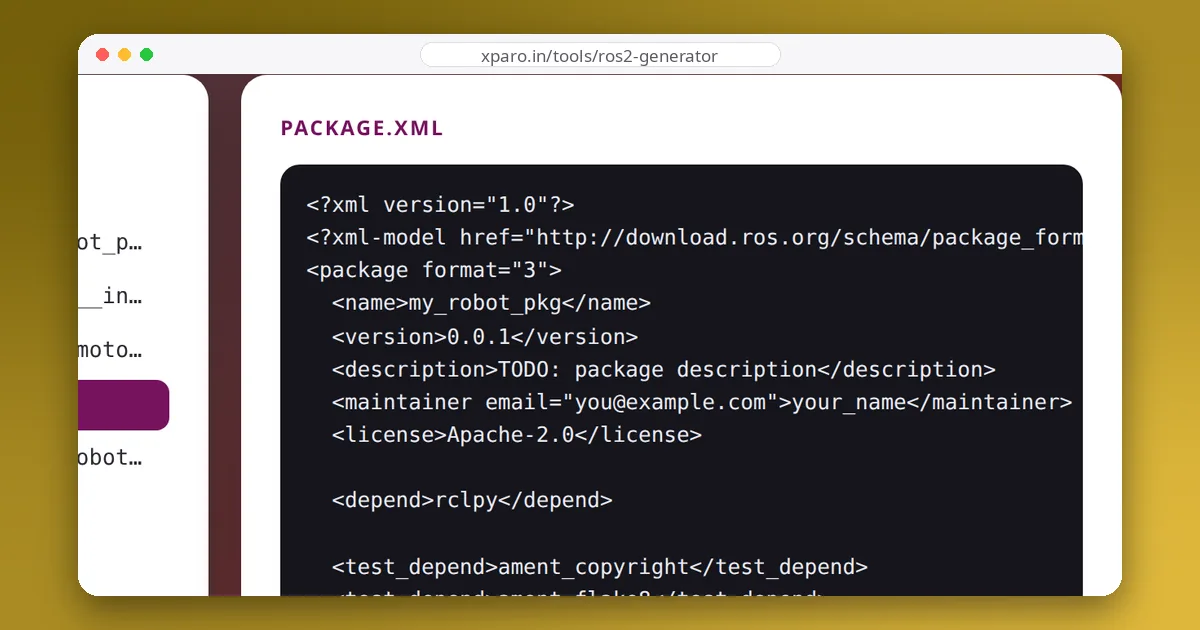
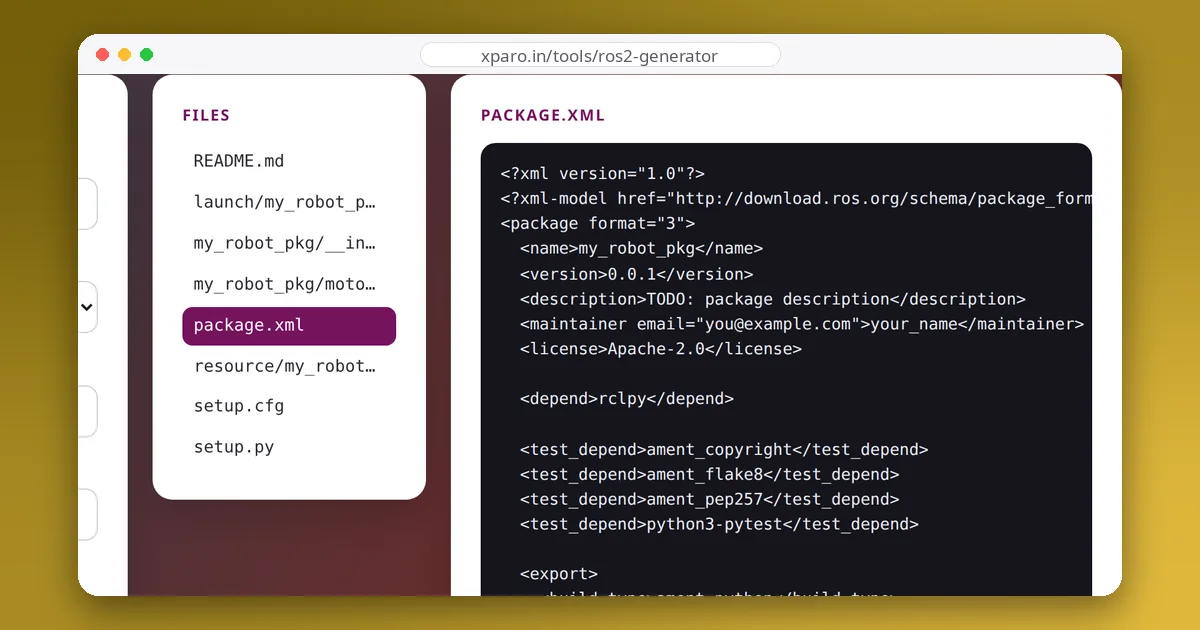
package.xml: what the package is and needs
<package format="3">
  <name>robot_demo</name>
  <version>0.0.0</version>
  <description>Talker and listener demo</description>
  <maintainer email="[email protected]">Your Name</maintainer>
  <license>Apache-2.0</license>

  <depend>rclpy</depend>
  <depend>std_msgs</depend>
  <exec_depend>launch_ros</exec_depend>

  <test_depend>python3-pytest</test_depend>

  <export>
    <build_type>ament_python</build_type>
  </export>
</package>- name must match the folder's package name and, for Python packages, the module directory. Use lowercase letters, digits and underscores, starting with a letter.
- Dependency tags say when each dependency is needed:
dependmeans build and run time,build_dependonly to build,exec_dependonly to run,test_dependonly for tests, andbuildtool_dependfor the build system itself (C++ packages need<buildtool_depend>ament_cmake</buildtool_depend>). - export / build_type tells colcon how to build the package.
These declarations are not decoration. rosdep install --from-paths src --ignore-src -y reads them to install missing system packages, and colcon uses them to order builds in a workspace. A dependency used in code but missing here builds on your machine and fails on the next one.
setup.py: what gets installed
from glob import glob
from setuptools import find_packages, setup

package_name = 'robot_demo'

setup(
    name=package_name,
    version='0.0.0',
    packages=find_packages(exclude=['test']),
    data_files=[
        ('share/ament_index/resource_index/packages', ['resource/' + package_name]),
        ('share/' + package_name, ['package.xml']),
        ('share/' + package_name + '/launch', glob('launch/*.launch.py')),
        ('share/' + package_name + '/config', glob('config/*.yaml')),
    ],
    install_requires=['setuptools'],
    zip_safe=True,
    entry_points={
        'console_scripts': [
            'talker = robot_demo.talker:main',
        ],
    },
)- packages finds the Python module directory to install.
- data_files copies non-Python files into the install space. The first entry registers the package in the ament index, which is how
ros2 pkg listandFindPackageSharefind it. Launch and configuration files must be listed here or they will not be installed. - entry_points creates one executable per node: the name before
=is what you pass toros2 run, and the part after is the module and function to call.
setup.cfg: where the executables go
[develop]
script_dir=$base/lib/robot_demo
[install]
install_scripts=$base/lib/robot_demo
ROS looks for a package's executables in install/<package>/lib/<package>/. These two lines put the entry-point scripts there instead of in a generic bin/. Without them, ros2 run reports "No executable found".
CMakeLists.txt (C++ packages)
cmake_minimum_required(VERSION 3.8)
project(robot_driver)

find_package(ament_cmake REQUIRED)
find_package(rclcpp REQUIRED)
find_package(std_msgs REQUIRED)

add_executable(driver src/driver.cpp)
ament_target_dependencies(driver rclcpp std_msgs)

install(TARGETS driver DESTINATION lib/${PROJECT_NAME})
install(DIRECTORY launch DESTINATION share/${PROJECT_NAME})

ament_package()
Every find_package should have a matching dependency in package.xml. The install rules place executables in lib/<package> and data in share/<package>, mirroring what setup.py does for Python. ament_package() must be the last call.
The install space
After colcon build, nothing runs from your source folder. Everything runs from install/:
install/robot_demo/
├── lib/robot_demo/talker              # what ros2 run starts
├── lib/python3.12/site-packages/...   # the installed Python module
└── share/robot_demo/
    ├── package.xml
    ├── launch/demo.launch.py          # what ros2 launch finds
    └── config/talker.yaml
When something "isn't found", look here first. If the file is not in install/, it was not installed, so fix setup.py or CMakeLists.txt and rebuild.
Mistakes that break the build
- The module directory has a different name from the package, so
find_packagesinstalls the wrong thing. - A new node without an entry point: it never becomes an executable.
- Launch or config files missing from
data_files:ros2 launchsays the file "was not found in the share directory". - Dependencies missing from
package.xml: the build or the node fails on a fresh machine. - Forgetting to source
install/setup.bashafter building, in every new terminal.
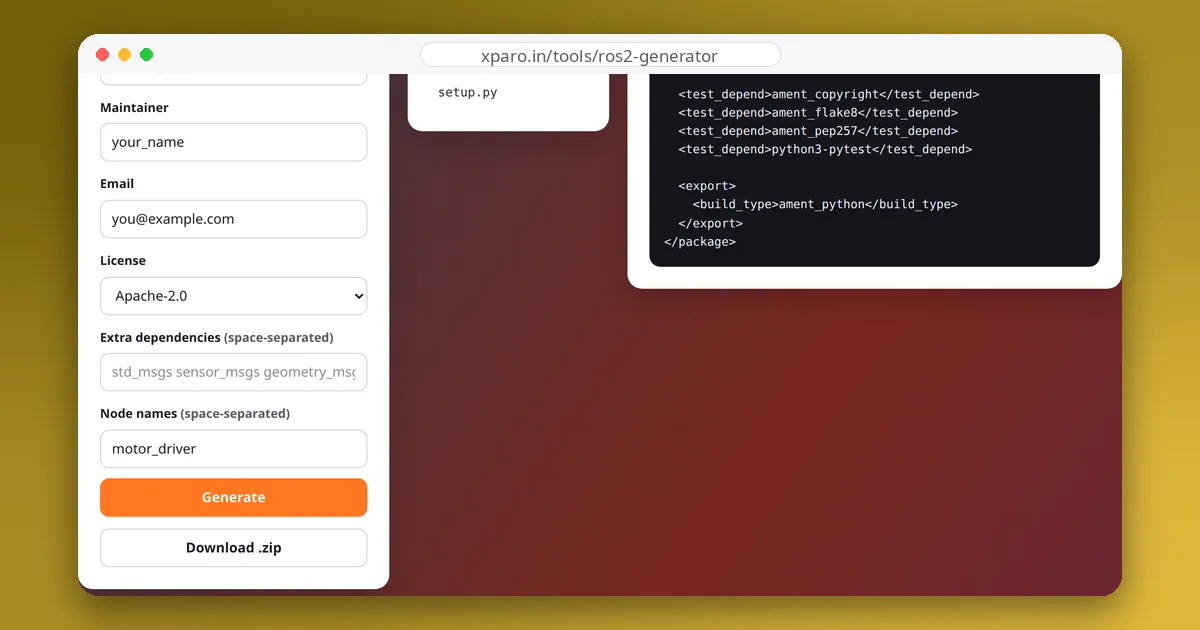
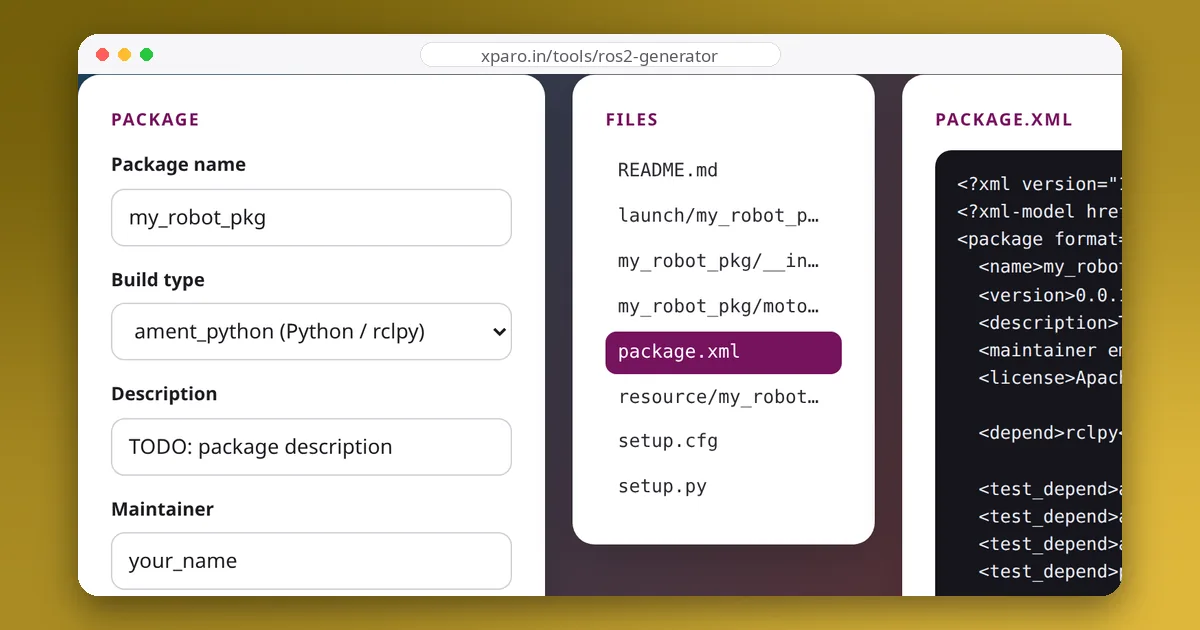
Our guide to colcon errors shows the exact messages these mistakes produce. The ROS 2 Package Generator writes all of these files correctly for you, for Python or C++, with a launch file and an entry point or CMake target for each node.