Publishing and subscribing to topics is the heart of ROS 2. This tutorial builds a talker that publishes messages and a listener that prints them, in Python with rclpy, from an empty workspace to two nodes talking to each other. Every command and file below was run on ROS 2 Jazzy while writing it.
1. Create a workspace and a package
source /opt/ros/jazzy/setup.bash
mkdir -p ~/ros2_ws/src
cd ~/ros2_ws/src
ros2 pkg create --build-type ament_python --license Apache-2.0 \
  --dependencies rclpy std_msgs -- robot_demo
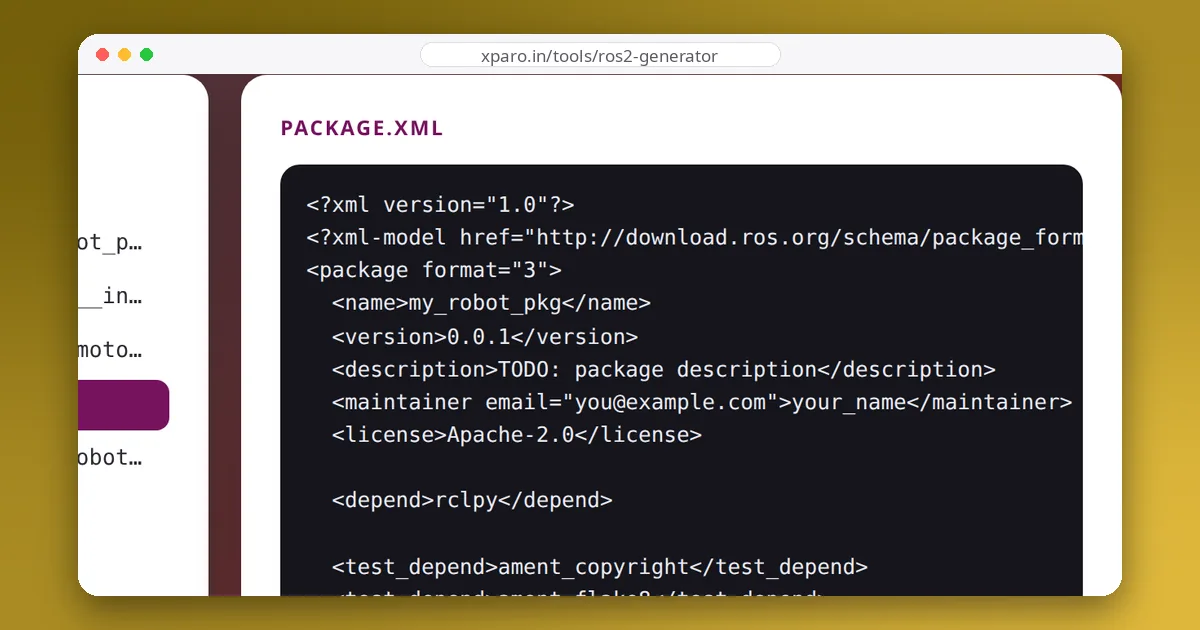
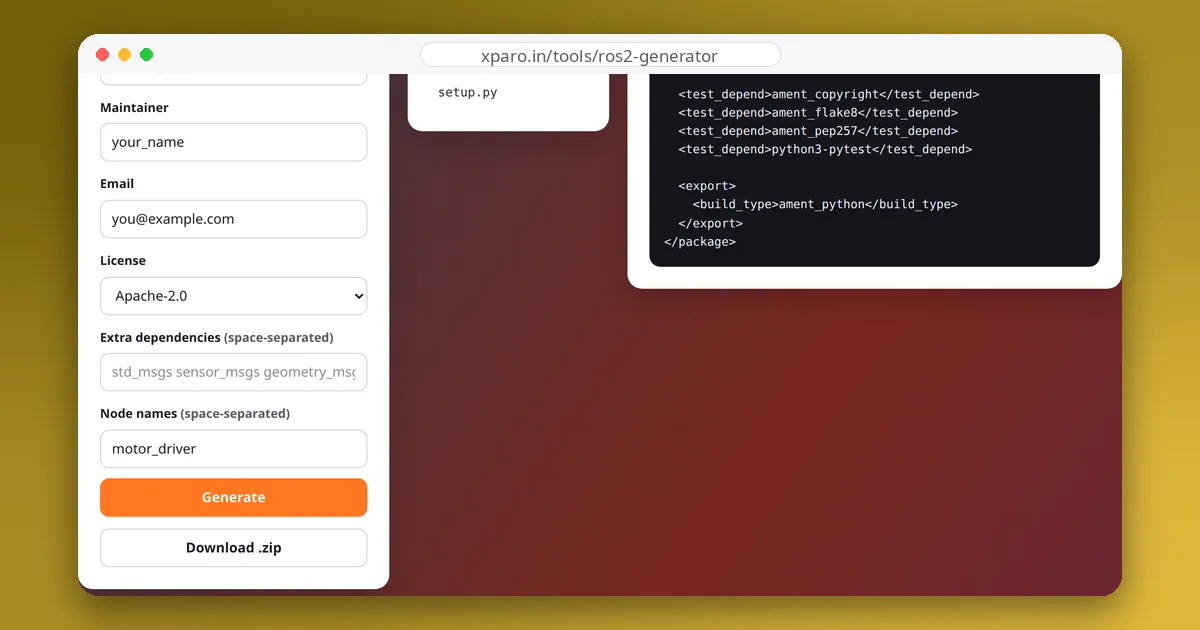
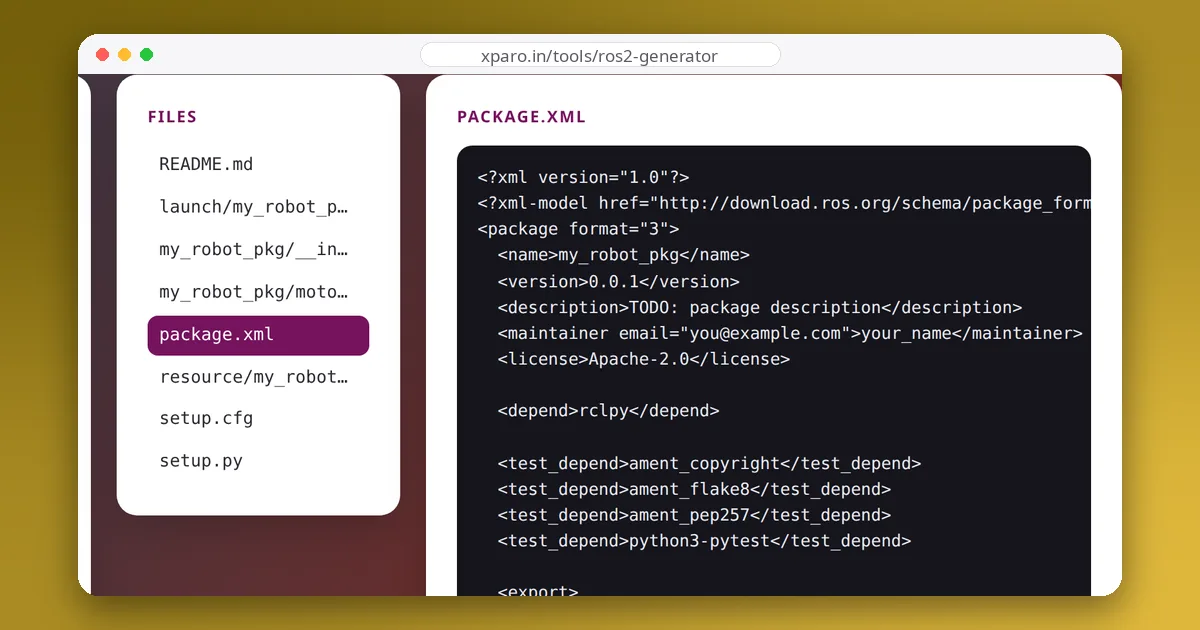
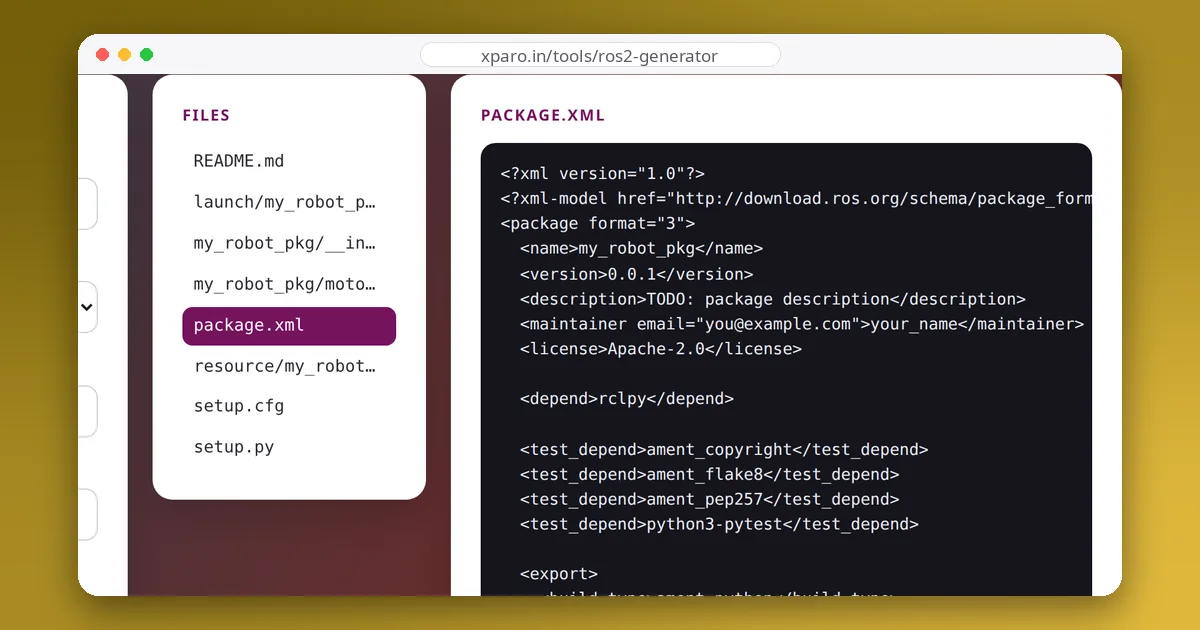
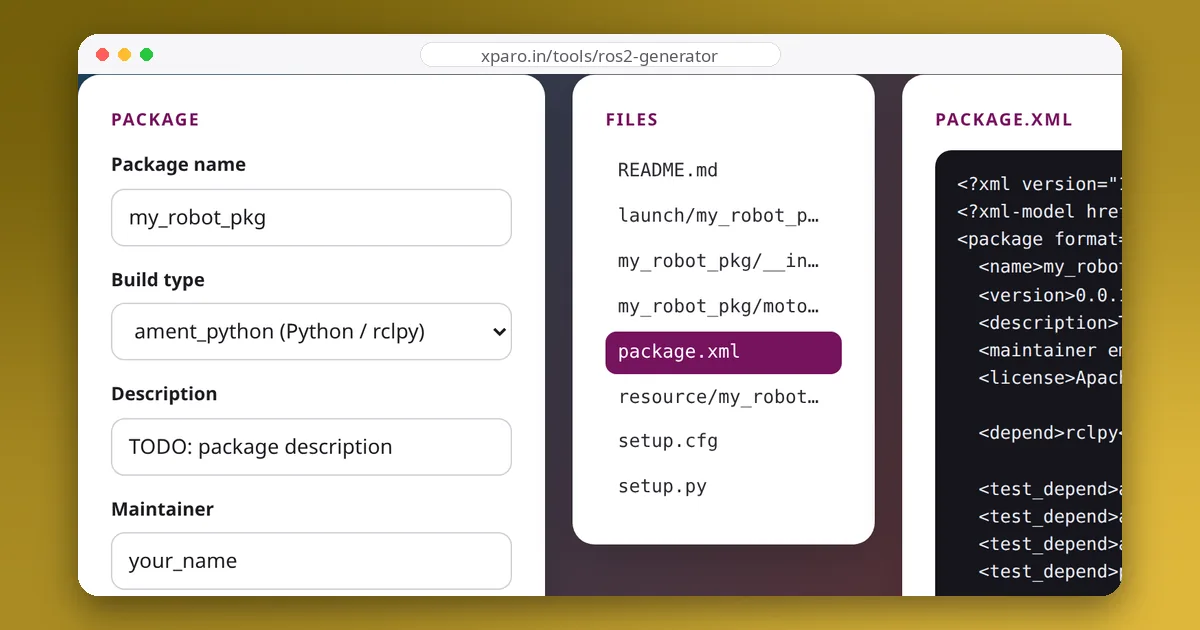
The -- before the package name stops --dependencies from swallowing it as a third dependency, a surprisingly common slip. You can also generate the package in the browser with the ROS 2 Package Generator and unzip it into src/.
2. Write the publisher
Save this as robot_demo/robot_demo/talker.py:
import rclpy
from rclpy.node import Node
from std_msgs.msg import String


class Talker(Node):
    def __init__(self):
        super().__init__('talker')
        self.declare_parameter('rate_hz', 2.0)
        self.publisher = self.create_publisher(String, 'chatter', 10)
        period = 1.0 / self.get_parameter('rate_hz').value
        self.timer = self.create_timer(period, self.publish_message)
        self.count = 0

    def publish_message(self):
        msg = String()
        msg.data = f'hello {self.count}'
        self.publisher.publish(msg)
        self.get_logger().info(f'Publishing: {msg.data}')
        self.count += 1


def main(args=None):
    rclpy.init(args=args)
    node = Talker()
    try:
        rclpy.spin(node)
    except KeyboardInterrupt:
        pass
    finally:
        node.destroy_node()
        rclpy.try_shutdown()


if __name__ == '__main__':
    main()
What each part does:
Nodesubclass: every ROS 2 program is one or more nodes. The string passed tosuper().__init__is the node's name.declare_parameter: makes the publishing rate configurable at launch time instead of hard-coded. Parameters must be declared before they are read.create_publisher(String, 'chatter', 10): the message type, the topic name, and the queue depth. The plain number is shorthand for the default "reliable, keep last 10" quality of service.create_timer: callspublish_messageperiodically from the executor, so the node never blocks.rclpy.spin: runs callbacks until you press Ctrl+C.try_shutdownavoids an error if the context was already shut down by the signal handler.
3. Write the subscriber
Save this as robot_demo/robot_demo/listener.py:
import rclpy
from rclpy.node import Node
from std_msgs.msg import String


class Listener(Node):
    def __init__(self):
        super().__init__('listener')
        self.subscription = self.create_subscription(String, 'chatter', self.on_message, 10)

    def on_message(self, msg):
        self.get_logger().info(f'I heard: {msg.data}')


def main(args=None):
    rclpy.init(args=args)
    node = Listener()
    try:
        rclpy.spin(node)
    except KeyboardInterrupt:
        pass
    finally:
        node.destroy_node()
        rclpy.try_shutdown()
Keep a reference to the subscription (here self.subscription). The callback runs each time a message arrives, in the executor's thread, so keep it short: do heavy work elsewhere.
4. Register the nodes and build
Add one entry point per node in setup.py:
entry_points={
    'console_scripts': [
        'talker = robot_demo.talker:main',
        'listener = robot_demo.listener:main',
    ],
},
Then build from the workspace root, not from inside src, and source the result:
cd ~/ros2_ws
colcon build --symlink-install --packages-select robot_demo
source install/setup.bash
--symlink-install links your Python files into the install space, so later edits to talker.py take effect without rebuilding. New entry points still need a rebuild.
5. Run it
In one terminal:
ros2 run robot_demo talkerIn a second terminal (source both setup files again first):
ros2 run robot_demo listenerOn our test machine the two terminals printed:
[INFO] [talker]: Publishing: hello 0
[INFO] [talker]: Publishing: hello 1

[INFO] [listener]: I heard: hello 0
[INFO] [listener]: I heard: hello 1
To publish faster, override the parameter: ros2 run robot_demo talker --ros-args -p rate_hz:=5.0.
6. Look inside with the command line
ros2 node list                 # /talker and /listener
ros2 topic list                # includes /chatter
ros2 topic echo /chatter       # print messages as they arrive
ros2 topic hz /chatter         # measured publishing rate
ros2 topic info /chatter -v    # publishers, subscribers and their QoS
ros2 param get /talker rate_hz
These commands are the first thing to reach for when two nodes do not seem to talk.
Quality of service in one paragraph
Each publisher and subscriber has a QoS profile. Reliability (reliable or best effort), durability (volatile or transient local) and history depth are the settings that matter most. A subscriber asking for reliable delivery will not receive anything from a best effort publisher, which is a classic cause of "the topic exists but my callback never fires" with sensor drivers. ros2 topic info -v shows each side's profile so you can spot the mismatch.
Common mistakes
- "Package 'robot_demo' not found": the terminal has not sourced
install/setup.bash. - "No executable found": the entry point is missing or misspelled, or the package was not rebuilt after adding it.
- Nothing received: different topic names (check for a missing or extra leading slash or namespace), a QoS mismatch, or two machines on different
ROS_DOMAIN_IDs. - The rate is wrong: timers depend on the executor; a callback that blocks (for example with
time.sleep) delays every other callback in the node.
Next, start both nodes with one command, with parameters and namespaces, in our guide to ROS 2 launch files. If the build fails, see common colcon errors.