Talk to Arduino and ESP32 from the Browser with the Web Serial API
Read the post →
IOT Project · October 2026
A serial monitor and plotter that runs in your browser, no IDE needed.
 By pankaj · 0 robots
About
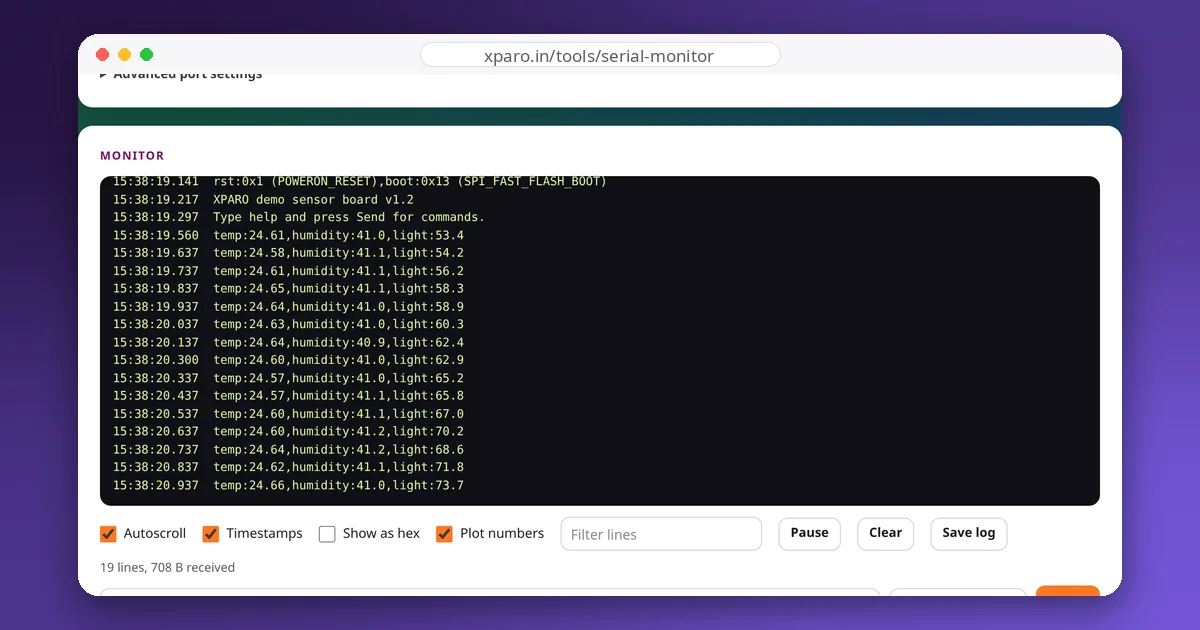
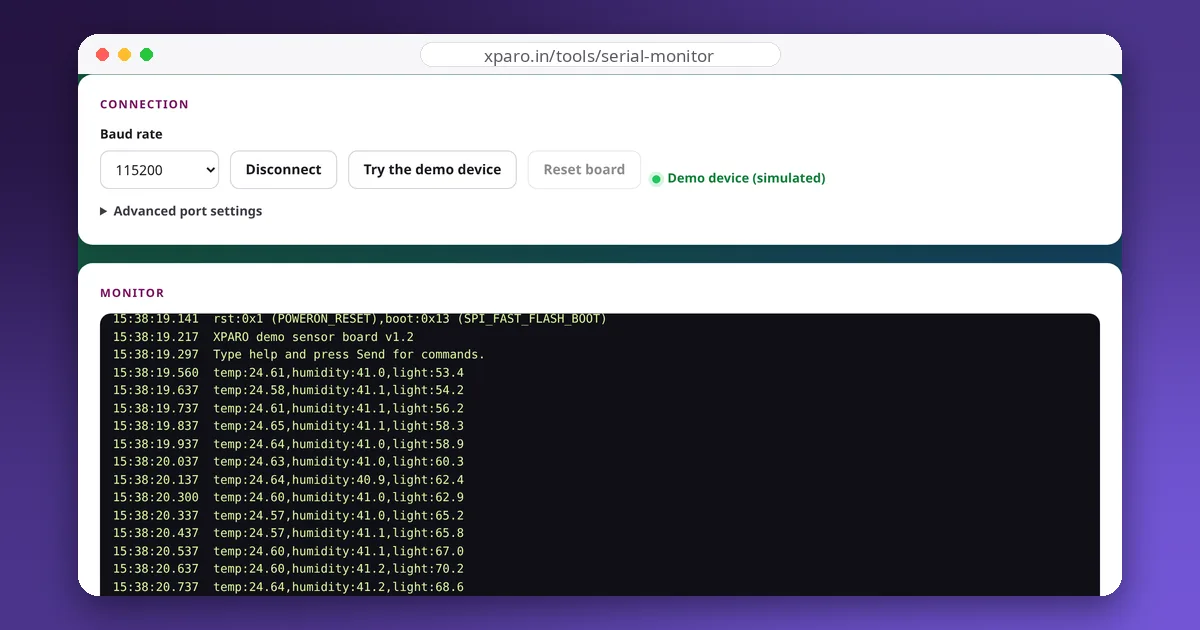
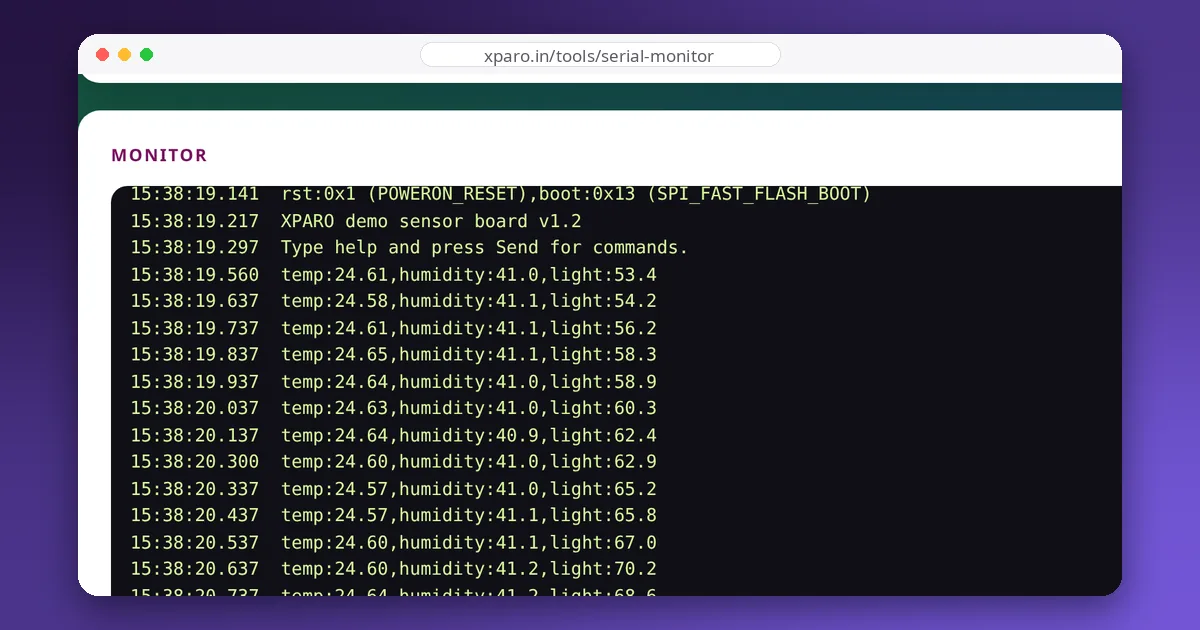
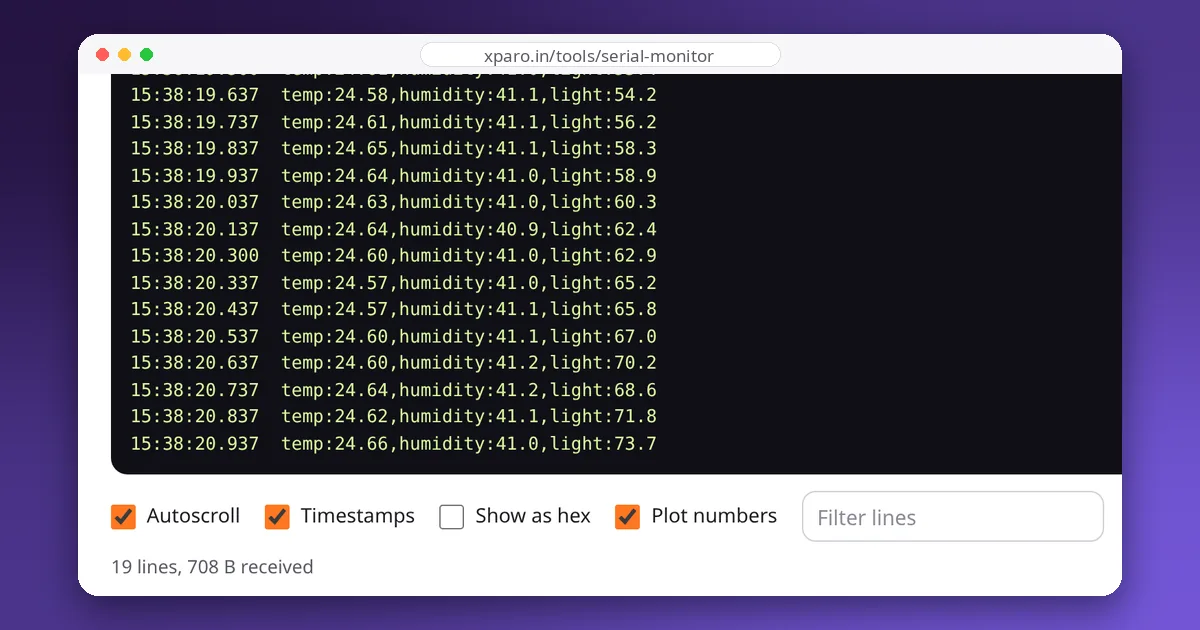
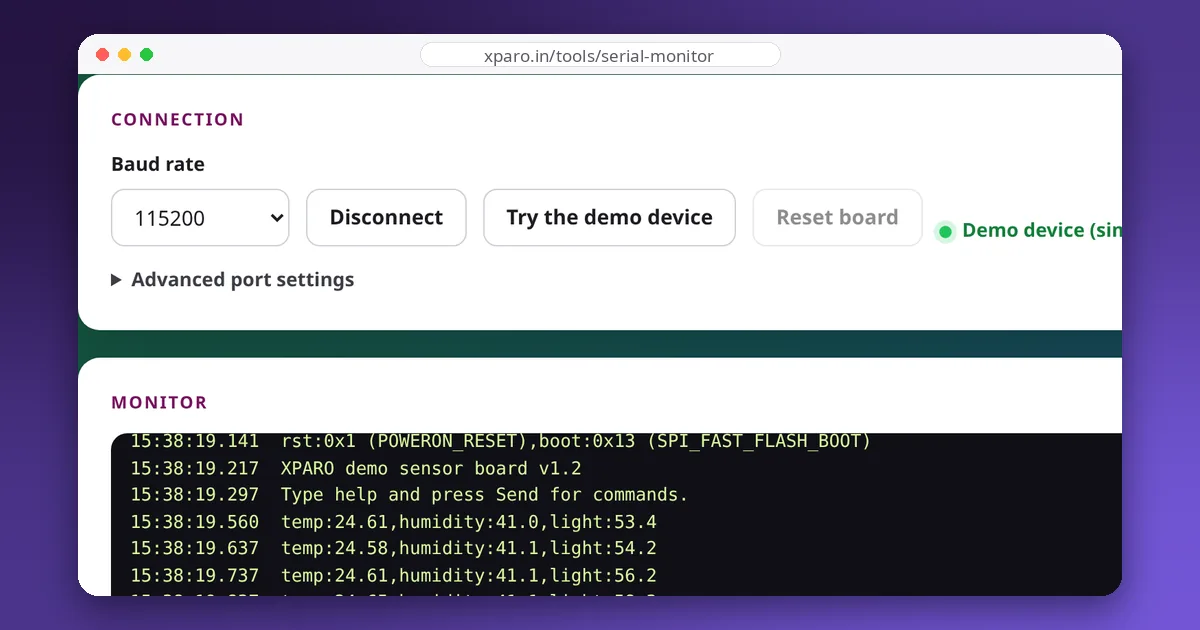
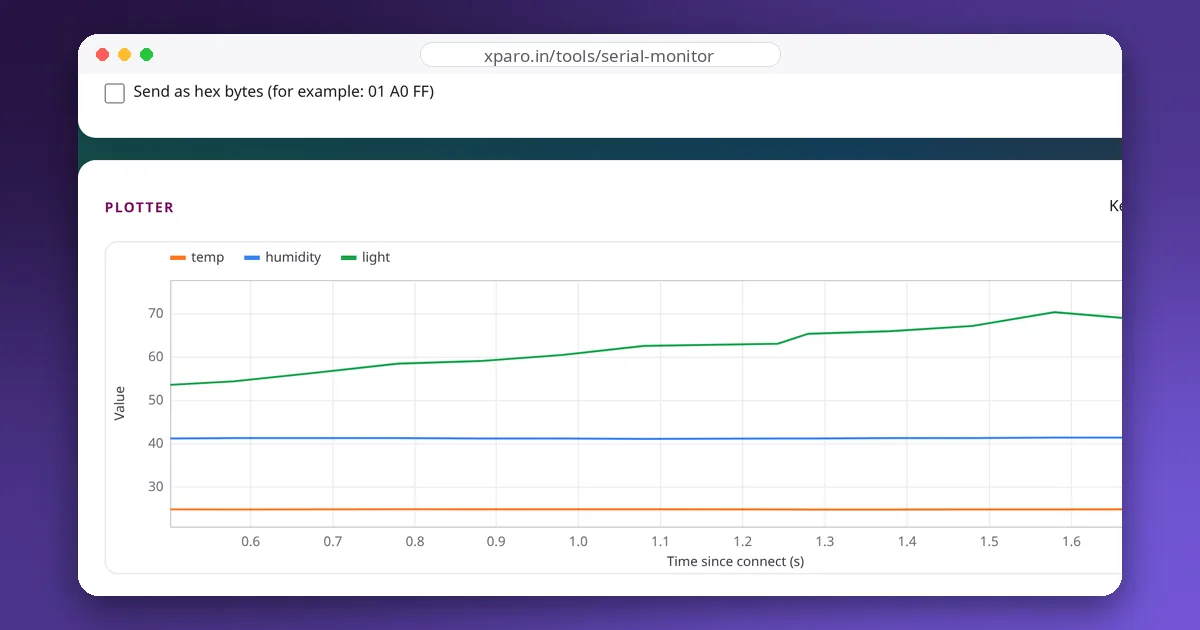
Almost every robot has a microcontroller somewhere, and the first debugging tool for a microcontroller is its serial port. The Web Serial Monitor brings a serial monitor and plotter to the browser, so you can talk to an Arduino or ESP32 from any computer with Chrome or Edge, without installing an IDE.
name:value pairs.The page uses the Web Serial API, a browser standard that lets a web page open a serial port after you pick it in the browser's own permission dialog. The data goes straight from the device to the page and is never sent to a server. Firefox and Safari do not support Web Serial yet; they can still run the demo.
Open the Web Serial Monitor. The guides below cover the Web Serial API, baud rates and line endings, a robust serial protocol for ROS 2, fixing USB serial problems, and logging data.
Gallery
Team
The team that builds, runs and answers for this project on XPARO.
Updates
Read the post →
Read the post →
Read the post →
Read the post →
Read the post →
FAQ
Desktop Chrome, Edge, Opera and other Chromium browsers support the Web Serial API. Firefox and Safari do not support it yet.
No. The browser talks to the device directly. Data stays on your computer unless you save the log yourself.
Anything that appears as a serial port: Arduino boards, ESP32 and ESP8266, STM32 boards, USB-to-UART adapters (CH340, CP210x, FTDI) and GPS or LiDAR modules with a USB serial interface.
Contact
Questions, ideas, or want to work with the team? Your message goes straight to the Web Serial Monitor team on XPARO. Add your email if you'd like a reply.