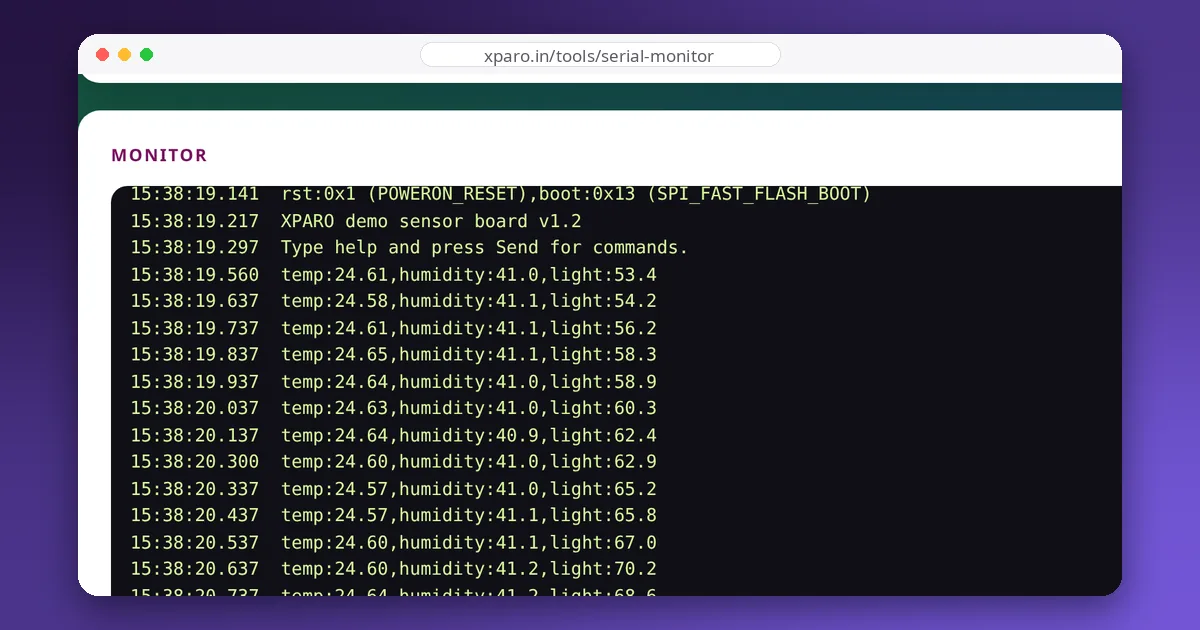
You connect to a board, open the serial monitor, and get a screen of question marks, boxes and random symbols, or nothing at all. Almost every time, the cause is one of a handful of mismatches between the two ends of the link. This guide explains what a serial link actually sends, so you can recognise each mismatch from its symptoms and fix it quickly.
What travels down the wire
A UART, the serial port in every microcontroller, sends each byte as a short pulse train. The line idles high; a start bit (low) announces a byte, then come the data bits (usually 8, least significant first), an optional parity bit, and one or two stop bits (high). The common setting "8N1" means 8 data bits, no parity, 1 stop bit: 10 bit-times per byte.
There is no clock wire. Both ends must agree in advance on how long a bit lasts, which is what the baud rate sets: at 115200 baud, a bit lasts about 8.7 µs. The receiver waits for the start bit, then samples the line in the middle of each expected bit. If the two ends disagree on the bit length, the samples drift away from the middle and land on the wrong bits.
Symptom: garbage characters
Cause: a baud rate mismatch. Set the monitor to the same rate as Serial.begin() in your firmware. If you don't know the rate, try the common ones: 115200, 9600, 57600, 38400.
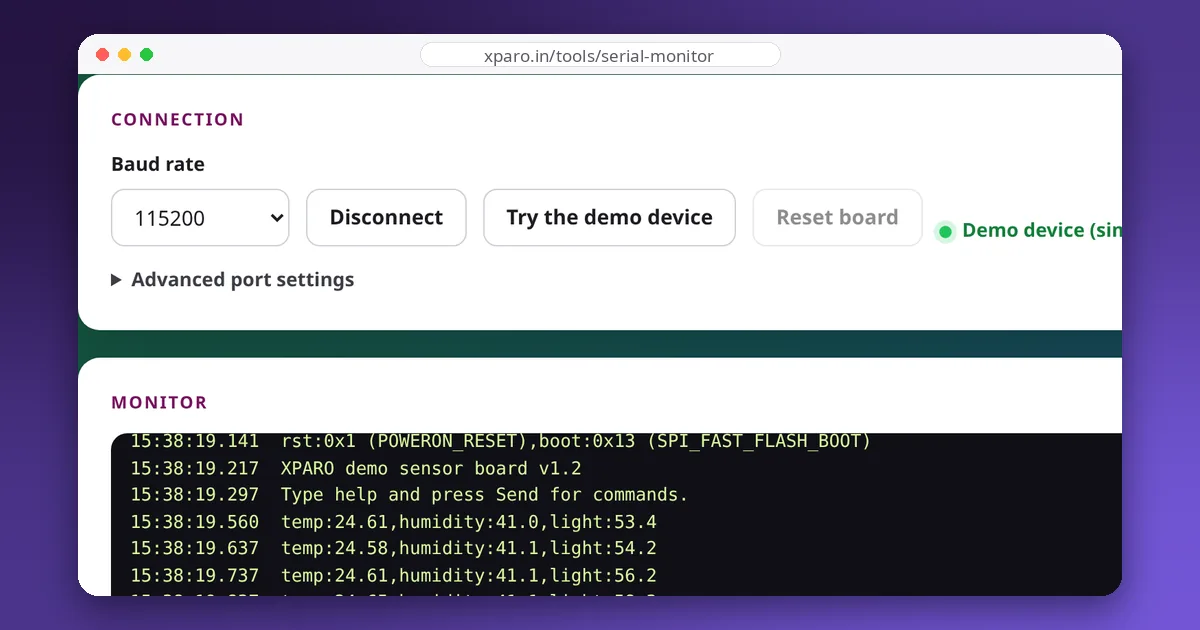
Some garbage at start-up is normal and has a different cause: boot messages printed at another rate. The ESP8266's boot ROM prints its first messages at 74880 baud before your sketch starts at, say, 115200, so a few garbled lines appear and then clean output. Setting the monitor to 74880 makes the boot messages readable, which helps when diagnosing reset problems.
Clock error matters too. A microcontroller can only approximate a baud rate by dividing its own clock. On a 16 MHz Arduino Uno, 9600 baud comes out 0.16 % fast, but 115200 comes out 2.1 % fast (with the double-speed mode the Arduino core uses). Two links that are each a couple of percent off in opposite directions can fail where either alone would work, which is why 115200 between two cheap boards is sometimes flaky while 57600 is solid.
Symptom: nothing at all
- TX and RX not crossed. One board's TX must go to the other's RX, and vice versa. TX to TX gives silence.
- No common ground. Signals are measured against ground; two boards without a shared ground wire see noise or nothing.
- Wrong port. Laptops often have several serial ports, some of them Bluetooth. Unplug the board and see which one disappears.
- The board is waiting or resetting. Many boards reset when the port opens (the DTR line is wired to reset), and lose the first second of output. ESP32 boards can also be held in reset by the RTS line until it is released. The Web Serial Monitor's Reset button pulses DTR and RTS to restart most boards cleanly.
- The firmware isn't printing. A crash before
Serial.begin(), or a board whose USB port is separate from the UART you print to, looks exactly like a dead link.
Symptom: lines run together or have extra blank lines
Cause: line endings. Systems disagree on how to end a line:
| Ending | Characters | Common source |
|---|---|---|
| LF | \n | Linux, most protocols |
| CR | \r | Some old terminals and devices |
| CR+LF | \r\n | Windows, Arduino's Serial.println() |
When receiving, split on \n and strip a trailing \r. When sending, match what the firmware expects: if it reads with Serial.readStringUntil('\n'), a command sent with "No line ending" never completes, and one sent with CR+LF arrives with a stray \r unless the code calls trim().
Symptom: mostly fine, occasionally corrupted
- Electrical noise from motors and their drivers. Keep serial wires short, away from motor wires, and twisted with their ground.
- Voltage levels. A 5 V device talking to a 3.3 V one can work marginally or damage the 3.3 V side; see 3.3 V vs 5 V logic. Never connect a real RS-232 port (which uses about ±12 V) directly to a microcontroller pin; use a level converter such as a MAX3232.
- Buffer overruns. If the firmware prints faster than the link can carry, data is lost. At 115200 baud you can send about 290 lines of 40 characters per second, at most.
- Brownouts. If boot messages keep reappearing, the board is resetting, often because a motor pulls the supply voltage down; see voltage sag.
A two-minute checklist
- Same baud rate on both ends?
- TX to RX, RX to TX, grounds connected?
- Right port selected, and no other program using it?
- Line ending matches what the firmware expects?
- Logic levels compatible?
- Still stuck: reset the board while watching the monitor, and read the boot messages.
For links that must be robust, such as a robot's motor controller talking to its ROS computer, add framing and checksums so corrupted messages are rejected instead of acted on; our guide to designing a serial protocol shows how.