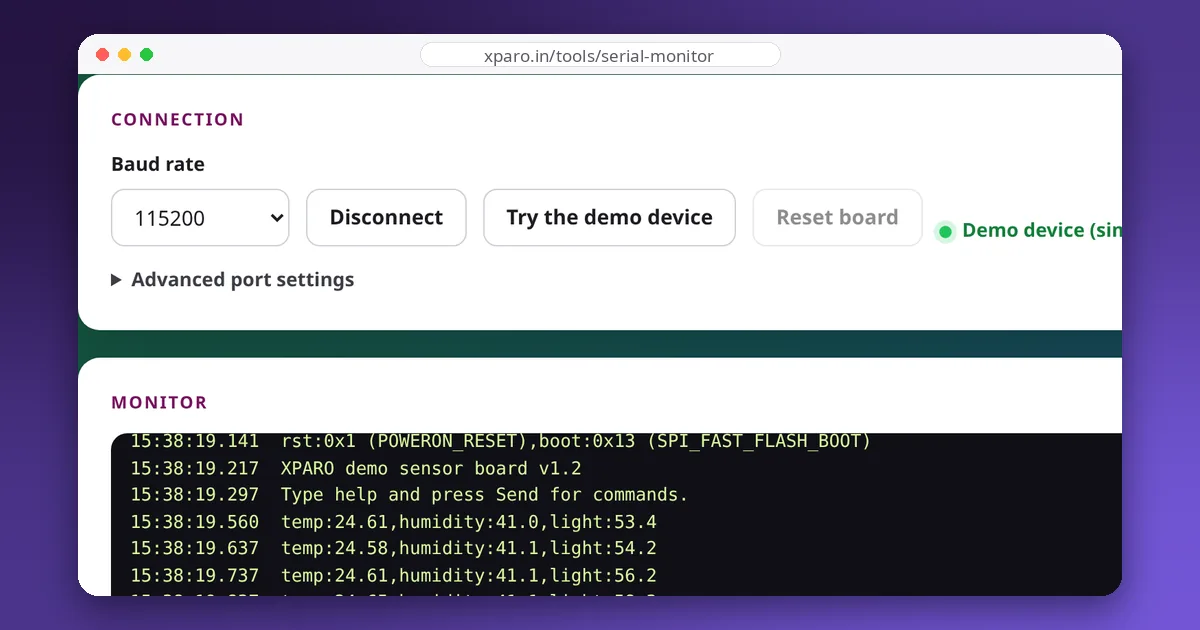
"The board doesn't show up" is one of the most common and most frustrating problems in robotics. The cause is rarely the board itself; it is usually the cable, a driver, a permission or another program holding the port. This guide works through the causes in the order that finds them fastest, on Linux, Windows and macOS.
Step 1: is the board seen at all?
Before blaming software, check that the operating system notices the board when you plug it in.
- Linux: run
sudo dmesg -w, then plug the board in. You should see a new USB device and a line naming its serial port, such asttyUSB0orttyACM0.lsusblists connected USB devices. - Windows: open Device Manager and watch "Ports (COM & LPT)" while plugging in. A device under "Other devices" with a warning icon needs a driver.
- macOS: run
ls /dev/cu.*before and after plugging in.
If nothing at all happens, suspect the cable first. Many USB cables carry power only: the board's LED lights up, but there are no data wires. Try a cable you know transfers data, then a different USB port, avoiding unpowered hubs.
Step 2: know your USB-serial chip
Boards either have a USB-to-serial converter chip or a microcontroller with USB built in. The chip decides the driver and the port name:
| Chip / type | Found on | Linux port | Driver notes |
|---|---|---|---|
| CH340 / CH341 (WCH) | Many Arduino clones, ESP32 and ESP8266 boards | /dev/ttyUSB0 | Built into Linux. Windows usually needs the WCH driver. |
| CP2102 / CP2104 (Silicon Labs) | Many ESP32 development boards | /dev/ttyUSB0 | Built into Linux. Windows may need the Silicon Labs driver. |
| FT232 (FTDI) | USB-serial cables, older boards | /dev/ttyUSB0 | Usually built in everywhere. |
| Native USB (CDC ACM) | Arduino Uno R4, Leonardo, ESP32-S3/C3 boards using their own USB | /dev/ttyACM0 | No driver needed. |
On macOS, the ports appear as /dev/cu.usbserial-…, /dev/cu.wchusbserial… or /dev/cu.usbmodem…. Use the cu. names rather than the tty. ones for connecting.
Step 3: Linux-specific culprits
Permission denied
Serial devices belong to the dialout group. If opening the port fails with "permission denied", add yourself to it and log out and back in (a new terminal is not enough):
sudo usermod -aG dialout $USERCheck with groups. Avoid running your tools with sudo as a workaround; it creates root-owned files and hides the real problem.
The port appears and immediately disappears
On some Ubuntu versions, the brltty package (a driver for Braille displays) claims devices with the same USB ID as common CH340 boards, and the serial port vanishes a moment after it appears. dmesg shows brltty taking the interface. If you don't use a Braille display, removing the package fixes it: sudo apt remove brltty.
Garbage or delays right after plugging in
ModemManager probes new serial devices to see whether they are modems, sending them commands for several seconds. A udev rule can tell it to ignore your board (see below), or you can remove ModemManager on robots that don't need it.
Names that change: ttyUSB0 today, ttyUSB1 tomorrow
With two or more USB-serial devices, the numbering depends on plug-in order. Use the stable names in /dev/serial/by-id/, or create your own name with a udev rule. For example, /etc/udev/rules.d/99-robot.rules:
SUBSYSTEM=="tty", ATTRS{idVendor}=="1a86", ATTRS{idProduct}=="7523", SYMLINK+="robot_mcu", ENV{ID_MM_DEVICE_IGNORE}="1"Find your device's IDs with lsusb, then reload with sudo udevadm control --reload-rules && sudo udevadm trigger. The board is now always /dev/robot_mcu, which is what your ROS launch files should use. If two identical boards share the same IDs, match on ATTRS{serial} as well.
Step 4: the port exists but won't open
- Another program has it. Only one program should use a serial port at a time. Close the Arduino IDE's serial monitor, PlatformIO's monitor, screen, minicom and any ROS node that opened it. On Linux,
sudo fuser /dev/ttyUSB0shows which process holds it. Two programs reading the same port each get part of the data, which looks like corruption. - The browser can't see it. Web Serial only works in desktop Chrome, Edge or Opera, on an HTTPS page, and only lists ports after you click Connect.
Step 5: it opens but stays silent
- Wrong baud rate, or the board printing only at boot. See serial debugging basics.
- Boards that reset on connect. Opening the port pulses DTR, which resets most Arduino boards, so the first second of output can be lost. Add a short delay at the start of your sketch, or use the Reset button in the Web Serial Monitor while it is connected.
- ESP32 in download mode. If the boot message says it is waiting for download, the BOOT button (GPIO0) was held or the reset sequence put it there; press EN or Reset.
- Native-USB boards that crashed. On boards whose USB is handled by the main microcontroller, a firmware crash makes the port disappear entirely. Hold BOOT, press RESET, and flash a known-good sketch.
A quick decision list
- Nothing in dmesg or Device Manager: cable, then USB port, then board.
- Unknown device on Windows: install the CH340 or CP210x driver.
- Permission denied on Linux: dialout group, then log out and in.
- Port vanishes on Ubuntu: remove brltty.
- Port busy: close other serial programs.
- Silent: baud rate, reset behaviour, boot mode.