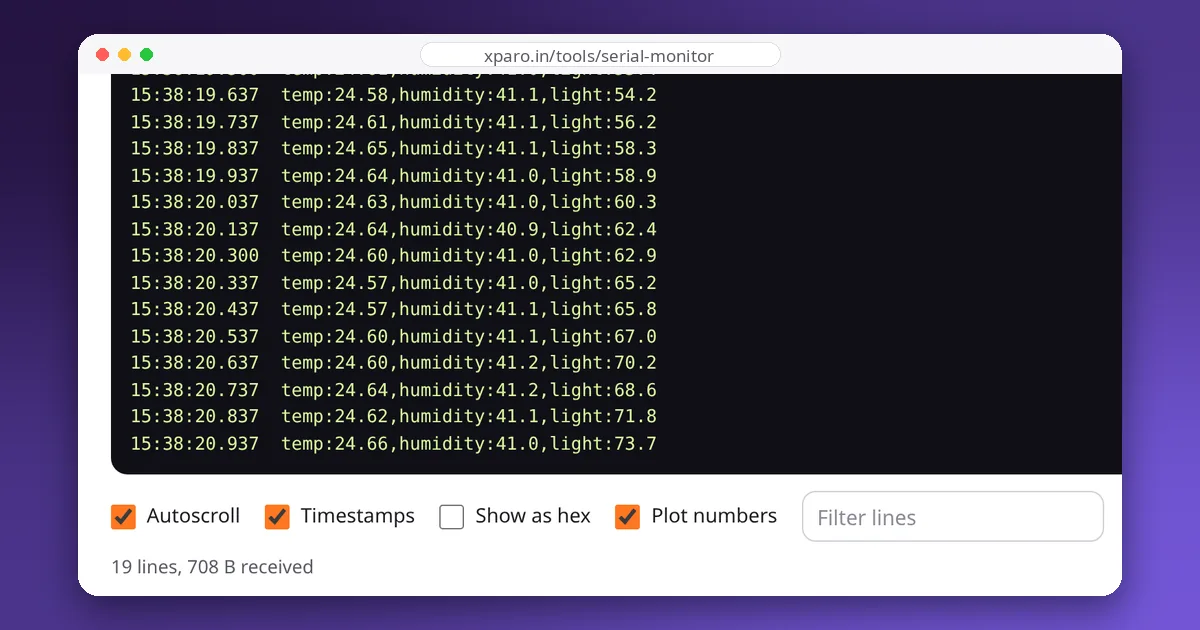
Many robots split the work between a computer running ROS 2 and a microcontroller that drives the motors and reads the encoders. The serial link between them is easy to get working and surprisingly easy to get wrong: lost bytes, half-received commands and a motor that keeps running when the computer crashes. This guide designs a small, robust protocol and a ROS 2 bridge node for it, both tested end to end.
What the link must do
- Carry commands down: target wheel speeds, at 10 to 50 Hz.
- Carry measurements up: encoder counts, battery voltage, faults, at 20 to 100 Hz.
- Reject damaged messages instead of acting on them.
- Fail safe: if the computer stops talking, the robot must stop moving.
Text or binary?
Binary messages are compact and fast to parse, which matters at high rates or on slow links. Text messages are readable in any serial monitor, which makes debugging dramatically easier. At 115200 baud a text line of 30 characters takes under 3 ms, so a robot sending a few lines every 20 ms uses well under half the link. Start with text; switch to binary only when you measure a need.
Framing and checksums
Each message needs a clear start and end, and a way to detect corruption. A proven format is the one GPS receivers use (NMEA): a $ to start, comma-separated fields, a *, a two-digit hexadecimal checksum and a newline. The checksum is the XOR of every character between $ and *.
The receiver recomputes the checksum and silently drops any line that does not match. A one-byte XOR catches most single-character errors and costs almost nothing to compute. For binary protocols, use a proper CRC (such as CRC-16) and a framing scheme such as COBS, which guarantees a zero byte only ever appears between packets.
Fail safe with a watchdog
The single most important rule: the microcontroller stops the motors if it has not received a valid command recently. The host sends commands continuously, even when they don't change, and the microcontroller treats silence of more than a few hundred milliseconds as a lost connection. Otherwise a crashed ROS node, a pulled cable or a laptop going to sleep leaves the robot driving at its last commanded speed.
The microcontroller side
This Arduino sketch reads commands, verifies them, enforces the watchdog and reports encoder counts at 50 Hz. The encoder interrupts and speed loops are left out for clarity; see our guide to closed-loop motor speed control for those.
// Microcontroller side of a checksummed text protocol:
//   receives  $V,<left_rpm>,<right_rpm>*HH
//   sends     $E,<ms>,<left_ticks>,<right_ticks>*HH   at 50 Hz
// and stops the motors if no valid command arrives for 300 ms.
#include <stdio.h>
#include <stdlib.h>
#include <string.h>

const unsigned long WATCHDOG_MS = 300;
volatile long ticksLeft = 0, ticksRight = 0;   // updated by encoder interrupts (not shown)
float targetLeft = 0, targetRight = 0;          // used by the speed loops (not shown)
unsigned long lastCommandMs = 0;
char line[64];
int lineLen = 0;

uint8_t checksum(const char *s, int n) {
  uint8_t c = 0;
  for (int i = 0; i < n; i++) c ^= (uint8_t)s[i];
  return c;
}

void handleLine(char *s) {
  if (s[0] != '$') return;
  char *star = strchr(s, '*');
  if (!star || strlen(star) < 3) return;
  uint8_t expected = (uint8_t)strtol(star + 1, NULL, 16);
  if (checksum(s + 1, star - (s + 1)) != expected) return;   // damaged: ignore it
  *star = '\0';
  if (s[1] == 'V' && s[2] == ',') {
    char *end;
    float left = strtod(s + 3, &end);                         // strtod works on AVR; sscanf("%f") does not
    if (*end != ',') return;
    float right = strtod(end + 1, &end);
    targetLeft = left;
    targetRight = right;
    lastCommandMs = millis();
  }
}

void sendFrame(const char *body) {
  uint8_t cs = checksum(body, strlen(body));
  Serial.print('$');
  Serial.print(body);
  Serial.print('*');
  if (cs < 16) Serial.print('0');
  Serial.println(cs, HEX);
}

void setup() { Serial.begin(115200); }

void loop() {
  while (Serial.available()) {
    char c = (char)Serial.read();
    if (c == '\n') { line[lineLen] = '\0'; handleLine(line); lineLen = 0; }
    else if (c != '\r' && lineLen < (int)sizeof(line) - 1) line[lineLen++] = c;
    else if (lineLen >= (int)sizeof(line) - 1) lineLen = 0;  // overlong line: drop it
  }

  if (millis() - lastCommandMs > WATCHDOG_MS) { targetLeft = 0; targetRight = 0; }   // safety stop

  static unsigned long lastReport = 0;
  if (millis() - lastReport >= 20) {
    lastReport = millis();
    noInterrupts();
    long left = ticksLeft, right = ticksRight;
    interrupts();
    char body[48];
    snprintf(body, sizeof(body), "E,%lu,%ld,%ld", millis(), left, right);
    sendFrame(body);
  }
}
Note the use of strtod: on AVR-based Arduinos, sscanf and snprintf do not handle floating-point numbers by default, a common source of baffling bugs.
The ROS 2 side: a bridge node
The bridge subscribes to cmd_vel, converts it to wheel speeds with the differential-drive equations, sends them at 20 Hz (which doubles as the heartbeat for the watchdog), and publishes the encoder readings as a sensor_msgs/JointState. It never blocks: a timer polls the port with a zero timeout.
"""ROS 2 bridge for a microcontroller speaking a checksummed text protocol.

  host -> MCU   $V,<left_rpm>,<right_rpm>*HH        wheel speed targets
  MCU  -> host  $E,<ms>,<left_ticks>,<right_ticks>*HH  encoder report
HH is the XOR of every character between '$' and '*', as two hex digits.
"""
import math

import rclpy
import serial
from geometry_msgs.msg import Twist
from rclpy.executors import ExternalShutdownException
from rclpy.node import Node
from sensor_msgs.msg import JointState


def checksum(body):
    value = 0
    for ch in body.encode('ascii'):
        value ^= ch
    return f'{value:02X}'


def frame(body):
    return f'${body}*{checksum(body)}\n'.encode('ascii')


def parse(line):
    """Return the fields of a valid line, or None if it is damaged."""
    line = line.strip()
    if not line.startswith('$') or '*' not in line:
        return None
    body, _, received = line[1:].partition('*')
    if received.upper() != checksum(body):
        return None
    return body.split(',')


class SerialBridge(Node):
    def __init__(self):
        super().__init__('serial_bridge')
        self.port = serial.Serial(self.declare_parameter('port', '/dev/ttyUSB0').value,
                                  self.declare_parameter('baud', 115200).value, timeout=0)
        self.wheel_radius = self.declare_parameter('wheel_radius', 0.033).value
        self.wheel_separation = self.declare_parameter('wheel_separation', 0.16).value
        self.ticks_per_rev = self.declare_parameter('ticks_per_rev', 1320).value
        self.buffer = b''
        self.target = (0.0, 0.0)
        self.bad_lines = 0
        self.joint_pub = self.create_publisher(JointState, 'wheel_states', 10)
        self.create_subscription(Twist, 'cmd_vel', self.on_cmd_vel, 10)
        self.create_timer(0.01, self.read_serial)    # poll at 100 Hz, never block
        self.create_timer(0.05, self.send_command)   # resend at 20 Hz: doubles as a heartbeat

    def on_cmd_vel(self, msg):
        v, w = msg.linear.x, msg.angular.z
        half = self.wheel_separation / 2
        to_rpm = 60.0 / (2 * math.pi * self.wheel_radius)
        self.target = ((v - w * half) * to_rpm, (v + w * half) * to_rpm)

    def send_command(self):
        self.port.write(frame(f'V,{self.target[0]:.1f},{self.target[1]:.1f}'))

    def read_serial(self):
        self.buffer += self.port.read(4096)
        *lines, self.buffer = self.buffer.split(b'\n')
        for raw in lines:
            fields = parse(raw.decode('ascii', errors='replace'))
            if fields is None:
                self.bad_lines += 1
                continue
            if fields[0] == 'E' and len(fields) == 4:
                to_rad = 2 * math.pi / self.ticks_per_rev
                msg = JointState()
                msg.header.stamp = self.get_clock().now().to_msg()
                msg.name = ['left_wheel_joint', 'right_wheel_joint']
                msg.position = [int(fields[2]) * to_rad, int(fields[3]) * to_rad]
                self.joint_pub.publish(msg)


def main():
    rclpy.init()
    node = SerialBridge()
    try:
        rclpy.spin(node)
    except (KeyboardInterrupt, ExternalShutdownException):
        pass
    except serial.SerialException as error:   # cable pulled, board reset, port taken
        node.get_logger().fatal(f'serial port failed: {error}')
    finally:
        node.port.close()
        node.destroy_node()
        rclpy.try_shutdown()


if __name__ == '__main__':
    main()
Run it with python3 serial_bridge.py --ros-args -p port:=/dev/ttyUSB0, or install it as a console script in a package.
How we tested it
We ran the bridge on ROS 2 Jazzy against a simulated microcontroller on a virtual serial port pair, speaking exactly this protocol:
- A
cmd_velof 0.2 m/s and 0.5 rad/s arrived asV,46.3,69.4, the correct wheel speeds for a robot with 33 mm wheels 160 mm apart. - The bridge published about 50 wheel-state messages per second; the wheel speeds computed from them were within 1 % of the commanded values.
- When the bridge was stopped, the simulated microcontroller's watchdog set both wheel targets to zero.
- When the simulated board disappeared, the bridge logged a fatal "serial port failed" message and exited cleanly instead of hanging.
Design checklist
- Framed messages with a checksum; damaged ones are dropped, never guessed at.
- A watchdog on the microcontroller that stops the motors on silence.
- The host resends commands at a steady rate, even when nothing changes.
- Timestamps from the microcontroller in measurement messages, so the host can compute speeds from the real sample interval.
- A version or hello message at start-up, so mismatched firmware is detected immediately.
- Rates that fit the link: check bytes per second against the baud rate (see serial debugging basics).
When to use something else
A hand-written protocol is ideal for a few simple messages. For many message types, or when you want the microcontroller to be a first-class ROS 2 participant, look at micro-ROS, which runs a ROS 2 client on the microcontroller and talks to an agent on the computer over serial or UDP. For tight integration with diff_drive_controller and the rest of ros2_control, wrap your protocol in a ros2_control hardware interface. To watch the raw messages while developing either way, open the Web Serial Monitor.