Advertising (Earn)
Page: /analytics_ads · sidebar Advertising (Earn)
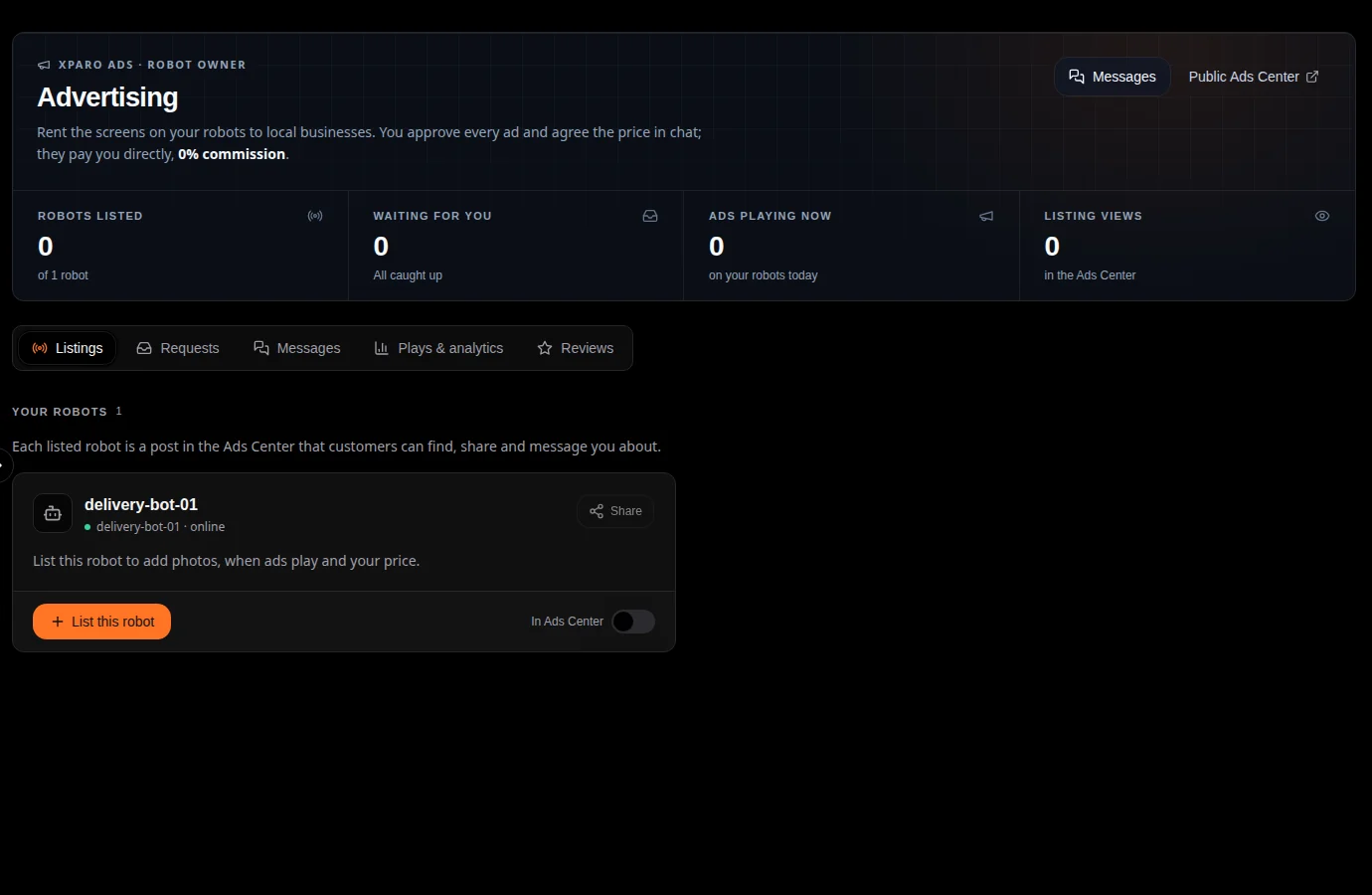
Use it to: rent the screens on your robots to local businesses: list a
robot, agree on ads in chat, approve them, and see where and how long they
played.
How it works
List a robot. Under Listings, press List this robot and fill in photos (at least one, for the listing to be public), a description, your price, location, audience, when ads may play (start and stop time), ad lengths, the ad types you accept, where on the screen ads may appear, and after how many seconds viewers get a close (X) button.
Customers find it in the public Ads Center at
/ads, where they can share the listing and message you.Agree in chat. Messages (with photos) are under Messages. A customer sends a request with the ad; it waits under Requests until you approve or decline it. You approve every ad yourself.
The ad plays. Approved ads are sent to the robot, which shows them on its screen at the agreed times, on top of everything else.
Track it. Plays & analytics and the Ad plays database record every play: what played, where, for how long and how it ended (finished, or closed by a viewer). Customers can leave reviews, which you can answer under Reviews.
Customers pay you directly, in whatever way you agree. XPARO takes no commission and is not part of the payment, so it gives no guarantee on payment.
On the robot
The robot shows ads only if it was started with an ads player
(xparo_ads_display, see Configuration):
native(the default): XPARO’s own full-screen-capable player, for robots with a screen and no XP-shell;xpshell: hands the ads to the XP-shell app’s player over ROS 2;off: no ads (quote it:"xparo_ads_display:='off'").
A robot keeps the approved schedule on its disk, so ads keep playing when it is offline, and it reports the plays when it is back online.
